

Send a Telegram message for each new MarketBox order
Each new MarketBox order sends a Telegram message through your bot, with the order details you choose, so you or your team hear about sales on your phone as they happen.
 MarketBox
 Telegram
2 steps Setup ~5 min Used on 2.9k sites Free to import
What this workflow does
When orders come in through MarketBox, you might not be looking at the dashboard. A short message on Telegram lets the owner or the team know about each order wherever they are.
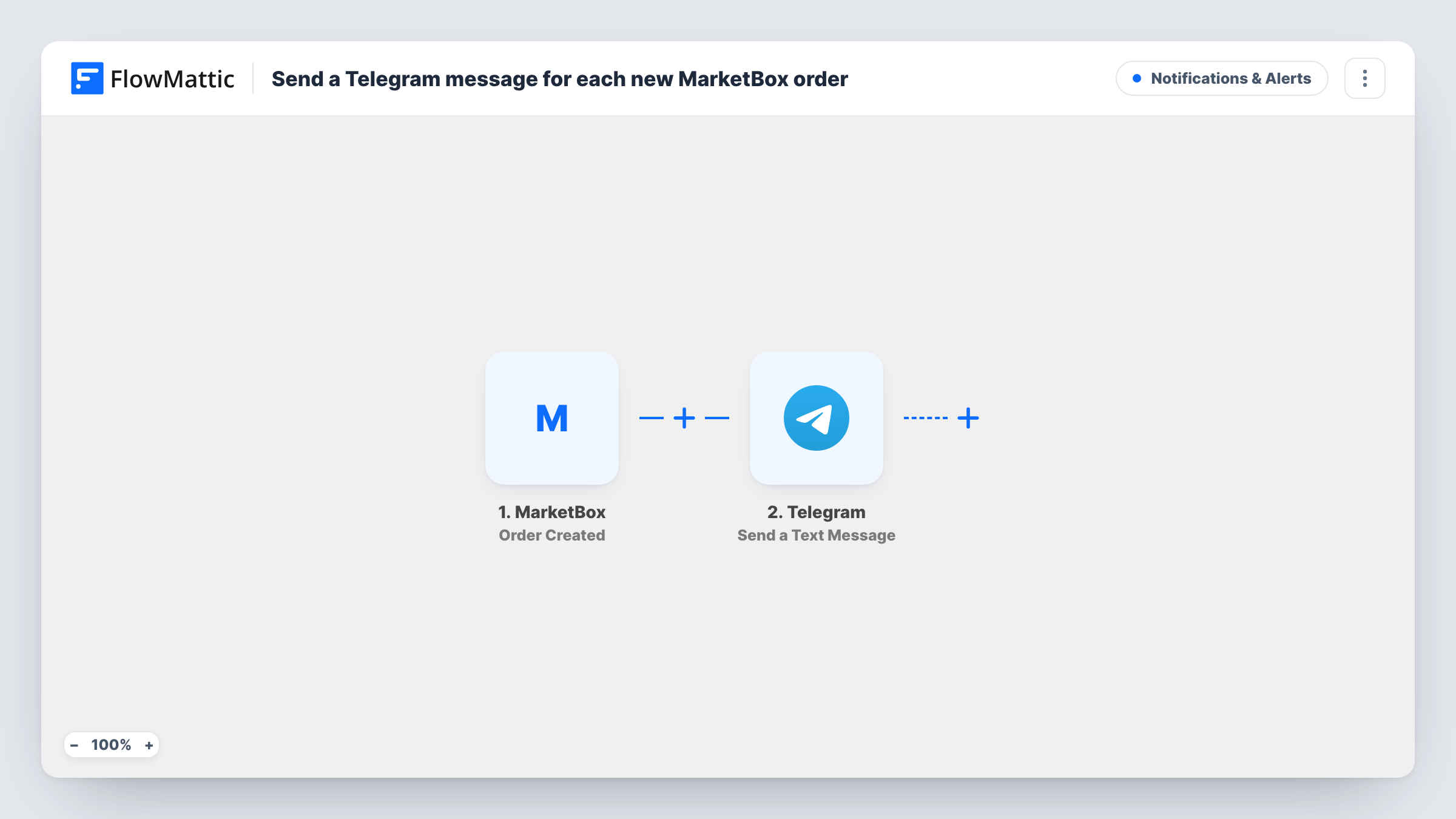
The MarketBox trigger is Order Created. It fires when a new order is created. FlowMattic passes the order's data to Telegram, where Send a Text Message posts through your bot, with support for markup. You decide what the message says and which order values appear in it, such as the client name, the total or what was ordered.
The message goes to a chat your bot can post in, such as your own chat with the bot or a staff group. It is not meant for customers, since a bot can only message people who have started it. Each run appears in Task History with Telegram's response.
Owner tracking daily sales
A studio owner gets each MarketBox order on Telegram and keeps an eye on the day's sales while teaching.
Staff preparing orders
Orders are posted to a staff Telegram group so whoever is on shift can get packages or class materials ready.
Partner who isn't in MarketBox
A business partner without a MarketBox login follows new orders through a shared Telegram chat.
How this workflow runs
What happens at each step once the workflow is on, and what you need before you import it.
 MarketBox Order Created
Runs when a new order is created in MarketBox. The order's details are passed on so you can use them in the message.
- Telegram Send a Text Message
Sends a message through your Telegram bot to the chat you choose. Write the text with markup if you like, and insert values from the MarketBox order.
What you need
- FlowMatticCore
- MarketBox AccountAccount
- Telegram AccountAccount
After importing, map your own data. To keep the template universal, not every step is pre-filled. Open each step in the builder and connect your accounts and fields (channels, lists, sheets, recipients) before you switch the workflow on.
Make it yours
Changes worth making after you import it.
- Put the order total in bold with Telegram markup so it stands out when the message arrives on a lock screen.
- Add a Filter after the trigger to only post orders above a value you choose, if every order is too much noise for the group.
- MarketBox also has Booking Created and Client Created triggers in FlowMattic. Copy this workflow and switch the trigger to hear about those too.
Questions about this workflow
Can the Telegram message go to the MarketBox customer?
Not as imported. Telegram bots can only message people who have started the bot, and MarketBox does not give you a customer's Telegram chat ID. Use it for your own or your team's chats.
Which MarketBox order details can I put in the message?
Whatever MarketBox sends with the new order. Place a test order after import, then pick from the captured values.
Do I need a Telegram bot for the MarketBox alerts?
Yes. Create one with BotFather, connect it in FlowMattic, and start a chat with it or add it to the group that should get the messages.
Will updated MarketBox orders send another message?
No. The trigger is Order Created, so only new orders run the workflow.
More Notifications & Alerts workflows
Other ready-to-import templates from the same category.




Import this workflow into your WordPress site
Download the JSON, import it from the Workflows screen and connect your accounts. Every run stays on your server, with no per-task fees.
30-day money-back guarantee Unlimited workflows and runs Self-hosted