

When a new lead is identified in Happierleads, send a notification via WhatsApp Cloud API
When Happierleads identifies a new lead, this workflow sends a WhatsApp text through the WhatsApp Cloud API to a number you choose, so someone on your team learns about the company that visited your site.
 Happierleads
 WhatsApp Cloud API
2 steps Setup ~5 min Used on 1.1k sites Free to import
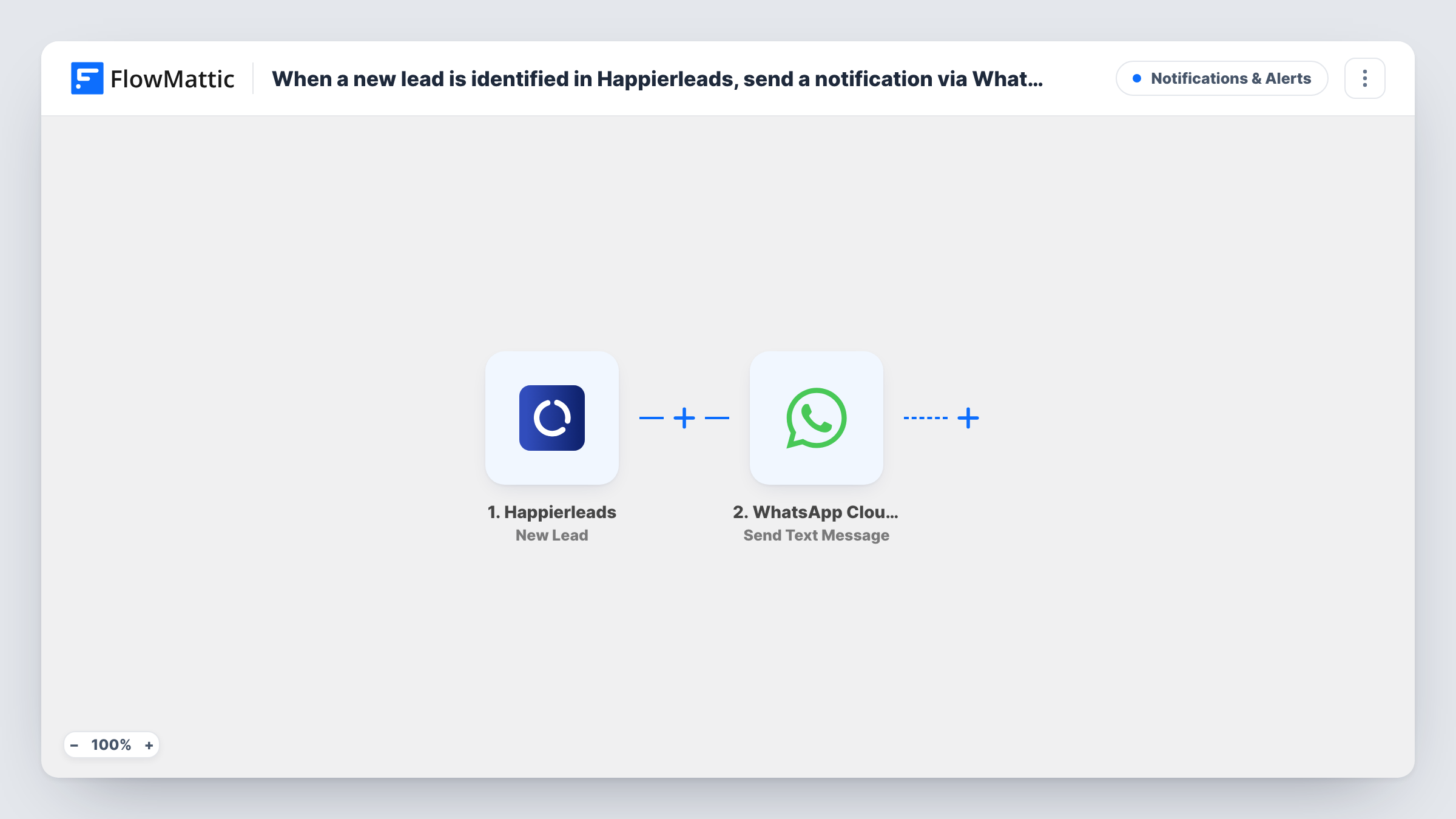
What this workflow does
Happierleads identifies the companies behind anonymous visits to your website. That information is most useful while it is fresh, but it sits in a dashboard until someone opens it. This workflow pushes each new lead to a phone over WhatsApp instead.
The Happierleads trigger fires when a new lead is identified. FlowMattic receives the lead data and passes it to the WhatsApp Cloud API step, which sends a text message from your WhatsApp business number. You write the message and the recipient number in that step, adding Happierleads lead fields where they help.
Know one WhatsApp rule before you rely on it. WhatsApp delivers free-form text only to people who have sent your business number a message in the past 24 hours. A teammate who hasn't written to that number recently usually won't get the alert. For steady delivery, switch the step to Send Template Message with a template WhatsApp has approved.
Alert a sales rep about a visiting company
A rep who keeps an open conversation with your business number gets a WhatsApp text naming each company Happierleads identifies, without watching the dashboard.
Founder-led sales
In a small startup the founder handles every lead. A WhatsApp message on their phone names each company Happierleads picks up on the site.
Agency reporting to an account manager
An agency tracks a client's site with Happierleads and sends each new lead to the account manager's WhatsApp so they can mention it on the next client call.
How this workflow runs
What happens at each step once the workflow is on, and what you need before you import it.
 Happierleads New Lead
Fires when Happierleads identifies a new lead from your website traffic. The lead data it sends becomes available to map into the WhatsApp message.
- WhatsApp Cloud API Send Text Message
Sends a free-form text from your WhatsApp business number to the recipient you set. Build the message with Happierleads lead fields. Delivery needs the recipient to have messaged you in the last 24 hours.
What you need
- FlowMatticCore
- Happierleads AccountAccount
- WhatsApp Cloud API AccountAccount
After importing, map your own data. To keep the template universal, not every step is pre-filled. Open each step in the builder and connect your accounts and fields (channels, lists, sheets, recipients) before you switch the workflow on.
Make it yours
Changes worth making after you import it.
- Replace Send Text Message with Send Template Message and an approved template. Template messages can reach recipients outside the 24-hour window.
- Add a Filter after the trigger so a message goes out only for leads whose data meets a condition you set, for example a field that is not empty.
- Send yourself one test lead after import and check Task History to see the WhatsApp Cloud API response before you depend on the alerts.
Questions about this workflow
Why didn't my WhatsApp alert for a Happierleads lead arrive?
The step sends free-form text, which WhatsApp delivers only if that person wrote to your business number during the previous 24 hours. Otherwise it is dropped. Use an approved template message to reach the recipient at any time.
Does the lead receive a WhatsApp message?
Not as built. The message goes to the number you enter in the WhatsApp step, which suits an internal alert to your own team.
Do I need a WhatsApp Business setup?
Yes. The step sends through the WhatsApp Cloud API, so you need a business phone number set up in Meta's WhatsApp Cloud API and connected in FlowMattic.
Can more than one teammate get the Happierleads alert?
Add another WhatsApp Cloud API step for each extra number. Each recipient is subject to the same 24-hour rule for free-form text.
More Notifications & Alerts workflows
Other ready-to-import templates from the same category.




Import this workflow into your WordPress site
Download the JSON, import it from the Workflows screen and connect your accounts. Every run stays on your server, with no per-task fees.
30-day money-back guarantee Unlimited workflows and runs Self-hosted