

Send an SMS via Twilio when a donation is completed in GiveWP
When a donation is completed in GiveWP, this workflow sends a text message through Twilio, so a donor gets a thank-you by SMS or your team hears about the gift on their phone.
 GiveWP
 Twilio
2 steps Setup ~5 min Used on 2.0k sites Free to import
What this workflow does
GiveWP handles donations on your WordPress site and sends its own emails. A text message is harder to miss. This workflow sends one for every completed donation, to the number you choose.
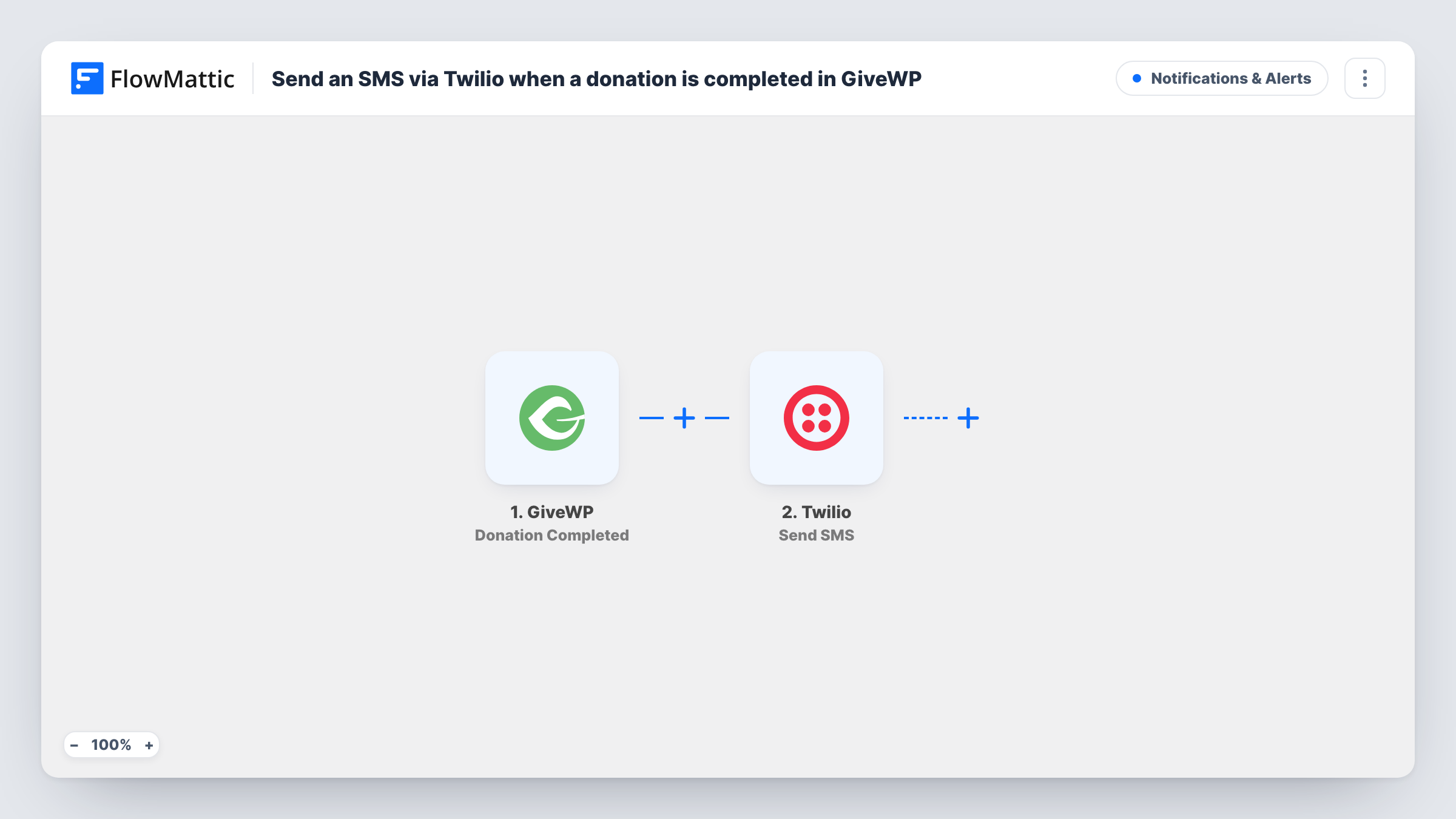
The GiveWP trigger fires when a donation is completed. The donation and donor details it receives are passed on. The Twilio step then sends an SMS from your Twilio account, with the message you write and any donation details you map into it.
You decide who gets the text. To thank the donor, your donation form has to collect a phone number, which you then map into the step. To alert your team, use a fixed staff number instead. Task History records each run and any error Twilio returns.
Thank-you text from a small charity
A local charity collects phone numbers on its GiveWP form and texts each donor a short thank-you with their donation amount.
Fundraising alerts for a director
A school fundraising lead gets a text for every completed gift during a campaign week, without logging in to WordPress.
Event-night giving
During a gala, the organiser's phone receives a text for each online donation so they can thank people from the stage.
How this workflow runs
What happens at each step once the workflow is on, and what you need before you import it.
 GiveWP Donation Completed
Runs when a donation is completed in GiveWP on your WordPress site. The donation and donor details are passed to the Twilio step for mapping.
- Twilio Send SMS
Sends an SMS through Twilio. Map the donor's phone number if your form collects one, or enter a staff number, and write the message with donation details. Connect your Twilio account on import.
What you need
- FlowMatticCore
- GiveWP PluginPlugin
- Twilio AccountAccount
After importing, map your own data. To keep the template universal, not every step is pre-filled. Open each step in the builder and connect your accounts and fields (channels, lists, sheets, recipients) before you switch the workflow on.
Make it yours
Changes worth making after you import it.
- If you want to text donors rather than staff, make sure your GiveWP donation form collects a phone number before you map the step.
- Add a Filter after the trigger that continues only when the amount is greater than a figure you set, for example to text staff about larger gifts. A gift of 99.50 is compared as 99.
- Make a test donation after import so FlowMattic captures the donation fields you can use in the message.
Questions about this workflow
Does GiveWP collect donor phone numbers for the SMS?
Only if your donation form asks for one. Without a phone field, send the text to a fixed number, such as your own, instead.
Does every completed GiveWP donation send a text?
Yes, as imported. Add a Filter after the trigger if only some donations should send one.
Do I need a Twilio account?
Yes. The SMS is sent through your Twilio account, which you connect on import.
Does GiveWP still send its usual donation emails?
Yes. The workflow only reacts to completed donations and does not change GiveWP's own email settings.
More Notifications & Alerts workflows
Other ready-to-import templates from the same category.







Import this workflow into your WordPress site
Download the JSON, import it from the Workflows screen and connect your accounts. Every run stays on your server, with no per-task fees.
30-day money-back guarantee Unlimited workflows and runs Self-hosted