

Send a Slack alert when a Servis.ai record is created or updated
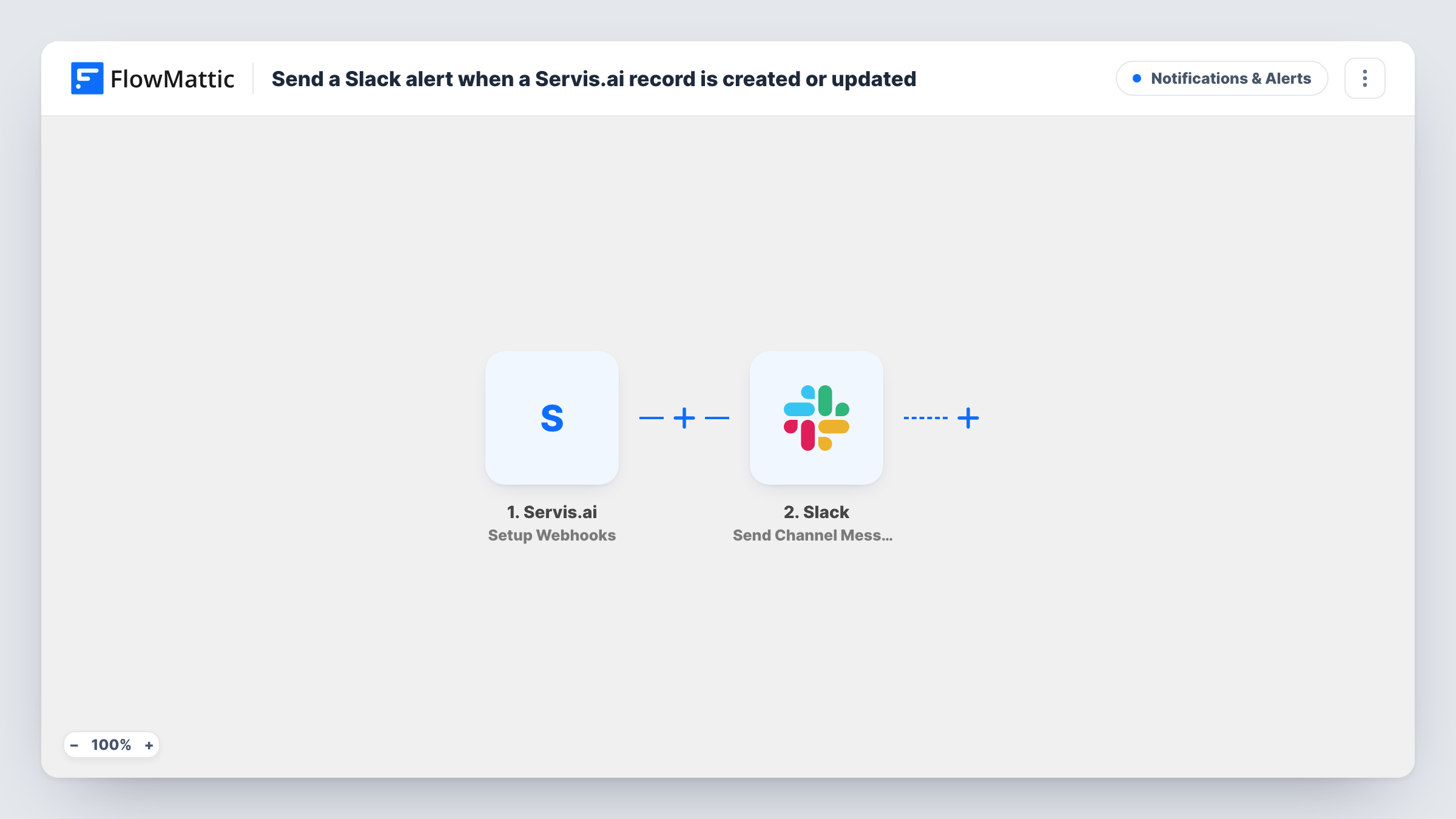
When Servis.ai sends FlowMattic a record created or updated event you have set up, this workflow posts a message in the Slack channel you pick, with the record details you choose to show.
 Servis.ai
 Slack
2 steps Setup ~5 min Used on 3.2k sites Free to import
What this workflow does
Changes in your CRM matter to people who don't live in it. A new deal, an updated contact or a record moved forward is news for sales, support or the account owner, and they shouldn't have to keep the CRM open to see it. A Slack message puts the change in the channel where they already work.
The Servis.ai trigger is Setup Webhooks, which fires on the events you set up inside Servis.ai. For this flow, set it up for records being created and updated, then trigger a test so FlowMattic captures the data Servis.ai sends. The Slack step then uses Send Channel Message to post in your channel. You write the text and drop in record values, such as the record's name.
Every event that reaches the webhook posts a message, so a busy CRM can mean many Slack posts. If that is too much, add a Filter after the trigger. Task History shows each event Servis.ai sent and the Slack response.
New deals for the sales channel
Each time a rep creates a deal in Servis.ai, the sales channel sees it with the deal details you mapped, without anyone announcing it.
Contact changes for account managers
When a customer's record is updated in Servis.ai, the account team gets a Slack post and can check whether anything needs following up.
A small team without CRM habits
Teammates who rarely open Servis.ai still see record activity in a shared Slack channel and can ask about it there.
How this workflow runs
What happens at each step once the workflow is on, and what you need before you import it.
 Servis.ai Setup Webhooks
Fires on the Servis.ai events you set up for this webhook. Choose the ones for records being created and updated, then send a test so the record data can be mapped.
- Slack Send Channel Message
Posts a message to your chosen Slack channel for each Servis.ai event. Write the alert text and map in record details such as its name and type.
What you need
- FlowMatticCore
- Servis.ai AccountAccount
- Slack AccountAccount
After importing, map your own data. To keep the template universal, not every step is pre-filled. Open each step in the builder and connect your accounts and fields (channels, lists, sheets, recipients) before you switch the workflow on.
Make it yours
Changes worth making after you import it.
- Add a Filter after the trigger that continues only for the record type your team cares about, such as deals, so other updates stay out of Slack.
- If the event data shows whether a record was created or updated, use a Router with one route for each value, each posting to a different Slack channel.
- Include a link to the record in Servis.ai in the Slack message, if the event data carries one, so people can open it in one click.
Questions about this workflow
Which Servis.ai events post to Slack?
Whichever events you set up for the Setup Webhooks trigger. For this flow, pick the ones for records being created and updated.
Will every small Servis.ai update send a Slack message?
Yes, every event that reaches the webhook runs the workflow. Add a Filter on the record type or a field value to cut down the noise.
Can the Servis.ai alert go to a person instead of a channel?
Yes. Swap the step for Slack's Send Direct Message action and map the person you want to reach.
Do past Servis.ai records show up in Slack?
No. Only events that happen after the webhook is set up and the workflow is live are posted.
More Notifications & Alerts workflows
Other ready-to-import templates from the same category.




Import this workflow into your WordPress site
Download the JSON, import it from the Workflows screen and connect your accounts. Every run stays on your server, with no per-task fees.
30-day money-back guarantee Unlimited workflows and runs Self-hosted