

Send a Telegram message for each new Kommunicate undelivered message
When a Kommunicate message to a user stays undelivered for a specified time, FlowMattic sends a Telegram message so your team knows a chat reply hasn’t reached the customer.
 Kommunicate
 Telegram
2 steps Setup ~5 min Used on 2.8k sites Free to import
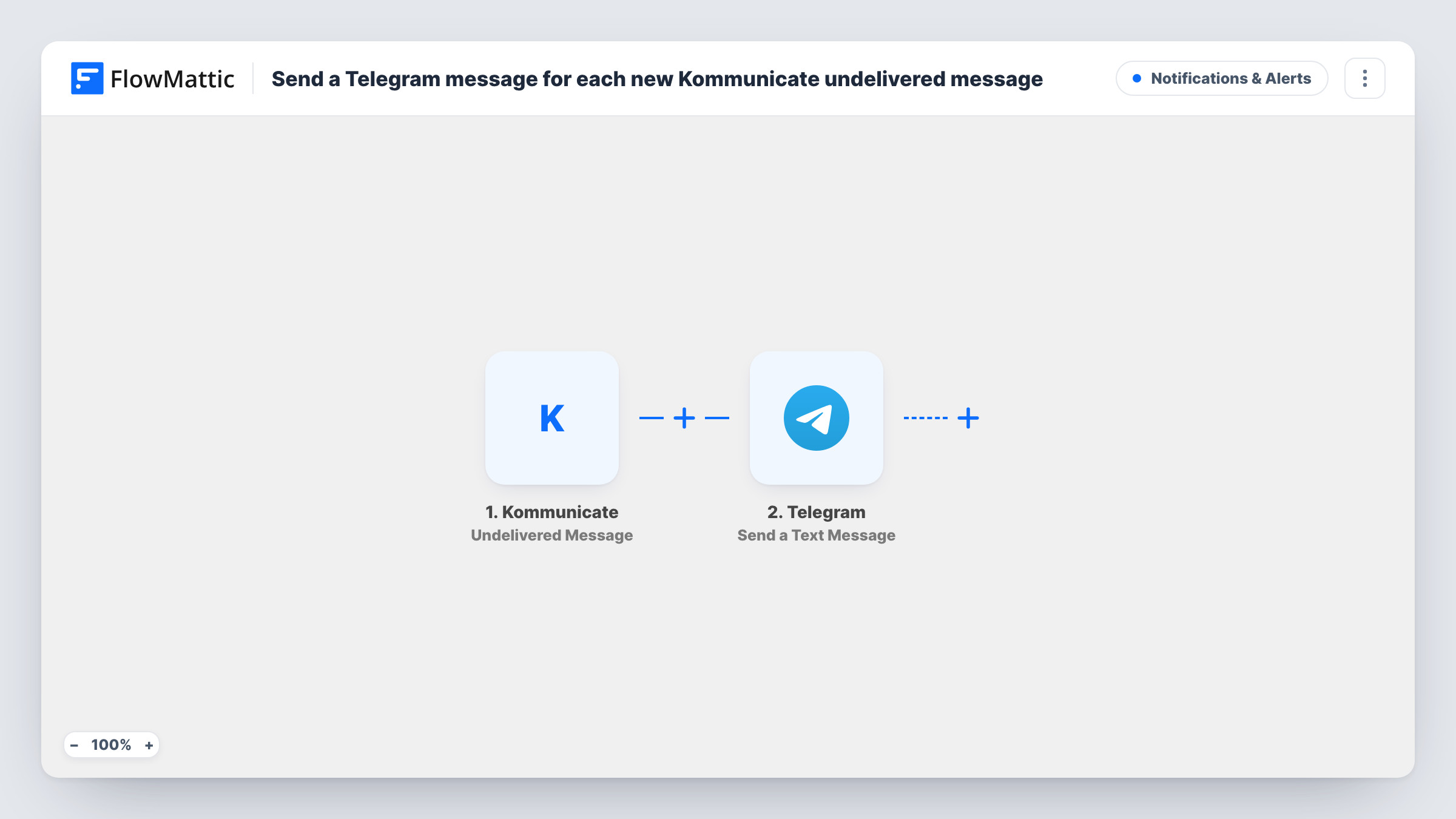
What this workflow does
A reply that never reaches the customer looks the same, from your side, as one that was read and ignored. Kommunicate can tell you when a message to a user stays undelivered, and this workflow passes that news to Telegram, where your team is more likely to see it quickly.
The Kommunicate trigger, Undelivered Message, fires when a message to a user remains undelivered for a specified time. Your alert then goes out through the Send a Text Message action in Telegram. You decide which chat gets the alert and write the text, mapping in the details the event carries, such as the message or conversation. A test run shows which details Kommunicate sends.
Each undelivered message sends its own alert. The workflow doesn't retry the message or contact the customer another way. It tells your team, and someone decides what to do next.
Support leads watching chat quality
A support lead gets a Telegram alert when an agent's reply sits undelivered, and checks whether the customer left the site or the widget had a problem.
Sales chats on a pricing page
Your sales team hears on Telegram when an answer to a prospect hasn't been delivered, so they can follow up by email instead.
Small teams without a dashboard open
Staff who aren't watching the Kommunicate dashboard all day still learn about undelivered replies through a shared Telegram group.
How this workflow runs
What happens at each step once the workflow is on, and what you need before you import it.
 Kommunicate Undelivered Message
Fires when a Kommunicate message to a user stays undelivered for a specified time. Details of that message are passed on for mapping.
- Telegram Send a Text Message
Sends a Telegram text message to the chat you set up. Write the alert and map in details from the Kommunicate event so your team can find the conversation.
What you need
- FlowMatticCore
- Kommunicate AccountAccount
- Telegram AccountAccount
After importing, map your own data. To keep the template universal, not every step is pre-filled. Open each step in the builder and connect your accounts and fields (channels, lists, sheets, recipients) before you switch the workflow on.
Make it yours
Changes worth making after you import it.
- Include the conversation or user details from the trigger in the alert text, so whoever reads it can open the right chat in Kommunicate.
- Post alerts to a Telegram group rather than one person, so the whole support team sees them.
- Add a Google Sheets step to log each undelivered message, giving you a record to review alongside the Telegram alerts.
Questions about this workflow
When does Kommunicate count a message as undelivered?
FlowMattic's description of the trigger is a message to a user that remains undelivered for a specified time. Send a test message to an offline user to see when the alert arrives.
Does this workflow resend the undelivered Kommunicate message?
No. It only alerts your team on Telegram. Resending or following up through another channel is up to you.
What about messages that are delivered but unread?
Those are outside this template's trigger. Kommunicate has a separate Unread Message trigger you can use in another workflow.
Do I need a Telegram bot for the alerts?
You connect Telegram to FlowMattic when you import. Follow the connection steps in the Telegram step and send a test alert to confirm it arrives.
More Notifications & Alerts workflows
Other ready-to-import templates from the same category.






Import this workflow into your WordPress site
Download the JSON, import it from the Workflows screen and connect your accounts. Every run stays on your server, with no per-task fees.
30-day money-back guarantee Unlimited workflows and runs Self-hosted