

Send a Slack alert when a Sumsub applicant is reviewed
Each time Sumsub finishes reviewing an applicant, this workflow posts a message to the Slack channel you pick, so the people waiting on a verification hear about it without opening the Sumsub dashboard.
 Sumsub
 Slack
2 steps Setup ~5 min Used on 672 sites Free to import
What this workflow does
Identity checks hold up onboarding. A sales rep waits to activate an account, a support agent waits to answer a customer, and someone has to keep refreshing Sumsub to see when a review is done. This workflow moves that news into Slack, where your team already talks.
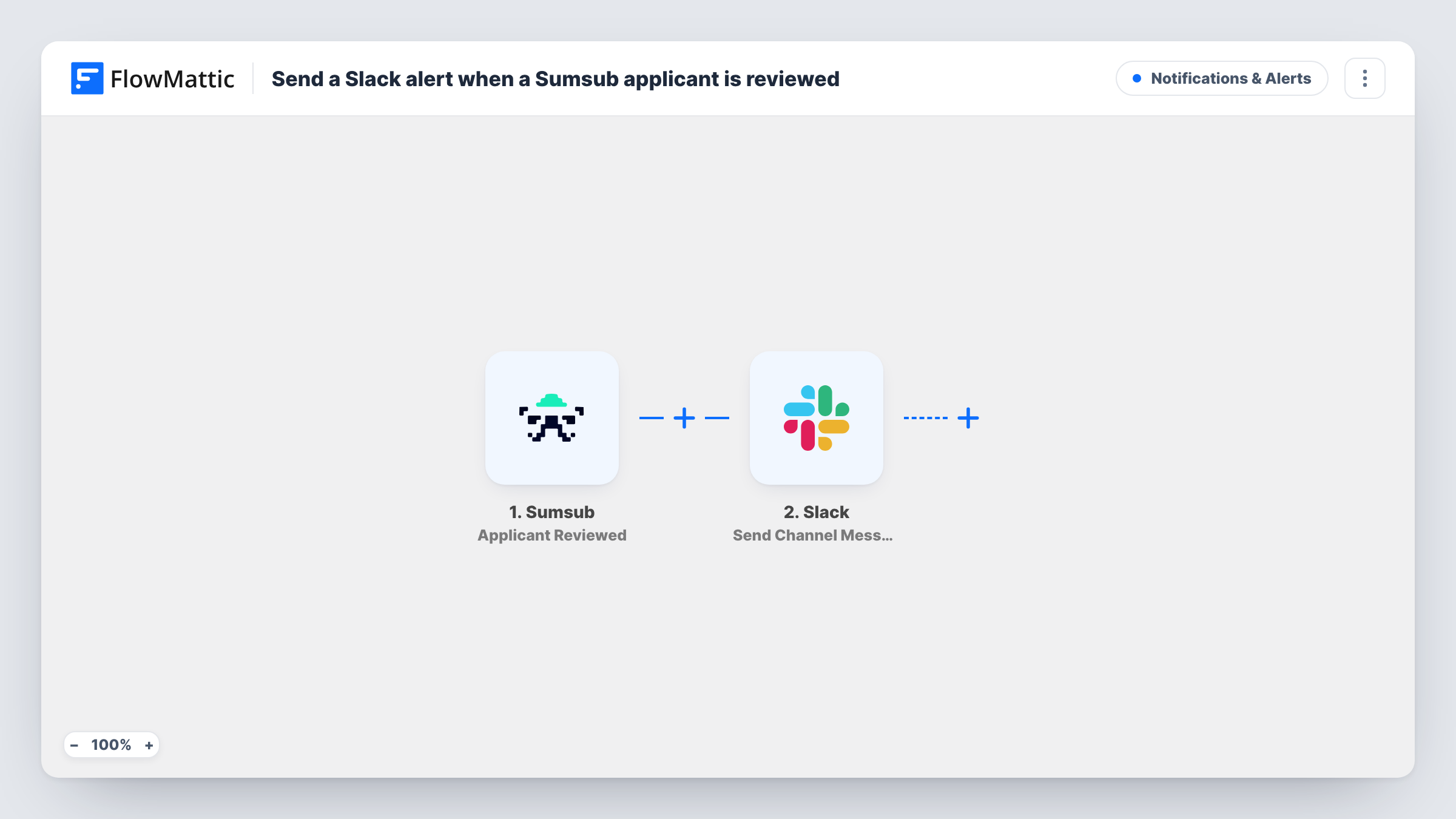
The Sumsub trigger fires when an applicant is reviewed. FlowMattic receives the event data and hands it to the next step. The Slack step then posts a message to the channel you choose, built from text you write plus any values you map from the Sumsub event.
Nothing in the template sorts reviews by result, so every reviewed applicant produces one message. Run a test review after import to see which fields Sumsub sends, then decide what the message should say. Task History keeps a record of each run and the data it carried.
Onboarding desk waiting on KYC
Your onboarding team works from a Slack channel. A message lands there when Sumsub reviews an applicant, so they know to pick the account up again.
Compliance team keeping watch
Compliance officers follow a private channel that shows every completed Sumsub review, giving them a running feed without logging in to Sumsub.
Fintech support handling ticket follow-ups
Support staff waiting to reply to a customer about verification see the review land in Slack and can return to the conversation.
How this workflow runs
What happens at each step once the workflow is on, and what you need before you import it.
 Sumsub Applicant Reviewed
Runs when Sumsub reviews an applicant. The data Sumsub sends with the event becomes available to map into the Slack message.
- Slack Send Channel Message
Sends your team a Slack message in the channel picked during setup. Write the text and insert values from the Sumsub event, then connect your Slack workspace on import.
What you need
- FlowMatticCore
- Sumsub AccountAccount
- Slack AccountAccount
After importing, map your own data. To keep the template universal, not every step is pre-filled. Open each step in the builder and connect your accounts and fields (channels, lists, sheets, recipients) before you switch the workflow on.
Make it yours
Changes worth making after you import it.
- Add a Filter after the trigger that checks the review result field from Sumsub, so only rejected applicants reach the channel. Look up the exact field and value in a test run first.
- Use a Router instead, with one route per distinct review result, each posting to a different Slack channel, if approvals and rejections go to different teams.
- If your test run shows an applicant identifier in the Sumsub data, add it to the message so your team can find that applicant in Sumsub straight away.
Questions about this workflow
Which Sumsub reviews trigger a Slack message?
Every one. The trigger fires each time an applicant is reviewed, and no step checks the result. Add a Filter after the trigger if you want only some reviews posted.
Can the Slack message show whether the Sumsub applicant passed?
Only if the event includes the result, which you can confirm with a test review after import. Map that value into the message text in the Slack step.
Do I need a Slack app or bot set up first?
You connect your Slack workspace to FlowMattic when you import the workflow. Make sure the account you connect can post in the channel you pick.
Will reviews from before the import be posted to Slack?
No. Only reviews that happen after the workflow is turned on reach FlowMattic and produce a message.
More Notifications & Alerts workflows
Other ready-to-import templates from the same category.





Import this workflow into your WordPress site
Download the JSON, import it from the Workflows screen and connect your accounts. Every run stays on your server, with no per-task fees.
30-day money-back guarantee Unlimited workflows and runs Self-hosted