

Send a Slack alert when Beds24 room inventory or a booking updates
Post a Slack channel message whenever Beds24 reports a change to room availability, prices or bookings, including new bookings, modifications and cancellations, so your property team sees each update as it happens.
 Beds24
 Slack
Slack2 steps Setup ~5 min Used on 1.9k sites Free to import
What this workflow does
In a busy property, availability and bookings change throughout the day. Staff who aren't watching Beds24 may not learn about a cancellation or a price change until it causes a problem. This workflow posts each change to a Slack channel your team keeps open.
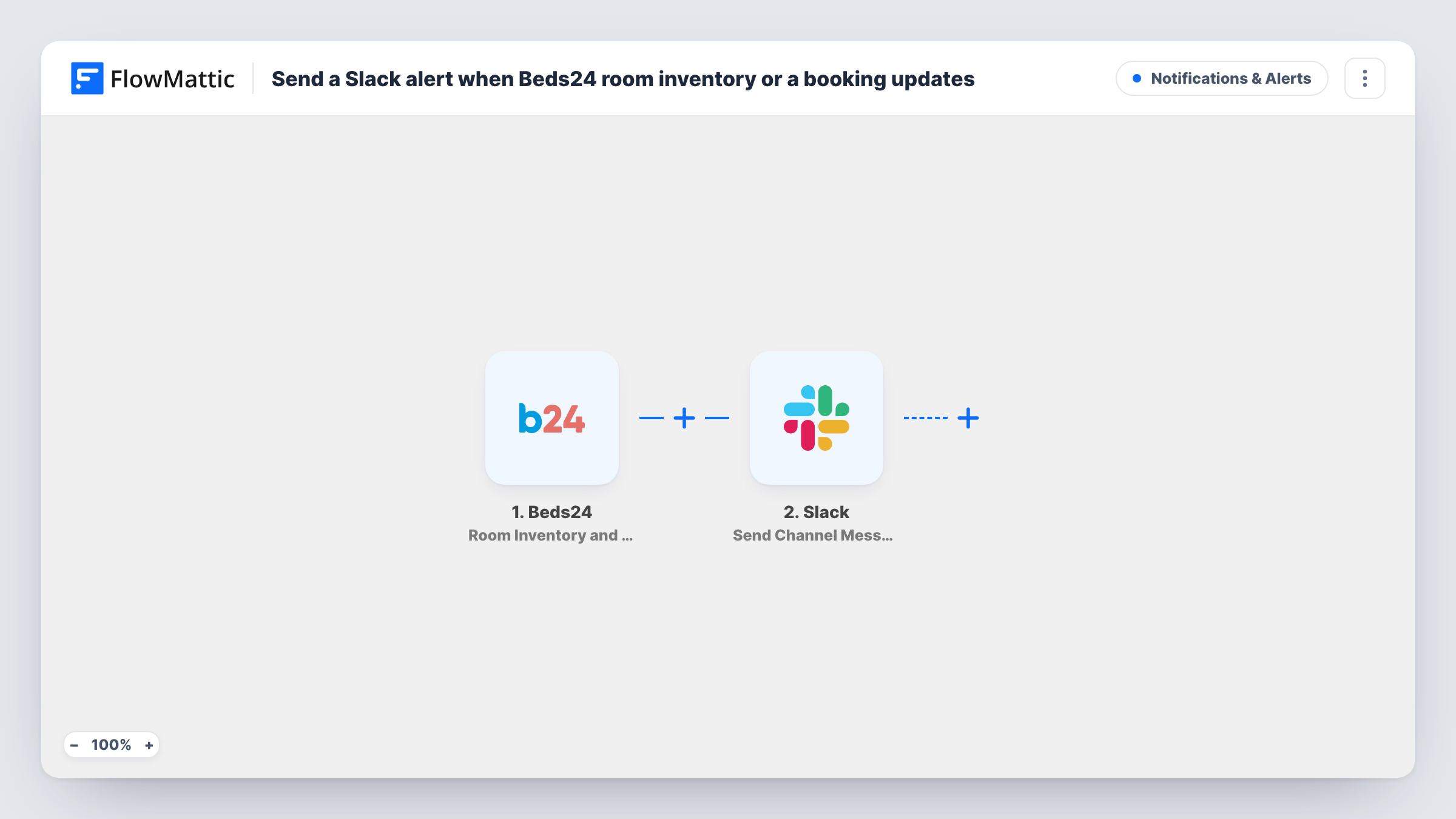
The Beds24 trigger, Room Inventory and Booking Updates, fires whenever there is a change in room availability, price, new bookings, booking modifications or cancellations. FlowMattic captures the details Beds24 sends with the change. The Slack step then sends a message to the channel you choose, built from the fields you map.
Because the trigger covers so many kinds of change, the channel can get busy, especially when you update rates or availability in bulk. Every change sends its own message. If your team only needs some of them, add a Filter, as explained in the tips. You can review every alert run in Task History.
Front desk awareness
Reception staff see new bookings, changes and cancellations in a Slack channel during their shift, without refreshing Beds24.
Housekeeping planning
A housekeeping lead watches the channel for cancellations and modified stays so room preparation can be adjusted.
Owner oversight of several rentals
An owner who manages holiday lets through Beds24 follows availability and price changes in Slack from their phone.
How this workflow runs
What happens at each step once the workflow is on, and what you need before you import it.
 Beds24 Room Inventory and Booking Updates
Fires on any change Beds24 reports: room availability, price, new bookings, booking modifications or cancellations. The change details are captured for the message.
- Slack Send Channel Message
Sends a message to a Slack channel of your choice. Connect your workspace, select the channel and write the text using the Beds24 details you map in.
What you need
- FlowMatticCore
- Beds24 AccountAccount
- Slack AccountAccount
After importing, map your own data. To keep the template universal, not every step is pre-filled. Open each step in the builder and connect your accounts and fields (channels, lists, sheets, recipients) before you switch the workflow on.
Make it yours
Changes worth making after you import it.
- Make a test booking or change a price in Beds24 after import, then look at the captured data to see which fields describe the change before writing the Slack text.
- Add a Filter after the trigger on a field that shows the kind of change, if the captured data has one, so only bookings or cancellations reach the channel.
- Use a dedicated channel for these alerts so bulk rate or availability updates don't crowd out other conversations.
Questions about this workflow
Will every Beds24 price change post to Slack?
Yes, as imported. The trigger fires on availability and price changes as well as booking events, and each one sends a message. A Filter on the change type can cut that down.
Does a Beds24 cancellation send an alert?
Yes. Cancellations are one of the changes this trigger reports, so they post to the channel like the others.
Can the Beds24 alert go to a private Slack channel?
The step in this template posts to channels with Send Channel Message. Private channels need Slack's Send Private Channel Message action in its place.
Can I tell from the Slack message what kind of change happened?
Only if you include it. Map the Beds24 fields that describe the change into the message text, using a captured test event to find them.
More Notifications & Alerts workflows
Other ready-to-import templates from the same category.





Import this workflow into your WordPress site
Download the JSON, import it from the Workflows screen and connect your accounts. Every run stays on your server, with no per-task fees.
30-day money-back guarantee Unlimited workflows and runs Self-hosted