

Send a Slack notification to recruiters for every new Conversus.pro application
Each new Conversus.pro job application posts a message to a Slack channel you choose, so your recruiters see the candidate in the chat they already work in instead of checking the hiring dashboard.
 Conversus.pro
 Slack
2 steps Setup ~5 min Used on 1.9k sites Free to import
What this workflow does
Recruiters juggle several tools, and new applications can sit unread when nobody has the applicant list open. A message in the team's Slack channel puts each one in front of the people who screen candidates. This workflow posts that message for every application Conversus.pro receives.
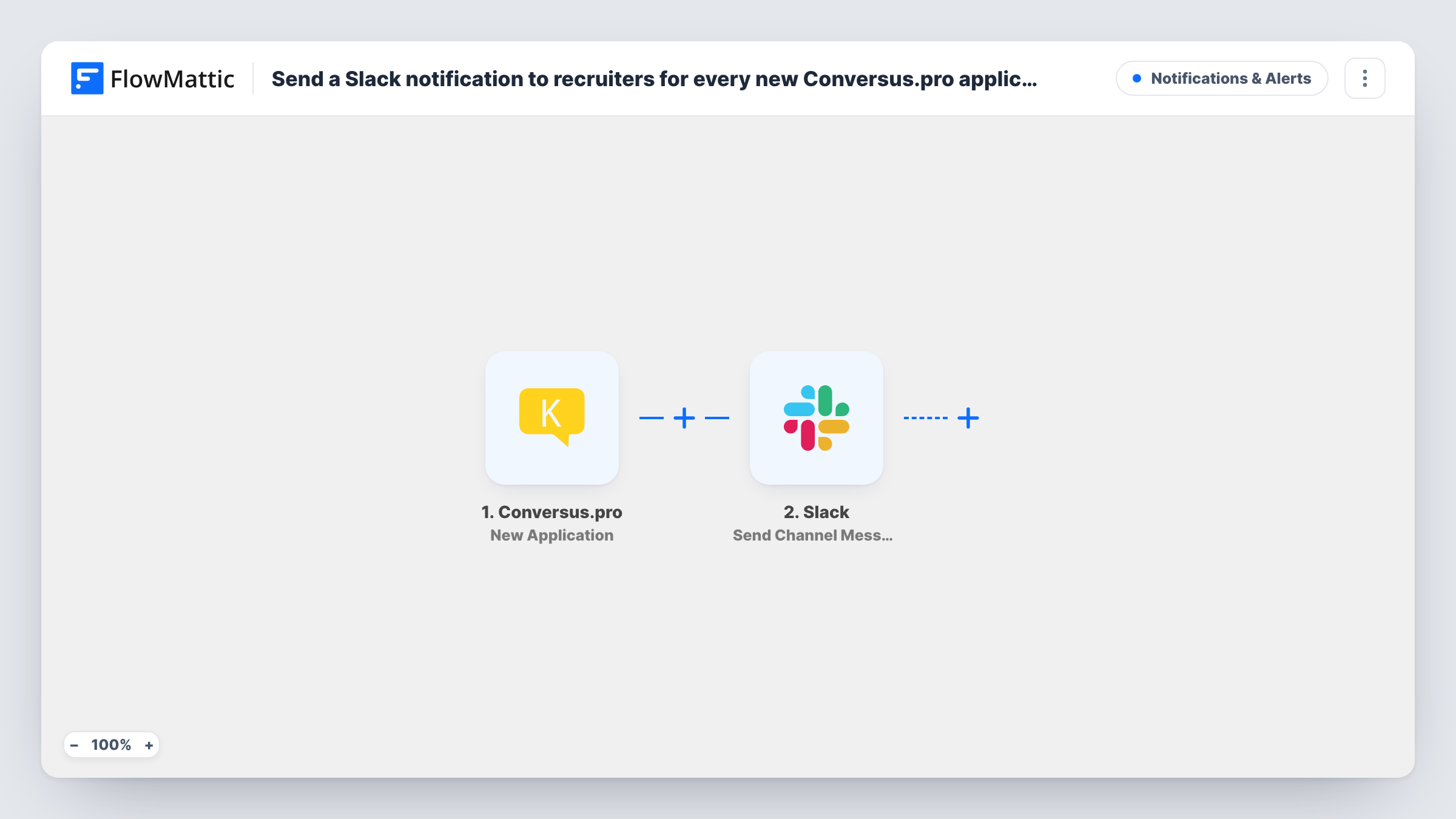
The Conversus.pro trigger fires when Conversus.pro sends data about a new application to the trigger's URL. FlowMattic passes that application data to Slack, where the Send Channel Message step posts to the channel you pick. You write the message and drop in whichever application fields help your recruiters.
Every application produces one Slack post. The workflow does not score or screen candidates, and it changes nothing in Conversus.pro. Keep personal details in the message to what your channel members should see, because Slack posts are visible to everyone in that channel.
A hiring channel per team
Engineering hiring has its own Slack channel. Applications from Conversus.pro land there so the hiring manager and recruiter see them together.
High-volume seasonal hiring
During a seasonal hiring push, store managers follow a Slack channel that shows each new applicant as they apply.
Agency recruiters sharing a pipeline
An agency's recruiters share one channel, so whoever is free can pick up the next candidate and reply in a thread to claim them.
How this workflow runs
What happens at each step once the workflow is on, and what you need before you import it.
 Conversus.pro New Application
Fires when Conversus.pro sends data about a new application to the trigger's URL. The application data becomes available to place in your Slack message.
- Slack Send Channel Message
Sends your recruiters a post in the chosen Slack channel. Write the text and insert Conversus.pro application fields so recruiters can see who applied.
What you need
- FlowMatticCore
- Conversus.pro AccountAccount
- Slack AccountAccount
After importing, map your own data. To keep the template universal, not every step is pre-filled. Open each step in the builder and connect your accounts and fields (channels, lists, sheets, recipients) before you switch the workflow on.
Make it yours
Changes worth making after you import it.
- Hiring for several roles? Add a Router with one Slack step per route, each checking for an exact value from the application data, so no application matches two routes.
- Add a Filter after the trigger if only some applications should alert the channel, based on a value the application data carries.
- Submit one test application after import so FlowMattic captures the fields Conversus.pro sends, then map them into the Slack text.
Questions about this workflow
Which Slack channel gets the Conversus.pro alerts?
Whichever channel you select when setting up the Slack step. Connect your Slack workspace when you import, then pick the channel your recruiters follow.
Does the workflow reply to the candidate?
No. It only posts in your Slack channel. The candidate hears nothing from this workflow.
Can I send the application to a person instead of a channel?
As shipped, the message goes to a channel only. FlowMattic's Slack app also has Send Direct Message, which you can swap in to reach one recruiter.
Are older Conversus.pro applications posted?
No. Only applications sent to the trigger after the workflow is turned on reach Slack.
More Notifications & Alerts workflows
Other ready-to-import templates from the same category.






Import this workflow into your WordPress site
Download the JSON, import it from the Workflows screen and connect your accounts. Every run stays on your server, with no per-task fees.
30-day money-back guarantee Unlimited workflows and runs Self-hosted