

Send a Slack notification when a new Classplus purchase is made
Post a message in Slack each time someone buys on Classplus, with the purchase details you choose, so your team sees new enrolments as they happen.
 Classplus
 Slack
2 steps Setup ~5 min Used on 2.9k sites Free to import
What this workflow does
Course creators and coaching teams like to see sales as they land, both to follow up with students and to know which courses are moving. Checking the Classplus dashboard for that is a chore. This workflow brings each new purchase into a Slack channel.
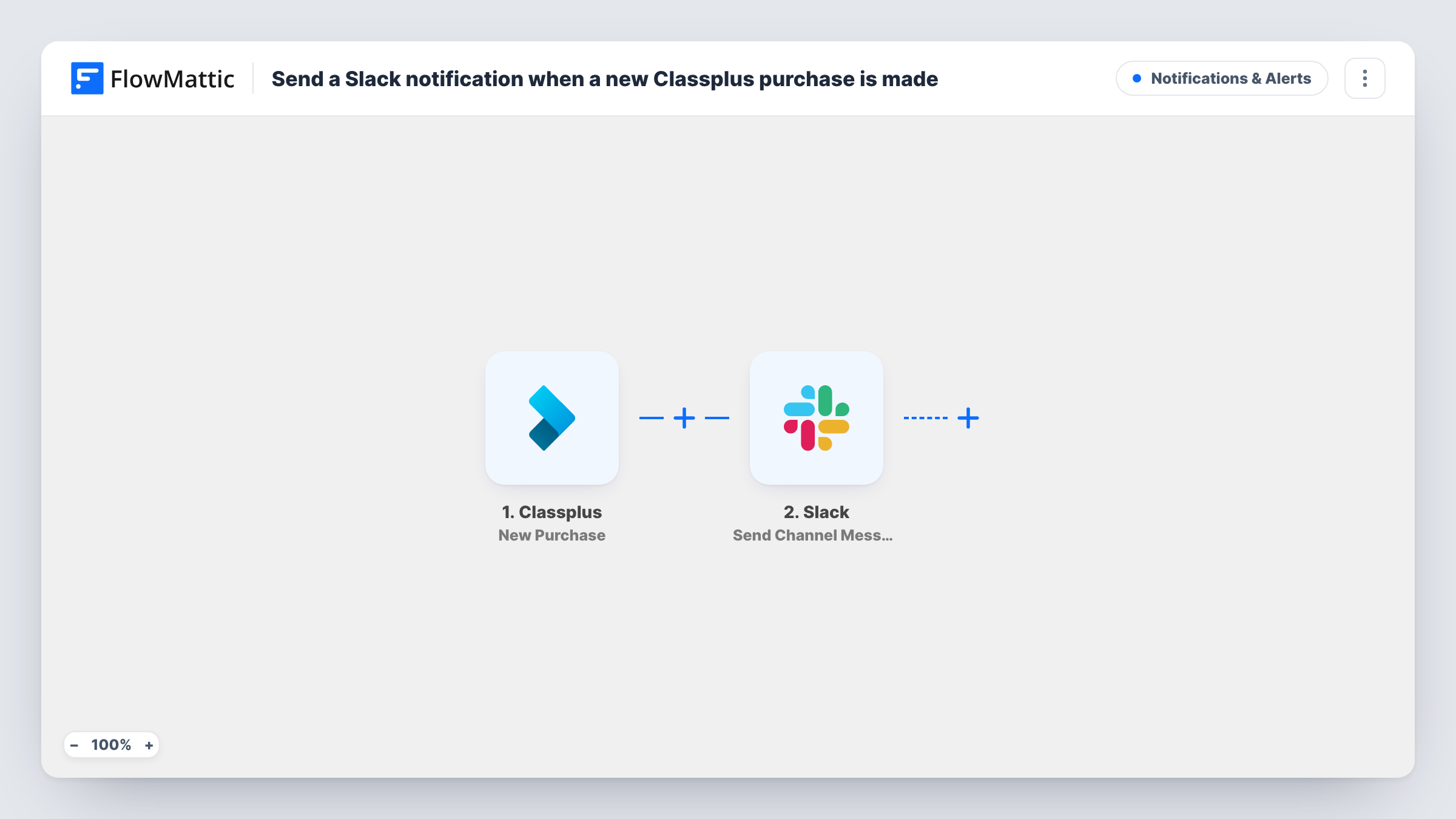
The Classplus trigger starts a run whenever a learner completes a new purchase. FlowMattic sends the purchase data to Slack, where Send Channel Message posts in the channel you pick. Write the alert in your own words and add details such as the buyer and the course, if Classplus includes them.
Each purchase posts one message, whoever the buyer is. Task History keeps the list of messages sent and Slack's response to each.
Team sales channel
Your team's Slack channel shows every Classplus purchase, so everyone can see which courses are selling this week.
Counsellor follow-up
Counsellors watch the channel and welcome each new buyer by phone or chat soon after the purchase.
Launch day tracking
During a course launch, the channel fills with purchase alerts and the team can see sales coming in without refreshing a dashboard.
How this workflow runs
What happens at each step once the workflow is on, and what you need before you import it.
 Classplus New Purchase
Fires when a new purchase is made on Classplus. The purchase details are passed on to place in the Slack message.
- Slack Send Channel Message
Puts a purchase announcement into the Slack channel your team reads. Write the announcement and add Classplus purchase details such as the buyer and the course.
What you need
- FlowMatticCore
- Classplus AccountAccount
- Slack AccountAccount
After importing, map your own data. To keep the template universal, not every step is pre-filled. Open each step in the builder and connect your accounts and fields (channels, lists, sheets, recipients) before you switch the workflow on.
Make it yours
Changes worth making after you import it.
- Add a Filter after the trigger to post only purchases of one course, if a channel belongs to a single programme.
- Make or wait for one purchase after import so FlowMattic captures the Classplus fields, then build the message from them.
- Use a Router with one route per course name, each with its own Slack step, to send each course's purchases to a different channel.
Questions about this workflow
Does every Classplus purchase post to Slack?
Yes, as imported. Each new purchase sends one message to the channel. To post only certain Classplus purchases, set a Filter between the two steps.
Can the Slack message show which Classplus course was bought?
Yes, if the purchase data includes the course. Insert it into the text when you map the Slack step.
Are Classplus purchases from before the import posted?
No. Only purchases made after you turn the workflow on start a run.
More Notifications & Alerts workflows
Other ready-to-import templates from the same category.





Import this workflow into your WordPress site
Download the JSON, import it from the Workflows screen and connect your accounts. Every run stays on your server, with no per-task fees.
30-day money-back guarantee Unlimited workflows and runs Self-hosted