

Send a Telegram message for each new Nolt post
Get a Telegram message every time someone submits a new post to your Nolt feedback board, so feature requests and bug reports reach your team in the chat it already reads.
 Nolt
 Telegram
2 steps Setup ~5 min Used on 1.9k sites Free to import
What this workflow does
A Nolt board collects ideas and complaints from your users, but new posts are easy to miss if nobody opens the board each day. Product teams that talk in Telegram would rather see each post where they already are. This workflow forwards every new Nolt post to a Telegram chat of your choice.
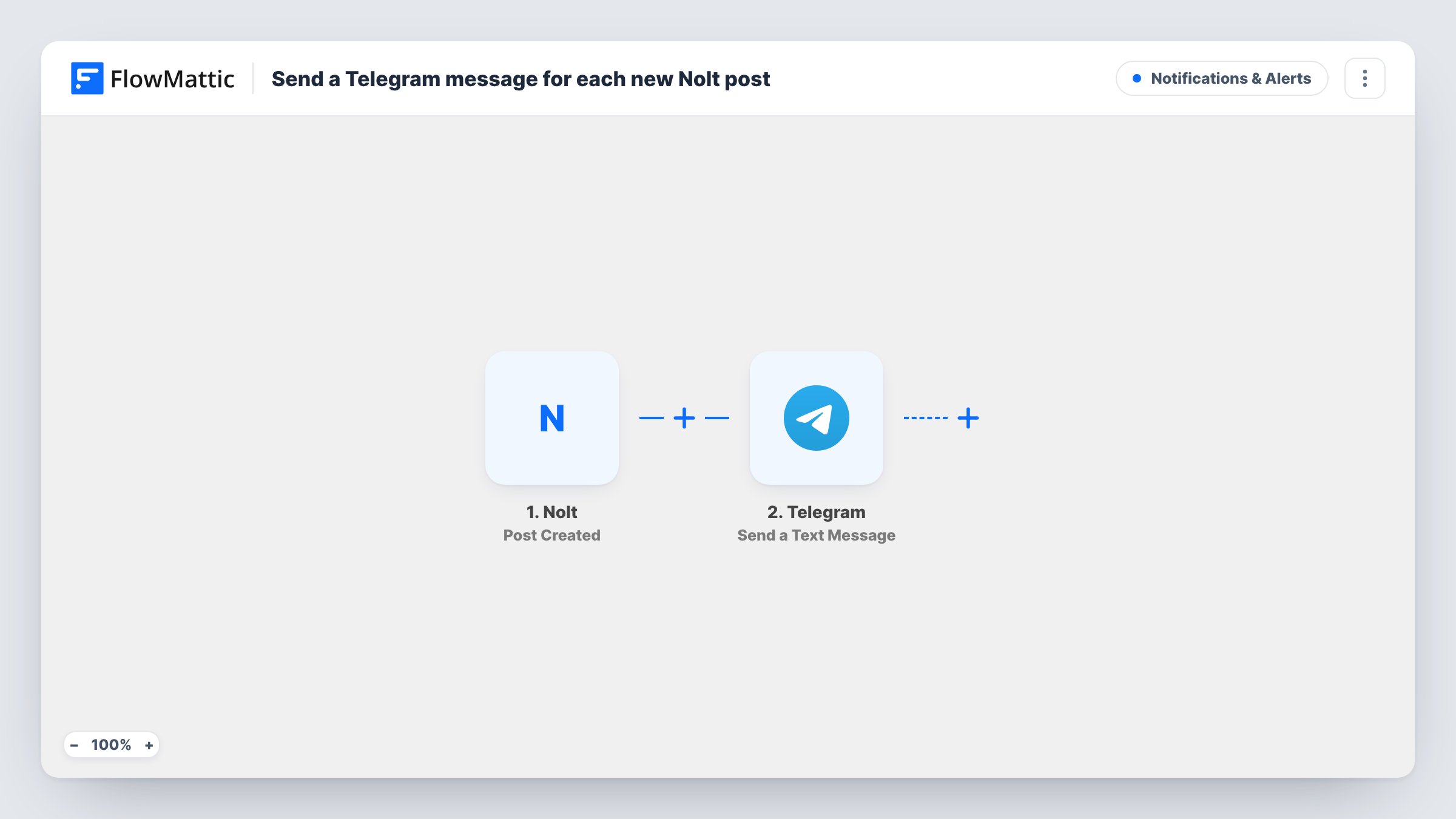
The Nolt trigger runs when a user submits a new post to the board. FlowMattic takes the post's details and hands them to Telegram, where the Send a Text Message action posts your text to the chat you pick. The action supports markup, so you can set the post title in bold and place the description underneath.
Every post fires the workflow, whatever its topic. Comments and votes are not part of this trigger, only new posts. Task History records what was sent to Telegram on each run, which helps if a message seems to be missing.
Founder keeping an eye on feedback
A solo founder reads Telegram all day. Each Nolt post lands there as a message, so a new request is seen within minutes of being submitted.
Product team group chat
The workflow posts into a Telegram group shared by product and support, so both teams see the same new Nolt idea and can discuss it in the thread.
Beta programme bug reports
Beta testers report problems on a Nolt board. The developer on call gets every new report in Telegram without watching the board.
How this workflow runs
What happens at each step once the workflow is on, and what you need before you import it.
 Nolt Post Created
Runs whenever a user submits a new post to your Nolt board. The post's details become available to place in the Telegram message.
- Telegram Send a Text Message
Posts a text message to the Telegram chat you choose, built from the Nolt post. Write the message text and drop in post details, using markup for bold or links if you like.
What you need
- FlowMatticCore
- Nolt AccountAccount
- Telegram AccountAccount
After importing, map your own data. To keep the template universal, not every step is pre-filled. Open each step in the builder and connect your accounts and fields (channels, lists, sheets, recipients) before you switch the workflow on.
Make it yours
Changes worth making after you import it.
- If the Nolt test data carries the post's URL, put it in the Telegram text so the reader can open the post and answer on the board.
- Add a Filter after the trigger if only some posts matter to this chat, for example ones whose title contains a word like bug. Check the test data for which post fields you can compare.
- Submit a test post on your Nolt board after import, then build the Telegram message from the captured fields instead of guessing their names.
Questions about this workflow
Will Telegram get a message when someone votes or comments on a Nolt post?
No. This trigger fires on new posts only. Votes and comments do not start the workflow.
Can the Nolt alert go to a Telegram group instead of a private chat?
Yes. Point the Telegram step at the group chat. If your Telegram connection is a bot, add the bot to that group first so it is allowed to post there.
Does every Nolt post produce a Telegram message?
Yes, as imported. No step checks the post, so each new submission sends one message. To narrow which Nolt posts reach Telegram, place a Filter after the trigger.
More Notifications & Alerts workflows
Other ready-to-import templates from the same category.





Import this workflow into your WordPress site
Download the JSON, import it from the Workflows screen and connect your accounts. Every run stays on your server, with no per-task fees.
30-day money-back guarantee Unlimited workflows and runs Self-hosted