

Send a Twilio SMS welcome message when a new Wisepops phone number is collected
When a Wisepops popup collects a new phone number, this workflow sends that number a welcome text through your Twilio account, so each sign-up hears from you right after leaving their number.
 Wisepops
 Twilio
2 steps Setup ~5 min Used on 1.6k sites Free to import
What this workflow does
A visitor who types their phone number into a popup expects to hear from you. If the number just sits in a Wisepops export, that first contact may come days later or not at all. This workflow sends a welcome SMS as soon as the number comes in.
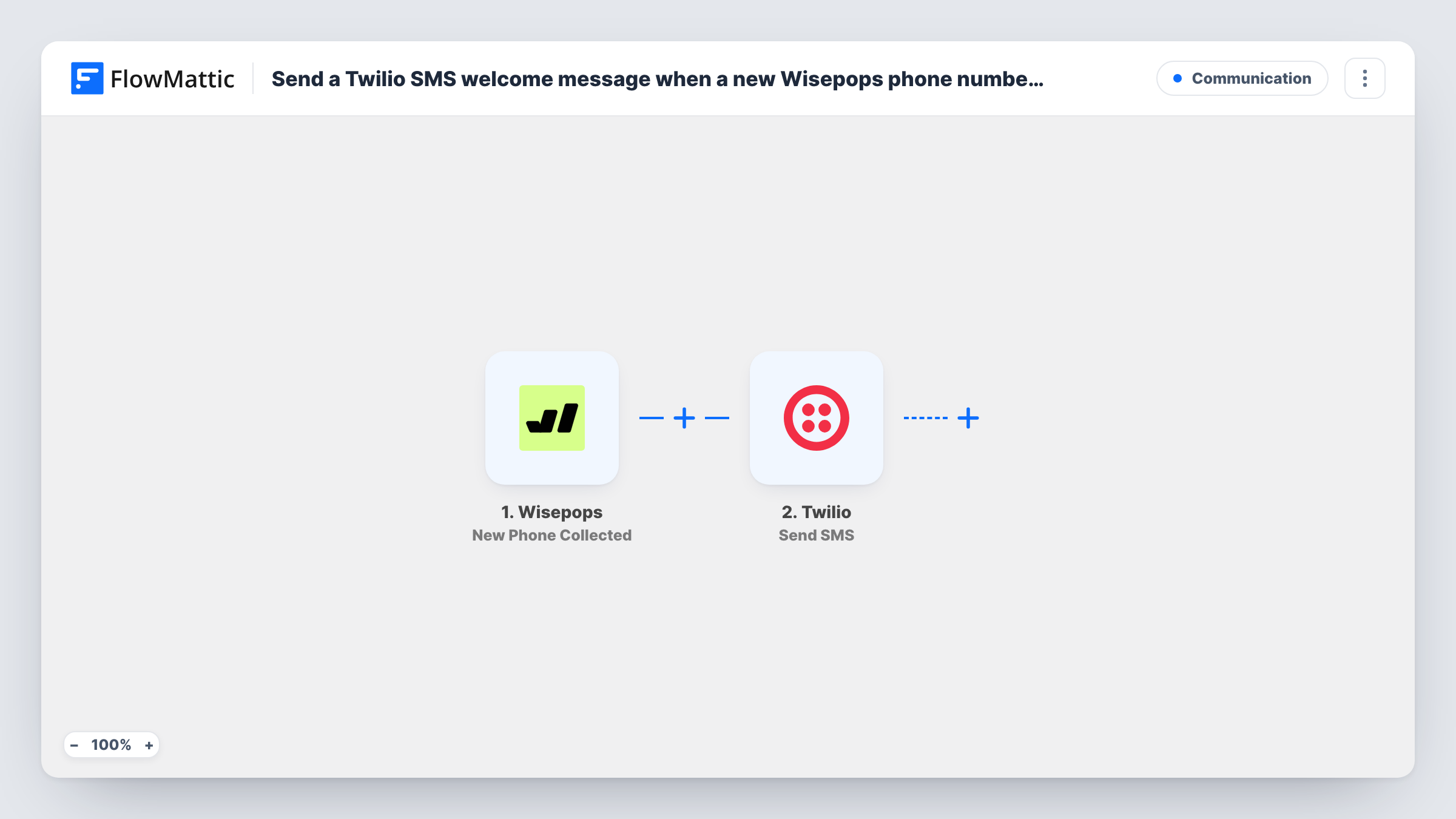
The Wisepops trigger, New Phone Collected, fires when one of your popups collects a new phone number. FlowMattic passes the sign-up data to the Twilio step, Send SMS, which texts that number from your Twilio account. You map the collected phone number as the recipient and write the welcome text, for example a thank-you and the discount code the popup promised.
Every collected number gets the same message, since there is no Filter in the template. Twilio needs the number in a format it accepts, usually with the country code, so check what your popup collects. Each run, and Twilio's response, shows in Task History.
Discount code by text
An exit popup offers a discount for a phone number. The welcome SMS carries the code, so the shopper has it on their phone when they check out.
Restaurant or salon SMS club
Visitors join your text list from a site popup and get a short welcome that tells them what kind of messages to expect and how often.
Event reminders sign-up
A popup on an event page collects numbers for reminders. The first text confirms the person is signed up and names the event date.
How this workflow runs
What happens at each step once the workflow is on, and what you need before you import it.
 Wisepops New Phone Collected
Fires when a Wisepops popup collects a new phone number. The number and any other data from the sign-up are passed on for mapping.
- Twilio Send SMS
Texts the new sign-up from your Twilio account. Map the phone number from Wisepops as the recipient, write the welcome text, and check the first send in Task History.
What you need
- FlowMatticCore
- Wisepops AccountAccount
- Twilio AccountAccount
After importing, map your own data. To keep the template universal, not every step is pre-filled. Open each step in the builder and connect your accounts and fields (channels, lists, sheets, recipients) before you switch the workflow on.
Make it yours
Changes worth making after you import it.
- Ask for the country code in your Wisepops popup, or add it in the mapping, so Twilio receives the number in a format it can send to.
- Add a Filter after the trigger if one popup collects numbers for a different purpose and those visitors shouldn't get this welcome.
- Include how to opt out in the welcome text, for example by replying STOP, so new subscribers know how to leave the list.
Questions about this workflow
Do I need a Twilio phone number to send the Wisepops welcome SMS?
Yes. Send SMS goes out from your Twilio account, so you need a Twilio number or sender that can text the countries your visitors are in.
What happens if Twilio rejects the phone number?
Twilio returns an error, and Task History shows it on the Send SMS step for that run. If it happens often, compare the failing numbers with the format your popup collects.
Will Wisepops email sign-ups also get a text?
No. The trigger is New Phone Collected. Email sign-ups fire Wisepops' separate New Sign-Up Collected trigger, which this template doesn't use.
Does the visitor get a text every time they enter their number?
Each New Phone Collected event runs the flow once. If the same person submits their number again, Wisepops may send a second event and Twilio a second text.
More Communication workflows
Other ready-to-import templates from the same category.





Import this workflow into your WordPress site
Download the JSON, import it from the Workflows screen and connect your accounts. Every run stays on your server, with no per-task fees.
30-day money-back guarantee Unlimited workflows and runs Self-hosted