

When new comment created in FluentCommunity feed, translate text in Google Translate and add to Google Sheets
Each new comment in your FluentCommunity feed is translated by Google Translate into the language you set, and the comment and its translation are added as a row in Google Sheets.
 Fluent Community
 Google Translate
 Google Sheets
3 steps Setup ~5 min Used on 760 sites Free to import
What this workflow does
Communities with members from several countries end up with conversations moderators can't always read. This workflow gives you a translated copy of every new comment in a spreadsheet, so you can review discussions, spot questions and moderate in one language whatever language members write in.
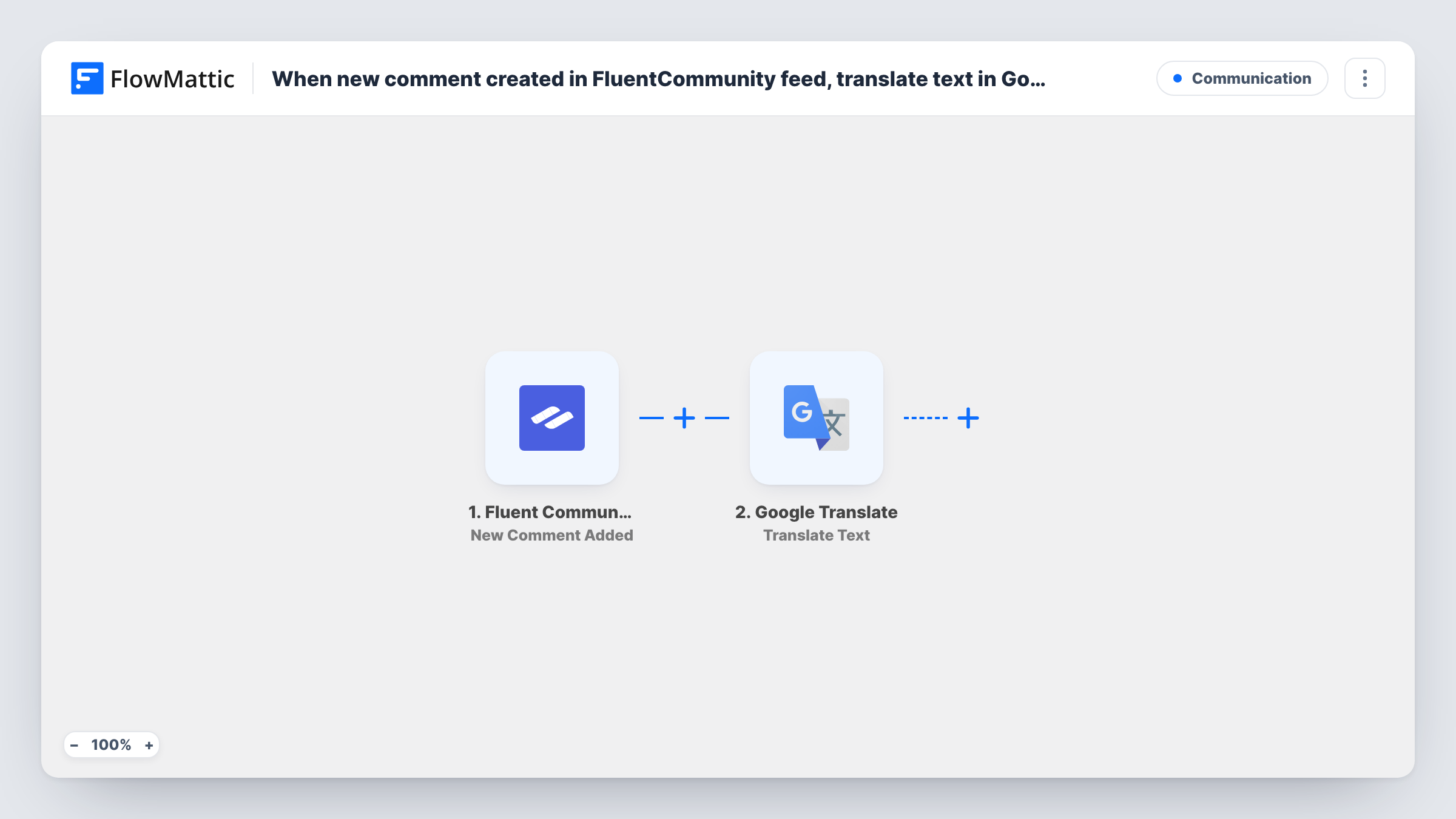
The FluentCommunity trigger fires when a new comment is added. The comment text and its details, such as the author and the post it belongs to, are passed on. Next, Google Translate translates the text from one language to another. That step ships unmapped: map the comment text into it and choose the target language, for example English for your moderation team.
Finally, the Google Sheets Add New Row step writes one row per comment. You pick the spreadsheet and map columns, typically the date, author, original comment and translated text, so each row shows both versions side by side.
Every comment is sent to Google Translate, including ones already in your target language, so expect some rows where the translation matches the original. Post a test comment and check Task History to see what each step returned.
Moderating a multilingual member forum
A language-learning community's moderators read an English translation of every new comment in a shared sheet, whatever language the member wrote in.
Collecting feedback from international customers
A product team running a FluentCommunity space for customers scans translated comments in Google Sheets to group feature requests.
Weekly digest of community discussion
A community manager sorts the sheet by date each Friday to summarise the week's conversations for the team in one language.
How this workflow runs
What happens at each step once the workflow is on, and what you need before you import it.
 Fluent Community New Comment Added
Fires when a new comment is added in your FluentCommunity feed. The comment text and its details, such as the author and post, are passed to Google Translate.
- Google Translate Translate Text
Translates the comment text into another language. The step ships unmapped: map the comment content as the text to translate and choose the language you want it in.
- Google Sheets Add New Row
Adds one row per comment to the spreadsheet you pick. Map the original comment, the translation from step 2 and details such as author and date into your columns.
What you need
- FlowMatticCore
- FluentCommunity PluginPlugin
- Google Translate AccountAccount
- Google Sheets AccountAccount
After importing, map your own data. To keep the template universal, not every step is pre-filled. Open each step in the builder and connect your accounts and fields (channels, lists, sheets, recipients) before you switch the workflow on.
Make it yours
Changes worth making after you import it.
- Add Google Translate's Detect Language action between the FluentCommunity trigger and the Translate Text step, and log the detected language in its own column so you can sort comments by language.
- Put a link to the post in a column, if a test run shows one, so moderators can jump from the sheet to the conversation.
- Keep the original text next to the translation in the sheet, since machine translation can miss slang and context that a moderator should check.
Questions about this workflow
Which language are FluentCommunity comments translated into?
The one you choose in the Translate Text step after import. The template doesn't set it, so pick the language your team reads.
Are comments already in my language translated too?
Yes. Every new comment goes through Google Translate, so comments written in the target language come back essentially unchanged and still get a row.
Does editing a FluentCommunity comment update its row in the sheet?
No. The trigger fires when a new comment is added, so later edits don't start a run and the row keeps the text and translation from when the comment was first posted.
More Communication workflows
Other ready-to-import templates from the same category.







Import this workflow into your WordPress site
Download the JSON, import it from the Workflows screen and connect your accounts. Every run stays on your server, with no per-task fees.
30-day money-back guarantee Unlimited workflows and runs Self-hosted