

Send a welcome email through Gmail to new Hello Bar subscribers
When a visitor subscribes through Hello Bar, this workflow sends them a welcome email from your Gmail account, written by you and personalised with the details Hello Bar captured.
 Hello Bar
 Gmail
Gmail2 steps Setup ~5 min Used on 3.3k sites Free to import
What this workflow does
A new subscriber has just given you their address, and that is the moment they remember who you are. If you send a welcome note by hand, it often goes out days later or not at all. This workflow sends it from your Gmail account each time someone subscribes through Hello Bar.
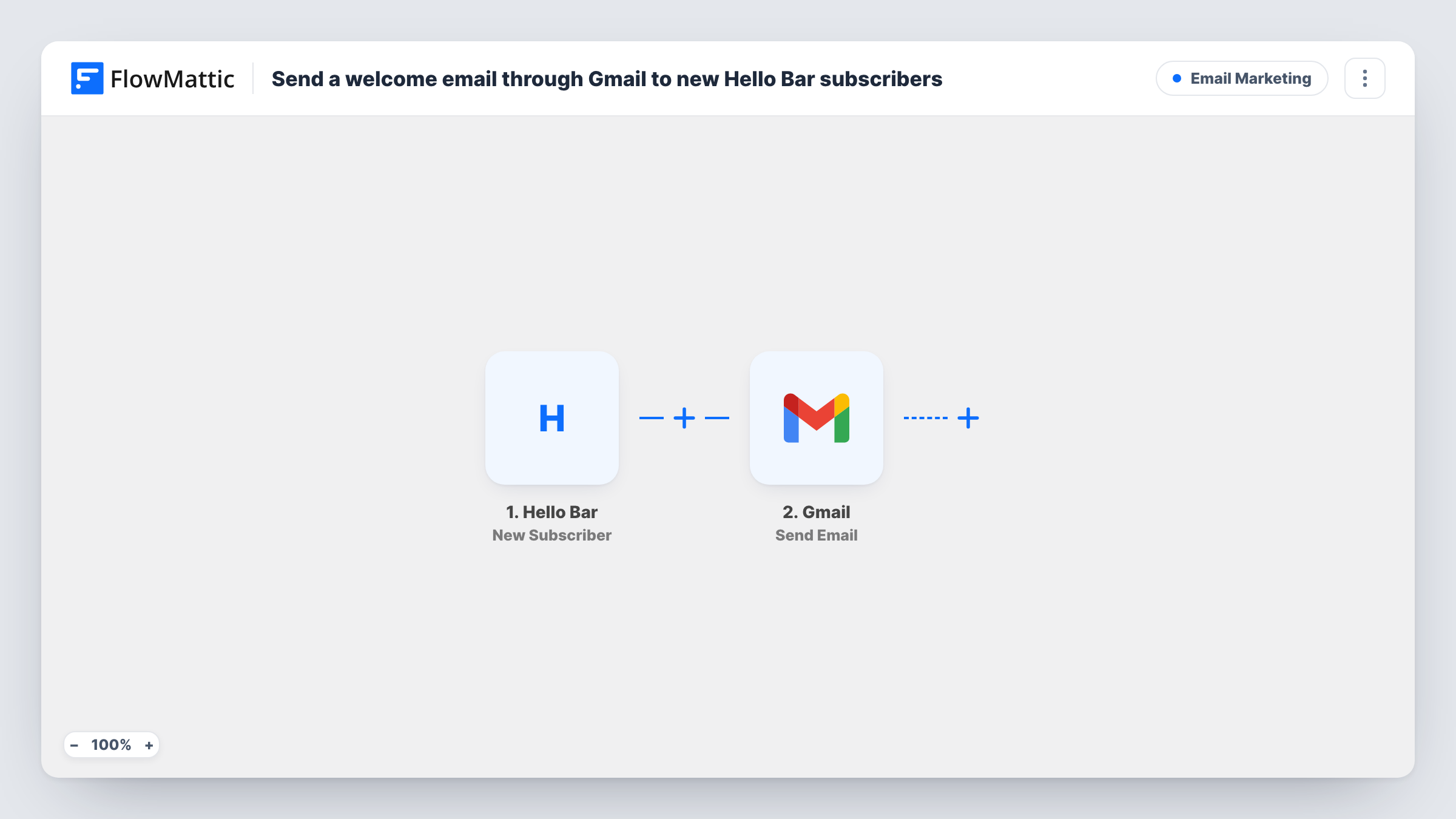
A run begins as soon as the Hello Bar trigger sees someone join your contact list. FlowMattic passes the subscriber's details to the Gmail Send Email action. You map the subscriber's email address as the recipient and write the subject and body, adding their name or other captured values wherever you like.
The message goes from the Gmail account you connect, so it lands as a normal email from you rather than a bulk campaign. Every new subscriber gets one email per sign-up. Task History logs each run, including what Gmail returned.
Creator sending a personal hello
A writer collects sign-ups with Hello Bar and wants each reader to get a short note from their own Gmail address, with a link to the best past posts.
Delivering a promised discount code
Your Hello Bar offers a code for subscribing. The Gmail email delivers that code to the address the visitor just entered.
Consultant's lead magnet
Visitors subscribe to get a checklist. The welcome email includes the link to the checklist page and an invitation to reply with questions.
How this workflow runs
What happens at each step once the workflow is on, and what you need before you import it.
 Hello Bar New Subscriber
Starts the run whenever Hello Bar records a new sign-up on your contact list. Their email and any other details Hello Bar captures can be mapped into the email. A test sign-up shows what arrives.
- Gmail Send Email
Delivers one welcome message from the Gmail inbox you link to FlowMattic. Map the Hello Bar email address as the recipient, write a subject and body, and insert subscriber values to personalise the message.
What you need
- FlowMatticCore
- Hello Bar AccountAccount
- Gmail AccountAccount
After importing, map your own data. To keep the template universal, not every step is pre-filled. Open each step in the builder and connect your accounts and fields (channels, lists, sheets, recipients) before you switch the workflow on.
Make it yours
Changes worth making after you import it.
- Add a Delay before the Gmail step, for example ten minutes, if you want the welcome to arrive a little after sign-up instead of right away.
- Add a FluentCRM or Google Sheets step after the email to keep a record of each Hello Bar subscriber who was welcomed.
- Subscribe through your own Hello Bar after import and check your inbox, so you see the email exactly as a new subscriber will.
Questions about this workflow
Which address does the Hello Bar welcome email come from?
It comes from whichever Gmail inbox you link while setting up the welcome step. Replies go to that inbox too.
Will someone who subscribes twice get two Gmail welcomes?
Yes, if Hello Bar reports them as a new subscriber each time. Nothing in the template checks whether a person was already welcomed.
Can the Gmail welcome include a file, such as a PDF guide?
This template attaches nothing. Put a link to the file in the email body, or swap in FlowMattic's Email step, which can attach files stored on your WordPress site.
Do earlier Hello Bar subscribers get the email?
No. Only people who subscribe after you turn the workflow on receive it.
More Email Marketing workflows
Other ready-to-import templates from the same category.



Import this workflow into your WordPress site
Download the JSON, import it from the Workflows screen and connect your accounts. Every run stays on your server, with no per-task fees.
30-day money-back guarantee Unlimited workflows and runs Self-hosted