

Send a welcome email through Gmail when a new Kylas CRM contact is created
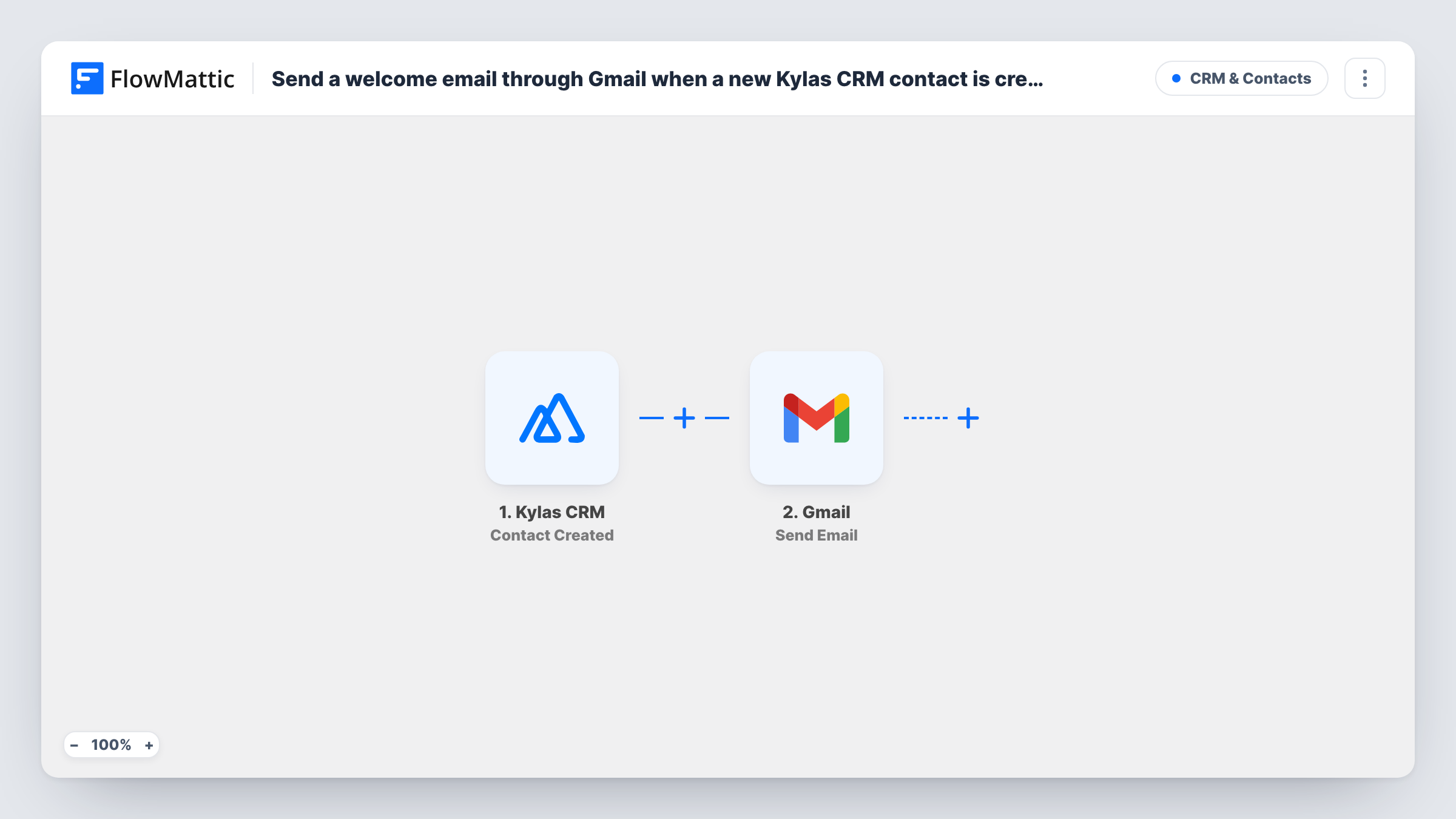
When a new contact is created in Kylas CRM, FlowMattic sends them a welcome email from your Gmail account, written once by you and personalised with their details.
 Kylas CRM
 Gmail
2 steps Setup ~5 min Used on 551 sites Free to import
What this workflow does
A new contact in your CRM is often someone you just met, spoke to or signed up. A short welcome from your own mailbox, sent the same day, saves a rep from writing the same note again and again. This workflow sends that email through Gmail whenever a contact is added in Kylas CRM.
The Kylas CRM Contact Created trigger receives contact events from a Kylas webhook. FlowMattic describes it as firing when a contact is created, updated or deleted, so when you set up the webhook in Kylas, select only the contact created event. If updates or deletions are selected too, an edit to a contact would send the welcome again.
The Gmail Send Email step sends the welcome from the account you connect. It ships unmapped: after import, map the contact's email from Kylas into the recipient, and write the subject and body. You can drop in fields such as the contact's first name or company.
Every contact the webhook reports gets the email, including ones imported in bulk or added by colleagues, so keep the wording general enough to fit them all. Add a test contact in Kylas and check Task History to see the data that arrived and Gmail's response.
Introductions after a sales call
A sales rep adds a prospect to Kylas after a discovery call, and the prospect gets a welcome note with the rep's calendar link and a short company overview.
Greeting new clients of an agency
An agency enters each new client contact in Kylas and sends a welcome email explaining how to reach the account team and what happens next.
Following up on trade show contacts
A manufacturer's team types business-card contacts into Kylas during an event, and each one receives a thank-you email for stopping by the stand.
How this workflow runs
What happens at each step once the workflow is on, and what you need before you import it.
 Kylas CRM Contact Created
Receives contact events from your Kylas CRM webhook. Subscribe that webhook to the contact created event only, because the trigger can also carry updates and deletions.
- Gmail Send Email
Sends the welcome through your connected Gmail mailbox. Map the Kylas contact's email as the recipient, then write the subject and message and add details like their first name.
What you need
- FlowMatticCore
- Kylas CRM AccountAccount
- Gmail AccountAccount
After importing, map your own data. To keep the template universal, not every step is pre-filled. Open each step in the builder and connect your accounts and fields (channels, lists, sheets, recipients) before you switch the workflow on.
Make it yours
Changes worth making after you import it.
- Put a Filter between the Kylas trigger and the Gmail step that continues only when the contact's email is not empty, so contacts saved without an address never reach Gmail with no recipient.
- Sign the email with a real person's name and send it from a mailbox that someone reads, so replies are answered.
- If only some contacts should get the email, such as those from a particular source, add that check to the same Filter between the Kylas trigger and the Gmail step. The field is an example; pick one from a test run.
Questions about this workflow
Will editing a Kylas contact send the welcome email again?
Not if the Kylas webhook is subscribed only to the contact created event. If update events are also selected, every edit would start a run and send another email.
Which Kylas CRM fields can I use in the Gmail welcome?
Any field the Kylas event carries, such as name, email or company. Create a test contact and look at the trigger data in FlowMattic to see what is available.
Do contacts imported in bulk into Kylas get the email?
If Kylas reports each imported contact as created, yes, each one starts a run. Pause the workflow in FlowMattic before a large import if you don't want them emailed.
Can I send the Kylas welcome from a shared team address?
Yes. Connect the Gmail account for that shared address in the Send Email step, and the welcome comes from it.
More CRM & Contacts workflows
Other ready-to-import templates from the same category.






Import this workflow into your WordPress site
Download the JSON, import it from the Workflows screen and connect your accounts. Every run stays on your server, with no per-task fees.
30-day money-back guarantee Unlimited workflows and runs Self-hosted