

Create a HubSpot CRM contact from each new Alchemer survey response
Every new response to your Alchemer survey creates a contact in HubSpot CRM from the details the respondent gave, so survey takers become CRM records your sales and marketing teams can work with.
 Alchemer
 HubSpot CRM
2 steps Setup ~5 min Used on 3.1k sites Free to import
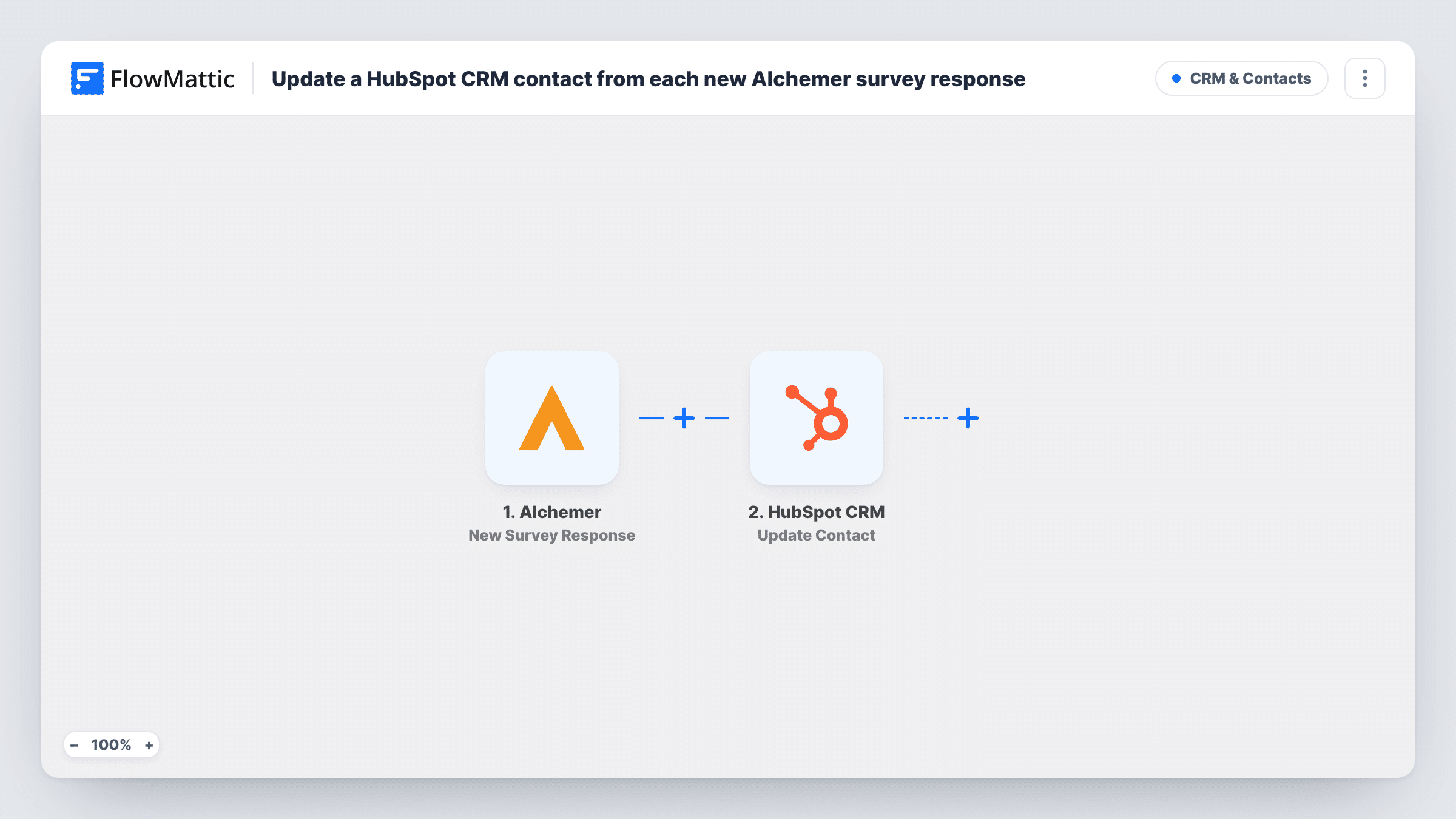
What this workflow does
Surveys often reach people who aren't in your CRM yet: event attendees, trial users, prospects who answered a research questionnaire. When their answers stay in Alchemer, nobody follows up. This workflow turns each response into a HubSpot contact, so the person and what they told you sit where your team already works.
The Alchemer New Survey Response trigger starts a run whenever someone submits your survey. The answers, including any contact questions such as name, email and company, are handed to the next step.
The HubSpot CRM Create Contact step then makes a new contact. It ships with no fields mapped. After import you connect HubSpot and map the survey's email answer, plus any other answers you want stored as contact properties. Your survey needs an email question for HubSpot to have something to identify the person by.
Existing Alchemer respondents get no update from this step, because it is create-only. If a respondent's email already belongs to a HubSpot contact, HubSpot may refuse the duplicate, and Task History shows the response it sent. Submit a test response with a new address before you share the survey.
Event feedback that feeds the sales pipeline
After a trade show, a B2B company sends an Alchemer survey to booth visitors, and each response becomes a HubSpot contact the sales team can call.
Market research panels in the CRM
A product team surveys prospects about their needs and keeps every respondent in HubSpot, with their answers saved as properties for later segmenting.
Lead capture through a quiz-style survey
A consultancy runs a short Alchemer assessment on its site, and anyone who completes it is created in HubSpot for the follow-up sequence.
How this workflow runs
What happens at each step once the workflow is on, and what you need before you import it.
 Alchemer New Survey Response
Starts the workflow each time a response to your Alchemer survey is submitted. The respondent's answers, including contact questions like email and name, are passed to HubSpot.
- HubSpot CRM Create Contact
Adds the respondent to HubSpot CRM as a fresh contact. No fields are filled in as shipped: connect your HubSpot account, map the email answer and any other survey answers to the contact properties you want filled.
What you need
- FlowMatticCore
- Alchemer AccountAccount
- HubSpot CRM AccountAccount
After importing, map your own data. To keep the template universal, not every step is pre-filled. Open each step in the builder and connect your accounts and fields (channels, lists, sheets, recipients) before you switch the workflow on.
Make it yours
Changes worth making after you import it.
- Make the email question required in Alchemer, so every response carries the address HubSpot needs for a contact.
- Create custom contact properties in HubSpot for answers you want to report on, such as a rating or a product interest, before mapping them.
- To put respondents on a HubSpot static list, add the Add Contact To List action after Create Contact and map the new contact from the previous step.
- Map a fixed value such as "Alchemer survey" into a lead source property you create in HubSpot, so you can tell later where these contacts came from.
Questions about this workflow
What happens when an Alchemer respondent is already a HubSpot contact?
The template only creates contacts, so HubSpot may refuse a second contact with the same email. Open Task History to read HubSpot's reply for that run. Test with an address you know is already in HubSpot to see the reply before going live.
Which survey answers end up in HubSpot?
Just the answers you match to properties in the HubSpot step. Map the email first, then match other answers to HubSpot properties, including custom ones you create for your survey.
Does every Alchemer response create a contact?
Yes, each submitted response starts a run. To keep some out, such as answers without consent, put a Filter on that answer between the Alchemer trigger and the HubSpot step.
Do people who only start the Alchemer survey become contacts?
FlowMattic describes the trigger as firing when a survey is submitted, so the run starts with a submitted response. Check with a test submission that the answers you need are in it.
More CRM & Contacts workflows
Other ready-to-import templates from the same category.





Import this workflow into your WordPress site
Download the JSON, import it from the Workflows screen and connect your accounts. Every run stays on your server, with no per-task fees.
30-day money-back guarantee Unlimited workflows and runs Self-hosted