

Send a welcome email via Gmail when someone submits an AnyChat form
When someone submits a form in AnyChat, this workflow sends them a welcome email from your Gmail account, so every new contact hears from you straight after they get in touch.
 AnyChat
 Gmail
Gmail2 steps Setup ~5 min Used on 2.6k sites Free to import
What this workflow does
A visitor who fills in a form in your AnyChat widget has just shown interest. Replying by hand means watching for new submissions and writing the same email again and again. This workflow sends your welcome message from Gmail as each form comes in.
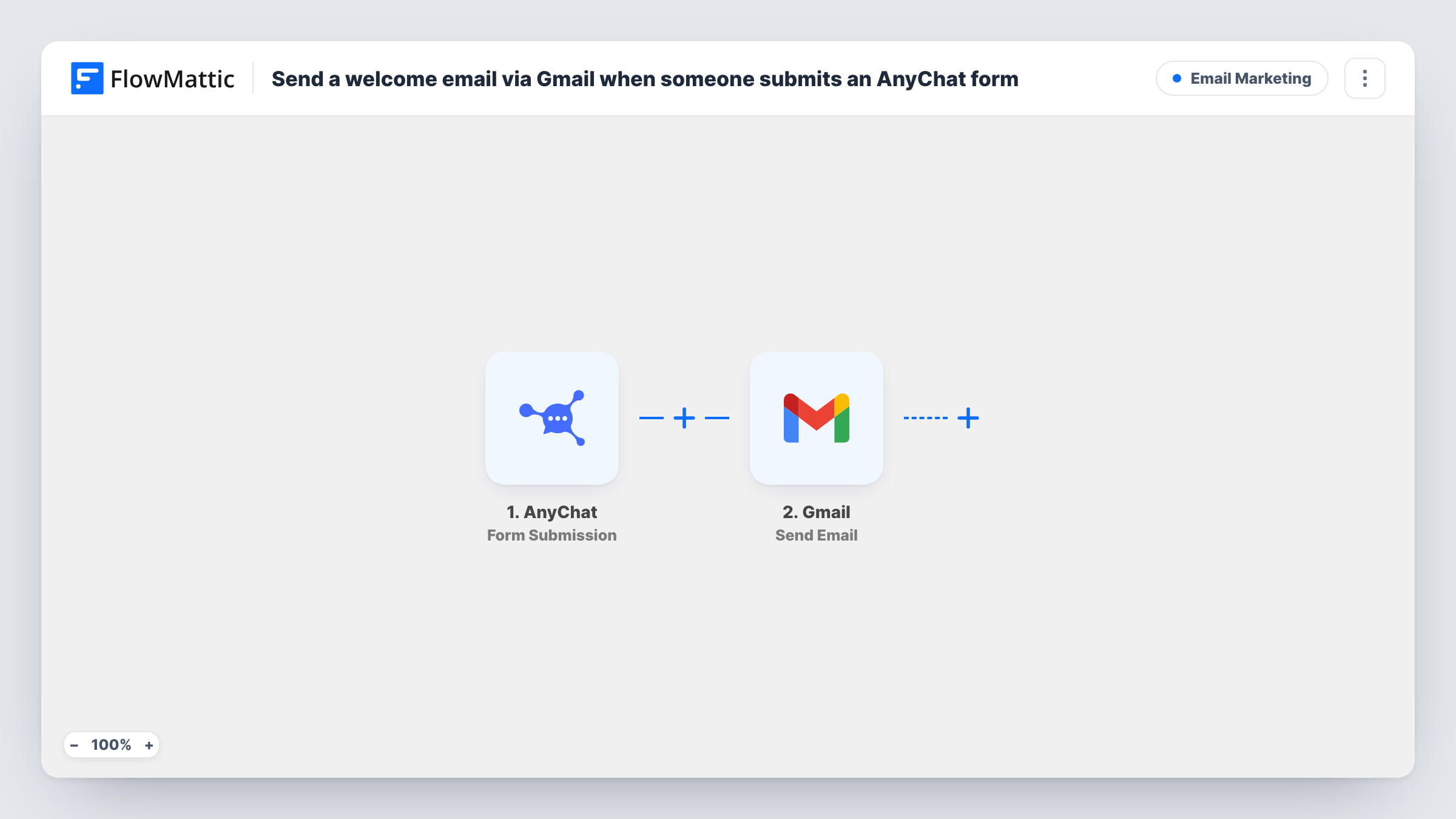
The AnyChat trigger fires when a form is submitted. The submitted details, such as the visitor's name and email address, are passed on. The Gmail step then sends an email from your connected account to the address you map, with the subject and body you write. You can use the visitor's answers in the message to make it personal.
The email goes out from your own Gmail address, so replies come back to your inbox. Every submission sends an email, and Task History records each run.
Lead capture on a services site
A visitor asks for a callback through the AnyChat form and gets an email confirming you received the request and when to expect contact.
Welcome note for a course waitlist
People joining a waitlist through AnyChat receive an email that explains what happens next.
Booking enquiries for a small studio
Each enquiry gets a reply with your studio's details, sent from the same Gmail account you use for bookings.
How this workflow runs
What happens at each step once the workflow is on, and what you need before you import it.
 AnyChat Form Submission
Starts each time an AnyChat form on your site is filled in and sent. The submitted answers, including their email address, are passed to the Gmail step. Connect your AnyChat account on import.
- Gmail Send Email
Sends the welcome email from your Gmail account to the address the visitor entered. Write the subject and message, and map their name or other answers into it.
What you need
- FlowMatticCore
- AnyChat AccountAccount
- Gmail AccountAccount
After importing, map your own data. To keep the template universal, not every step is pre-filled. Open each step in the builder and connect your accounts and fields (channels, lists, sheets, recipients) before you switch the workflow on.
Make it yours
Changes worth making after you import it.
- Use the visitor's first name in the subject line by mapping it from the AnyChat data.
- Add a Filter after the trigger that continues only when the email field is not empty, so forms without an address don't reach the Gmail step.
- Submit a test form in AnyChat after import, so FlowMattic captures the fields you can use in the email.
Questions about this workflow
Which address does the AnyChat welcome email come from?
From the Gmail account you connect on import. Replies go to that inbox.
Does every AnyChat form submission get an email?
Yes, as imported. Add a Filter after the trigger if only some forms or answers should send one.
Can I send a different welcome email per AnyChat form?
Yes. Use a Router with a route per form, each with its own Gmail step. Base each route condition on a field that tells your AnyChat forms apart, so one submission can match only one route.
Are earlier AnyChat submissions emailed?
No. Only forms submitted after the workflow is on start a run.
More Email Marketing workflows
Other ready-to-import templates from the same category.







Import this workflow into your WordPress site
Download the JSON, import it from the Workflows screen and connect your accounts. Every run stays on your server, with no per-task fees.
30-day money-back guarantee Unlimited workflows and runs Self-hosted