

Send Albacross Workflow data to a row in Google Sheets
Each new lead Albacross sends to FlowMattic is added as a row in Google Sheets, so your team has a running list of identified leads to sort, share and follow up from.
 Albacross
 Google Sheets
2 steps Setup ~5 min Used on 2.9k sites Free to import
What this workflow does
Albacross identifies leads for you, but your sales or marketing team may plan its follow-up somewhere else. A shared spreadsheet is often the simplest common ground. This workflow writes each new Albacross lead into Google Sheets so the list builds itself.
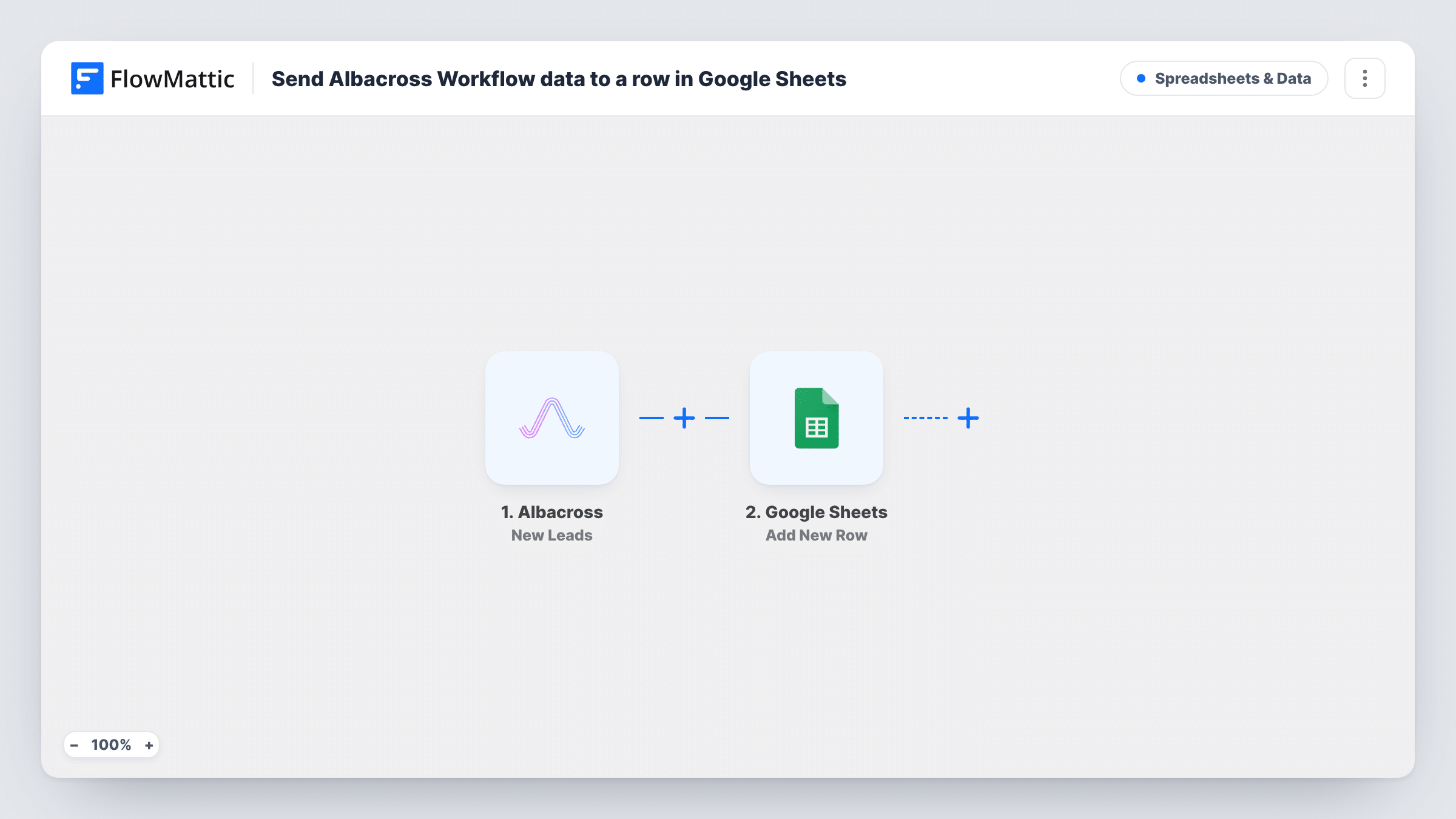
The Albacross New Leads trigger fires when Albacross passes a lead to FlowMattic. The lead's data is handed to Google Sheets, and the Add New Row action writes it to the spreadsheet you connect. You decide which lead values fill which columns.
The template has no conditions, so each lead received becomes one row. It never edits existing rows, which keeps the sheet a simple log in the order leads arrived. Every run is recorded in Task History, where you can confirm a lead was written or see an error from Google.
Daily lead list for a sales team
Map a date into each row, and reps can open the shared sheet each morning, filter to yesterday and split the new Albacross leads between them.
Reporting on identified leads
Marketing builds charts from the sheet to show how many leads Albacross delivers each week, without exporting anything by hand.
Handing leads to an outside partner
An agency or reseller works from the Google Sheet you share, so they see new leads without needing access to your Albacross account.
How this workflow runs
What happens at each step once the workflow is on, and what you need before you import it.
 Albacross New Leads
Fires when Albacross sends FlowMattic a new lead. The lead's data becomes available to map into the spreadsheet row.
- Google Sheets Add New Row
Adds one row per lead to the Google Sheets spreadsheet you connect. Map the Albacross values you want to keep to the sheet's columns after connecting your Google account.
What you need
- FlowMatticCore
- Albacross AccountAccount
- Google Sheets AccountAccount
After importing, map your own data. To keep the template universal, not every step is pre-filled. Open each step in the builder and connect your accounts and fields (channels, lists, sheets, recipients) before you switch the workflow on.
Make it yours
Changes worth making after you import it.
- Add a header row to the sheet first, then wait for or trigger a test lead so FlowMattic captures real Albacross data before you map columns.
- Add a Filter after the trigger if your team only wants some leads in the sheet, with a condition on any value the Albacross lead carries.
- Keep a few spare columns at the right for your team's notes, such as owner and status, and leave them unmapped so the workflow never fills them.
Questions about this workflow
Does this workflow change anything in Albacross?
No. It only receives the lead data Albacross sends and writes it to Google Sheets. Your leads in Albacross stay as they are.
What is the difference between Albacross New Leads and All Leads?
FlowMattic lists both triggers for Albacross. This template uses New Leads, which fires when a lead is received. If you are unsure which suits you, test both and compare the runs in Task History.
Will Albacross leads from before import show up in Google Sheets?
No. Rows are added only for leads received after you turn the workflow on. Earlier leads stay in Albacross.
Can a lead that comes in twice create two rows?
Yes. The Google Sheets step adds a row each time the trigger fires and does not look for an existing one, so check the sheet for duplicates if that matters.
More Spreadsheets & Data workflows
Other ready-to-import templates from the same category.




Import this workflow into your WordPress site
Download the JSON, import it from the Workflows screen and connect your accounts. Every run stays on your server, with no per-task fees.
30-day money-back guarantee Unlimited workflows and runs Self-hosted