

When form submitted in Zoho LandingPage, create record in Airtable for conversion tracking and ROI analysis
Every Zoho LandingPage form submission becomes a record in your Airtable base, giving you one table of leads to sort, count and compare by campaign.
 Zoho Landing Page
 Airtable
2 steps Setup ~5 min Used on 2.2k sites Free to import
What this workflow does
Judging which landing pages pay off means counting leads per campaign and comparing them with what you spent. That's hard when submissions live inside the landing page tool. This workflow copies each Zoho LandingPage submission into Airtable, where you can build the views and summaries yourself.
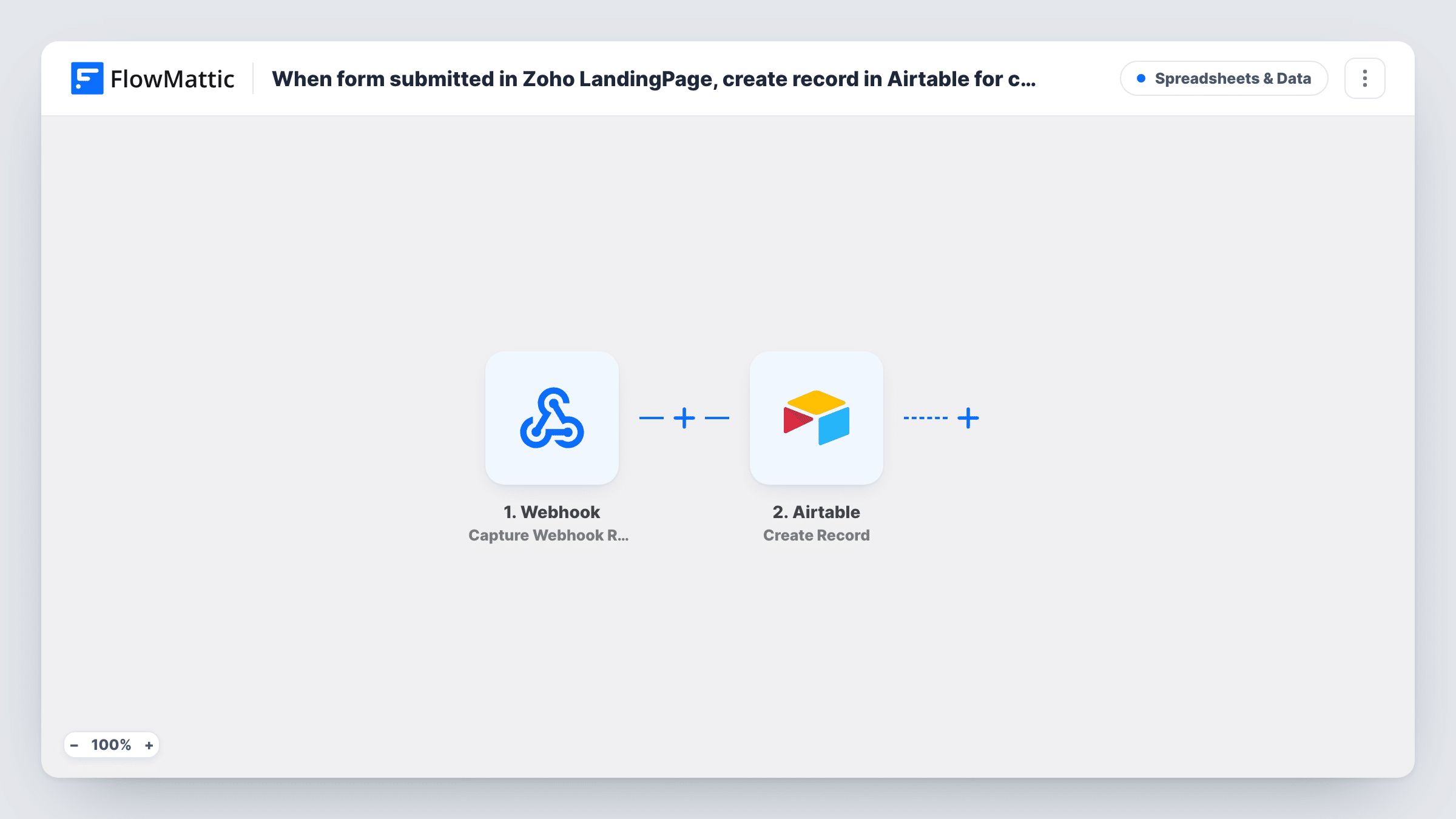
A run starts when a lead submits a form on your landing page. The Airtable step, Create Record, then adds one new record to the base and table you pick. It ships unmapped: after import, match the form fields to your Airtable columns. For tracking, include whatever tells campaigns apart, such as the page name, a UTM value if your form captures one, or a fixed text that names the campaign.
The workflow only records submissions. The analysis happens in Airtable: group records by campaign, count them, and add your own fields for spend or deal value to work out cost per lead. Every submission creates a record, including repeat submissions from the same person.
Submit a test lead, then check the new record in Airtable and the run in Task History.
Comparing ad campaigns
A marketing team runs three Zoho landing pages for different ads and groups the Airtable records by page to see which brought in the most leads.
Cost per lead for a webinar
An event organiser adds the ad spend to an Airtable field and divides it by the number of webinar sign-up records each week.
Shared lead table for sales
Sales reps work from the Airtable view of new submissions, adding status and deal value columns that the marketing team later reports on.
How this workflow runs
What happens at each step once the workflow is on, and what you need before you import it.
 Zoho Landing Page New Form Submission
Starts the workflow when a lead submits a form on your Zoho landing page. The submitted fields are passed on for mapping into Airtable.
- Airtable Create Record
Adds one Airtable record per Zoho submission to the table you select. Nothing is mapped in the template, so match each form field to a column, and add a campaign or page value for tracking.
What you need
- FlowMatticCore
- Zoho Landing Page AccountAccount
- Airtable AccountAccount
After importing, map your own data. To keep the template universal, not every step is pre-filled. Open each step in the builder and connect your accounts and fields (channels, lists, sheets, recipients) before you switch the workflow on.
Make it yours
Changes worth making after you import it.
- If your Zoho landing page form captures the UTM campaign, map it into its own Airtable column so you can group records by source.
- Map a fixed text such as the landing page's name into an Airtable field if you run several pages, so you can count leads per page.
- Create a single-select status field in Airtable for sales to update, so you can count which leads turned into customers.
- Duplicate the workflow for each landing page and set a different fixed campaign value in each copy's Airtable step.
Questions about this workflow
Does this Zoho LandingPage workflow calculate ROI for me?
No. It creates one Airtable record per submission. You add spend or revenue fields in Airtable and build the summaries there.
Do I need my Airtable columns set up before importing?
It helps. The Create Record step maps form fields to existing columns, so create the table with fields for the answers and the campaign value first.
Does a repeat Zoho LandingPage submission make a second Airtable record?
Each submission creates a new record, so repeats appear as separate rows. That keeps a true count of submissions; use Airtable grouping by email if you want unique people.
More Spreadsheets & Data workflows
Other ready-to-import templates from the same category.





Import this workflow into your WordPress site
Download the JSON, import it from the Workflows screen and connect your accounts. Every run stays on your server, with no per-task fees.
30-day money-back guarantee Unlimited workflows and runs Self-hosted