

Send email via SMTP for new MakeForms submissions
Each new MakeForms response sends an email through FlowMattic’s Email module, using WordPress mail or an SMTP account you set up, to the respondent, your team, or both.
 MakeForms
 Email
Email2 steps Setup ~5 min Used on 2.0k sites Free to import
What this workflow does
MakeForms collects the responses, but you may want an email to go out the moment one arrives: a thank-you to the person who filled it in, or a notice to whoever handles the request. Sending it from your own mail setup keeps your domain and sender name on the message.
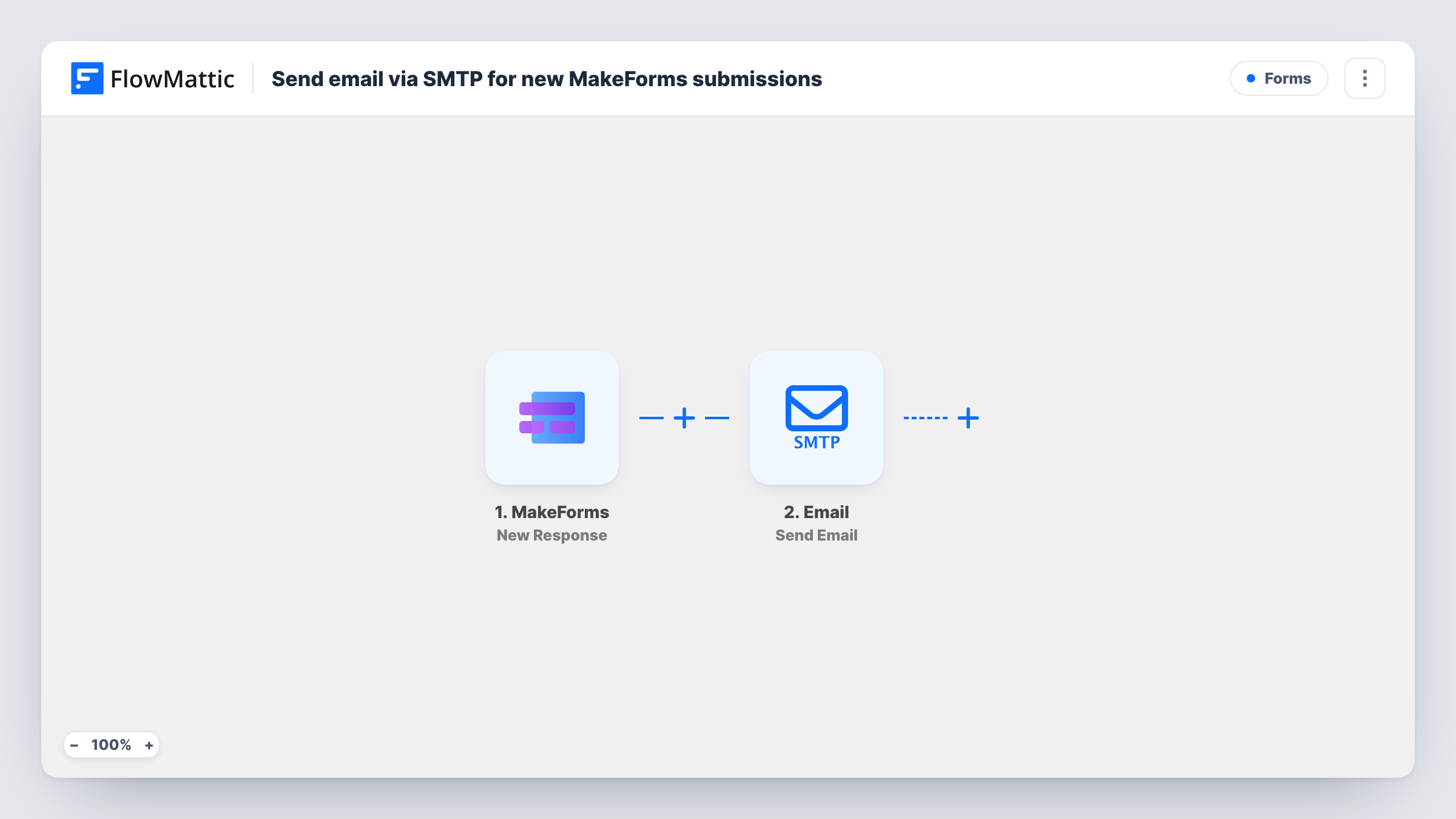
The MakeForms trigger fires when a form submission is received. FlowMattic passes the answers to the Email step, which sends a message using WordPress's built-in mail function or a custom SMTP account. You set the recipient, either a fixed address or the email field from the form, and write the subject and body with answers mapped in.
Every response sends one email. If you want both a confirmation to the respondent and an alert to yourself, add a second Email step. Task History records each run, so you can check what MakeForms sent and whether the email went out.
Thank-you note for survey takers
Respondents to a MakeForms survey get an email from your own address thanking them and repeating what happens next.
Request alerts for a small office
Service requests made through a MakeForms form are emailed to the office inbox with the answers laid out, so nobody has to log in to MakeForms.
Application received confirmation
Applicants get an email confirming their MakeForms application arrived, sent from your domain through your SMTP provider.
How this workflow runs
What happens at each step once the workflow is on, and what you need before you import it.
 MakeForms New Response
Fires when MakeForms receives a new response to your form. The answers are passed on for use in the email.
 Email Send Email
Sends an email using WordPress mail or the SMTP account you set up in the step. Choose the recipient, write the subject and message, and map in MakeForms answers.
What you need
- FlowMatticCore
- MakeForms AccountAccount
After importing, map your own data. To keep the template universal, not every step is pre-filled. Open each step in the builder and connect your accounts and fields (channels, lists, sheets, recipients) before you switch the workflow on.
Make it yours
Changes worth making after you import it.
- Add a second Email step addressed to your team, so each response sends a confirmation to the respondent and an alert to you.
- Enter your SMTP provider's details in the Email step instead of WordPress mail, so messages go out through a service built for sending.
- Submit a test response with your own address after import, then map the captured MakeForms fields and check the email you get.
Questions about this workflow
Can the email go to the person who filled in the MakeForms form?
Yes, if the form asks for an email address. Map that answer into the recipient of the Email step.
Do I need an SMTP account to send MakeForms emails?
No. The Email step can use WordPress's built-in mail. An SMTP account is optional and lets you send through your own mail provider.
How does MakeForms send responses to FlowMattic?
The New Response trigger receives each submission by webhook. After import, open the trigger and follow its setup to connect your MakeForms form, then send a test response.
More Forms workflows
Other ready-to-import templates from the same category.







Import this workflow into your WordPress site
Download the JSON, import it from the Workflows screen and connect your accounts. Every run stays on your server, with no per-task fees.
30-day money-back guarantee Unlimited workflows and runs Self-hosted