

Send instant payment receipts and support info via WhatsApp after successful payments
When your payment system posts a successful payment to a FlowMattic webhook, this workflow sends the buyer a WhatsApp template message through Lancepilot with their receipt and support details.
 Webhook
 Lancepilot
2 steps Setup ~5 min Used on 2.0k sites Free to import
What this workflow does
If your customers already talk to you on WhatsApp, that is a natural place for a payment receipt. A short message with the amount, a reference and where to get help puts everything in the chat they use. This workflow sends that message through Lancepilot, the WhatsApp tool you connect.
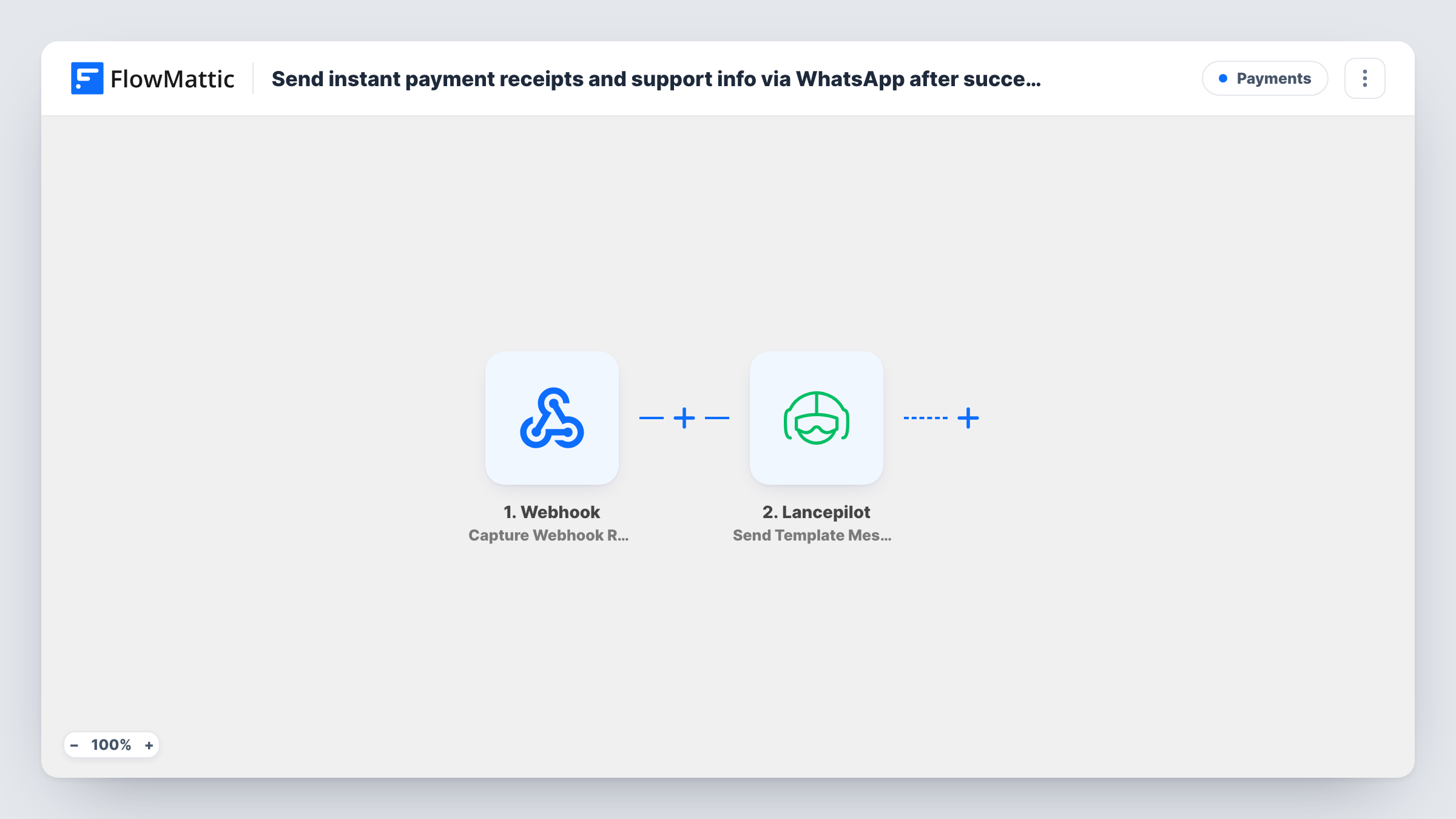
The first step is a generic Webhook. FlowMattic gives you a URL, and your checkout, payment gateway or store has to post to it when a payment succeeds. The workflow does not check payment status itself, so set up the sender to call the URL only for successful payments. Whatever the sender includes, such as the buyer's phone number, amount and order reference, becomes data you can map.
The Lancepilot step then sends a template message to the buyer's WhatsApp number. You pick a message template you have set up in Lancepilot and map the payment values into it, so the receipt and your support contact appear in the text. Each call to the webhook sends one message, and Task History shows each run along with any error Lancepilot returns.
Course sales from a custom checkout
Your checkout posts to the webhook after each paid order. The student gets a WhatsApp message with the amount paid and the number to contact if they cannot log in.
Service bookings paid in advance
A salon or clinic takes a deposit online. The client receives a receipt on WhatsApp with the booking reference and how to reach the front desk.
Local shop with WhatsApp support
Customers already message your shop on WhatsApp. Sending the receipt there keeps the payment and any follow-up question in the same chat.
How this workflow runs
What happens at each step once the workflow is on, and what you need before you import it.
 Webhook Capture Webhook Response
Gives you a webhook URL that receives data from your payment system. Set that system to post to it when a payment succeeds, including the buyer's phone number and payment details.
- Lancepilot Send Template Message
Sends a WhatsApp template message through Lancepilot to the number you map from the webhook data. Choose your template and fill it with the receipt and support details.
What you need
- FlowMatticCore
- Lancepilot AccountAccount
After importing, map your own data. To keep the template universal, not every step is pre-filled. Open each step in the builder and connect your accounts and fields (channels, lists, sheets, recipients) before you switch the workflow on.
Make it yours
Changes worth making after you import it.
- Add a Filter after the webhook that continues only when the payment status field equals your sender's success value, in case it also posts failed or pending payments.
- Phone numbers arrive in many formats. Add Number Formatter's Format Phone Number step before Lancepilot, or fix the format at the sender, so the number carries the country code.
- Post a sample payment to the webhook URL after import so FlowMattic captures the fields, then map the phone number and amounts into the Lancepilot template.
Questions about this workflow
Which payment platforms can trigger this WhatsApp receipt?
Any system that can post data to a webhook URL when a payment succeeds. FlowMattic does not connect to it directly here, so you set the webhook up on the payment side.
Does the Lancepilot message need a template?
Yes. The step sends a template message, so create the template in your Lancepilot account first, then select it in the step and map the payment values into it.
What if the webhook data has no phone number for the buyer?
The Lancepilot step has no number to send to, and Task History will show the error for that run. Make sure your payment system collects a phone number and includes it in the payload.
Will refunds or failed payments send a WhatsApp receipt?
Only if your payment system posts them to the webhook. The template sends a message for every call it receives, so limit the sender or add a Filter on the status field.
More Payments workflows
Other ready-to-import templates from the same category.





Import this workflow into your WordPress site
Download the JSON, import it from the Workflows screen and connect your accounts. Every run stays on your server, with no per-task fees.
30-day money-back guarantee Unlimited workflows and runs Self-hosted