

Promote a post for new payment in PayPal
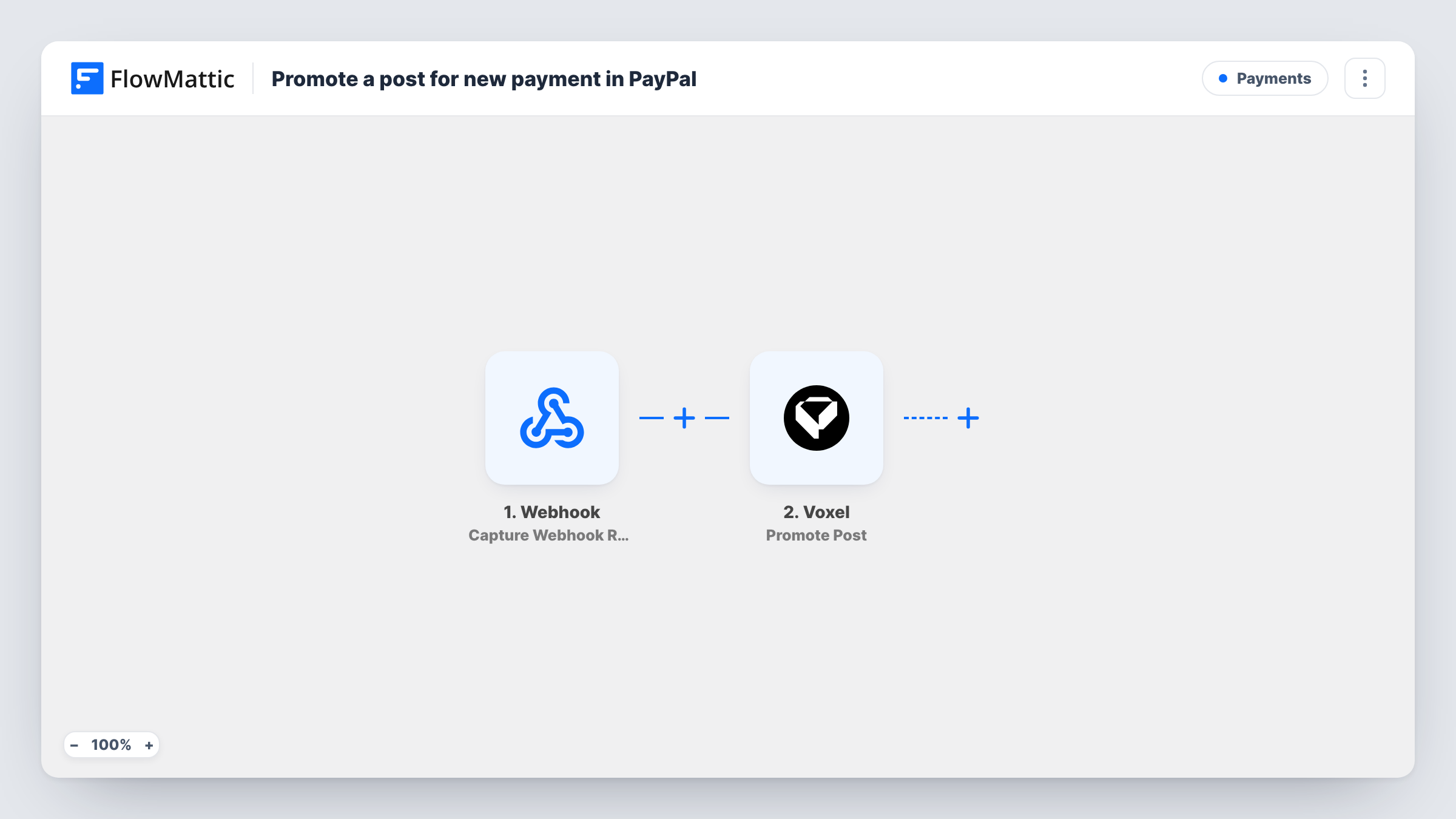
When PayPal posts a payment event to this workflow’s webhook URL, FlowMattic runs Voxel’s Promote Post on the listing named in that payment, so paid promotions can start without you switching them on by hand.
 Webhook
 Voxel
Voxel2 steps Setup ~5 min Used on 1.3k sites Free to import
What this workflow does
If you sell listing promotions on a Voxel directory and take the money through PayPal, someone has to match each payment to a post and promote it. This workflow does the promoting when PayPal tells it about a payment, as long as the payment carries the post it is for.
The first step is a Webhook trigger, Capture Webhook Response, which gives you a URL. FlowMattic has no built-in PayPal trigger, so you set PayPal up to post its payment events to that URL. Whatever PayPal sends becomes data in FlowMattic. The Voxel step then runs Promote Post on the post you map.
Promote Post needs the ID of the Voxel post to promote. PayPal doesn't know your post IDs, so the payment must carry one, for example in a custom value you attach to the payment when you create it. Test with a payment for a known post and check Task History. Without a post ID in the payload, the step has nothing to promote.
Featured listings on a business directory
A business owner pays through PayPal to feature their listing. The payment carries the listing's post ID, and the workflow promotes that post.
Boosted job posts on a job board
Employers pay to boost a job ad. Once PayPal posts the payment to the webhook, the matching job post on your Voxel site is promoted.
Promoted events on a local events site
Organisers pay a fee to promote an event listing. The PayPal payment includes the event's post ID, so the promotion starts from the payment.
How this workflow runs
What happens at each step once the workflow is on, and what you need before you import it.
 Webhook Capture Webhook Response
Gives you a webhook URL to receive data. Set PayPal to post its payment events here, then send a test so FlowMattic captures the fields, including the post ID you attached.
 Voxel Promote Post
Runs Voxel's Promote Post on a post on your site. Map the post ID from the PayPal payload. Test with a known post to confirm the promotion is applied.
What you need
- FlowMatticCore
- Voxel AccountAccount
After importing, map your own data. To keep the template universal, not every step is pre-filled. Open each step in the builder and connect your accounts and fields (channels, lists, sheets, recipients) before you switch the workflow on.
Make it yours
Changes worth making after you import it.
- Add a Filter after the webhook that continues only when the PayPal event shows a completed payment, so other event types don't promote anything.
- If a promotion should end when a payment is refunded, build a second webhook workflow that runs Voxel's Cancel Promotion with the same post ID.
- Add a Voxel Send Email to User or Send direct message step after Promote Post to tell the listing owner their promotion is live.
Questions about this workflow
Does FlowMattic have a built-in PayPal trigger for this?
No. This workflow uses a generic webhook, so PayPal has to be set up to post payment events to its URL.
How does the workflow know which Voxel post to promote?
From the PayPal data. The payment has to carry the post ID, for example in a custom value set when the payment is created. Map that value into the Promote Post step.
Will every PayPal webhook event promote a post?
As imported, yes, every call to the URL runs Promote Post. Add a Filter on the event type and payment status so only completed payments do.
Do I need anything besides PayPal and Voxel?
Voxel on the same WordPress site as FlowMattic, and access to your PayPal account's webhook settings so you can add the URL.
More Payments workflows
Other ready-to-import templates from the same category.





Import this workflow into your WordPress site
Download the JSON, import it from the Workflows screen and connect your accounts. Every run stays on your server, with no per-task fees.
30-day money-back guarantee Unlimited workflows and runs Self-hosted