

Update membership levels in Paid Memberships Pro for new successful payments in Stripe
Each successful Stripe charge creates a WordPress account for the payer and adds that user to a Paid Memberships Pro level, so people who pay outside your site still get access.
 Stripe
 WordPress
 Paid Memberships Pro
3 steps Setup ~5 min Used on 769 sites Free to import
What this workflow does
Some membership sites take payments through Stripe directly, with payment links, invoices or another checkout, rather than through Paid Memberships Pro's own checkout. Those payers then need an account and a level by hand. This workflow does both from the Stripe charge.
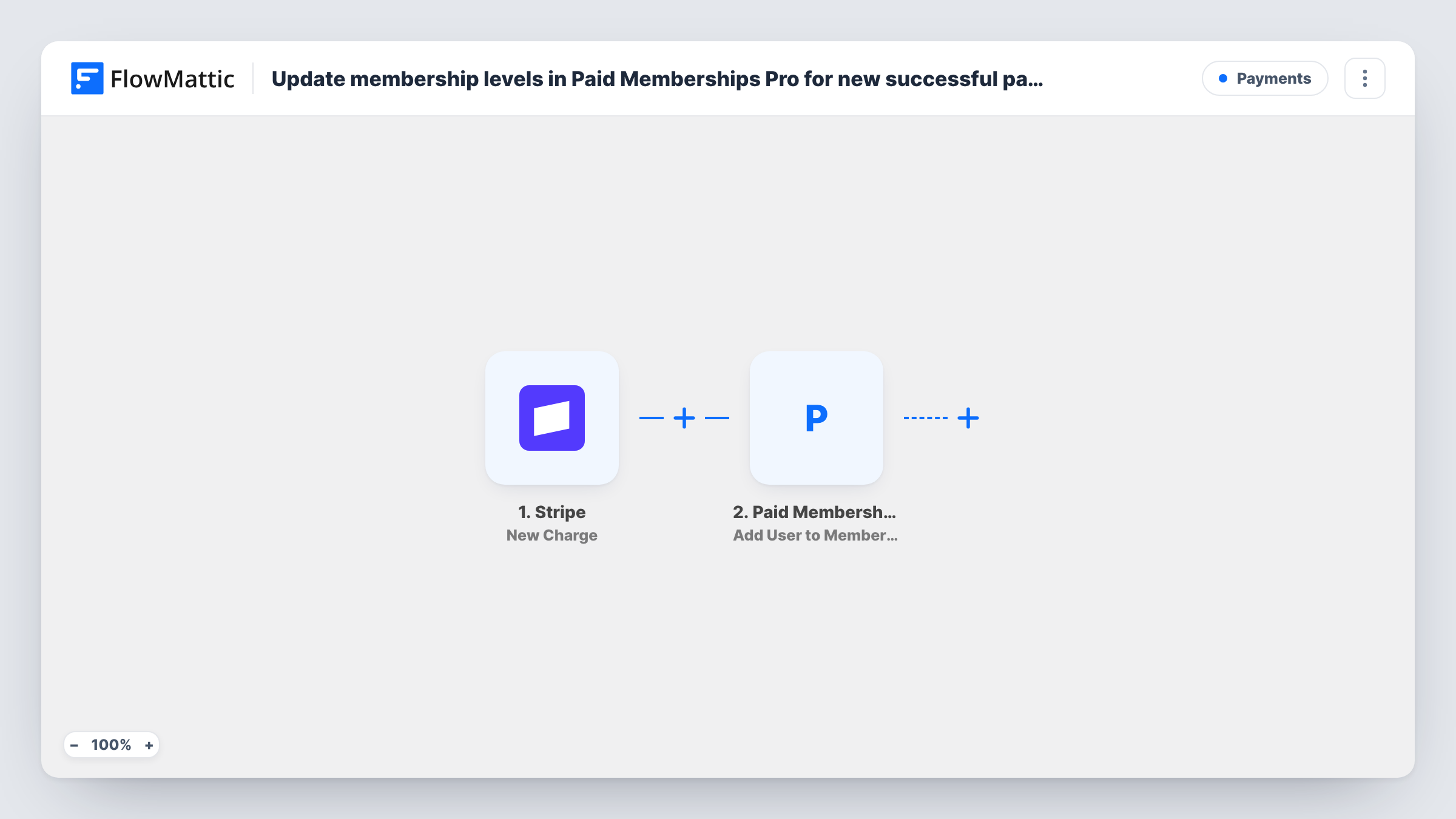
The Stripe trigger is New Charge, which FlowMattic describes as firing whenever a charge is created and succeeds. Every successful charge on the account starts a run, whatever it was for. Check a test charge to see whether the payer's email and name arrive with it; if they don't, add Stripe's Find Customer by ID step between the trigger and New User, and map from its result.
Next, WordPress registers a login for the payer. If the email is already registered, WordPress doesn't add a duplicate and the step reports that existing user's ID, so returning payers keep one login. The Paid Memberships Pro step adds that user to a membership level.
Neither the WordPress step nor the membership step comes mapped. After import, map the payer's email and a username into New User, then map the user ID it returns into Add User to Membership Level and pick the level. Make a test payment and read each step's output in Task History.
Payment links for a private community
A coach sells access with a Stripe payment link shared in emails; each payer gets a WordPress login and the Members level in Paid Memberships Pro.
Invoiced corporate memberships
A training provider bills companies through Stripe invoices, and each paid charge opens a membership for the contact on the invoice.
Moving payments from another checkout
A site that sells through an external Stripe-powered checkout keeps memberships in WordPress without rebuilding its sales pages.
How this workflow runs
What happens at each step once the workflow is on, and what you need before you import it.
 Stripe New Charge
Fires for every Stripe charge that is created and succeeds. Check a test charge for the payer's email; if it's missing, look the customer up with Stripe's Find Customer by ID.
- WordPress New User
Creates a WordPress user for the payer. The step ships unmapped: map the email and a username. An email that already has an account isn't duplicated; Task History shows the user ID returned.
- Paid Memberships Pro Add User to Membership Level
Adds the WordPress user from step 2 to a Paid Memberships Pro level. After import, map that user ID and pick the level members should get.
What you need
- FlowMatticCore
- Stripe AccountAccount
- Paid Memberships Pro PluginPlugin
After importing, map your own data. To keep the template universal, not every step is pre-filled. Open each step in the builder and connect your accounts and fields (channels, lists, sheets, recipients) before you switch the workflow on.
Make it yours
Changes worth making after you import it.
- If only some charges are memberships, put a Filter between the Stripe trigger and the New User step that continues on the charge description or amount you use for them. The Filter compares numbers without decimals.
- Map a role such as subscriber into the New User step so new members get the role your site expects.
- Add an Email step after the Paid Memberships Pro step to send the new member their login link or a password reset link.
Questions about this workflow
Do one-off Stripe payments for other products also create members?
Yes, as imported. New Charge fires for every successful charge. Put a Filter between the Stripe trigger and the New User step that checks something only membership charges carry, such as the description.
What if the Stripe payer already has a WordPress account?
WordPress won't create a second account for that email. The New User step returns the existing user's ID, and the Paid Memberships Pro step adds that account to the level.
Does a Stripe subscription renewal run this again?
Each renewal that creates a successful charge starts a run, so the same user is sent to the level again. Check Task History after a renewal to see what Paid Memberships Pro returned.
Is the member removed if the charge is refunded in Stripe?
No. This workflow only adds levels. Paid Memberships Pro has a Remove User from Membership Level action in FlowMattic that you could use in a separate workflow.
More Payments workflows
Other ready-to-import templates from the same category.






Import this workflow into your WordPress site
Download the JSON, import it from the Workflows screen and connect your accounts. Every run stays on your server, with no per-task fees.
30-day money-back guarantee Unlimited workflows and runs Self-hosted