

Send message to team on Slack when new site is added to MainWP
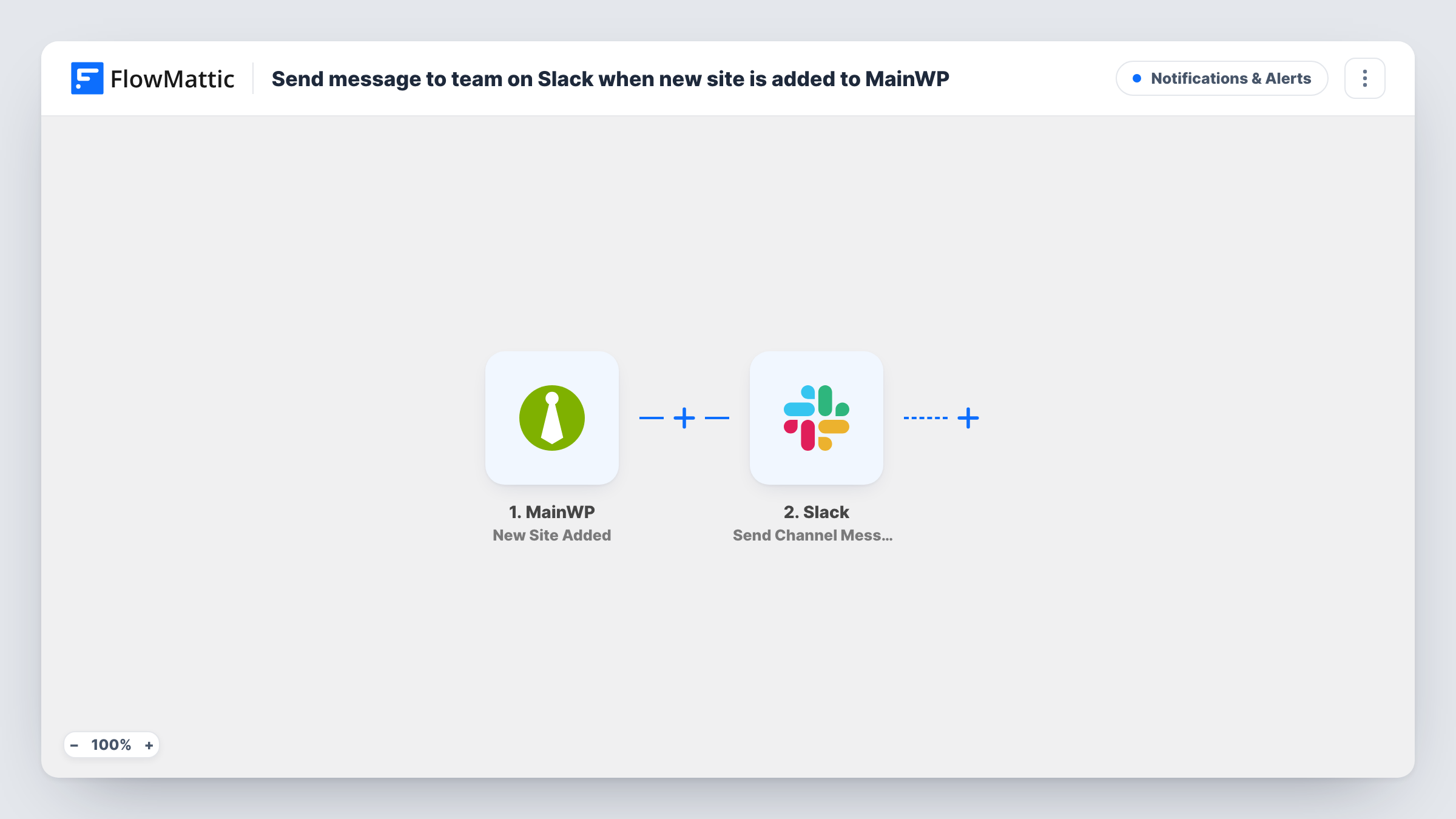
When a new site is added to your MainWP dashboard, this workflow posts a message to the Slack channel you choose, so your team knows another site is now under management.
 MainWP
 Slack
2 steps Setup ~5 min Used on 3.4k sites Free to import
What this workflow does
Agencies and freelancers who run many WordPress sites from MainWP often add new ones as clients sign up. The person adding the site knows, but the rest of the team may not hear about it until something needs fixing. This workflow tells them in Slack straight away.
The MainWP trigger, New Site Added, fires when a site is added to your MainWP dashboard. FlowMattic passes the site's details to Slack, where Send Channel Message posts to the #channel you pick. You write the message and map in details MainWP sends, such as the site's name or URL.
MainWP runs on WordPress, so FlowMattic needs to be on the same site as your MainWP dashboard for the trigger to fire. Each added site sends one message. Task History records each run if you need to check what was posted.
Agency onboarding a new client
When the account manager adds the client's site to MainWP, the support team sees it in Slack and starts its first updates and backups.
Freelancer working with subcontractors
A developer you work with learns in a shared Slack channel which new sites they will be maintaining.
Keeping a record of growth
A dedicated Slack channel becomes a simple timeline of every site added to your MainWP dashboard.
How this workflow runs
What happens at each step once the workflow is on, and what you need before you import it.
 MainWP New Site Added
Fires when a new site is added to your MainWP dashboard. The site's details from MainWP become available to map into the Slack message.
- Slack Send Channel Message
Posts a notice to the Slack channel you choose about the newly added MainWP site. Connect your Slack workspace, pick the channel and map site details into the text.
What you need
- FlowMatticCore
- MainWP AccountAccount
- Slack AccountAccount
After importing, map your own data. To keep the template universal, not every step is pre-filled. Open each step in the builder and connect your accounts and fields (channels, lists, sheets, recipients) before you switch the workflow on.
Make it yours
Changes worth making after you import it.
- Include the site URL in the message so teammates can open the new site straight from Slack.
- Build a second workflow on MainWP's Site Removed trigger that posts to the same channel, so the team also hears when a site leaves the dashboard.
- Add a test site to MainWP after import, then look at the captured data to choose which details go into the message.
Questions about this workflow
Does FlowMattic need to be installed on the MainWP dashboard site?
Yes. MainWP is a WordPress plugin, and the New Site Added trigger runs on the WordPress site where your MainWP dashboard lives, so FlowMattic must be installed there too.
Are sites already in MainWP announced when I import?
No. Only sites added after the workflow is on send a message. Existing sites stay quiet.
Does a MainWP site sync post a Slack message too?
No. Sync is a separate MainWP trigger. This workflow only listens for newly added sites.
More Notifications & Alerts workflows
Other ready-to-import templates from the same category.




Import this workflow into your WordPress site
Download the JSON, import it from the Workflows screen and connect your accounts. Every run stays on your server, with no per-task fees.
30-day money-back guarantee Unlimited workflows and runs Self-hosted