

Send notifications in Pushover with new caught webhooks
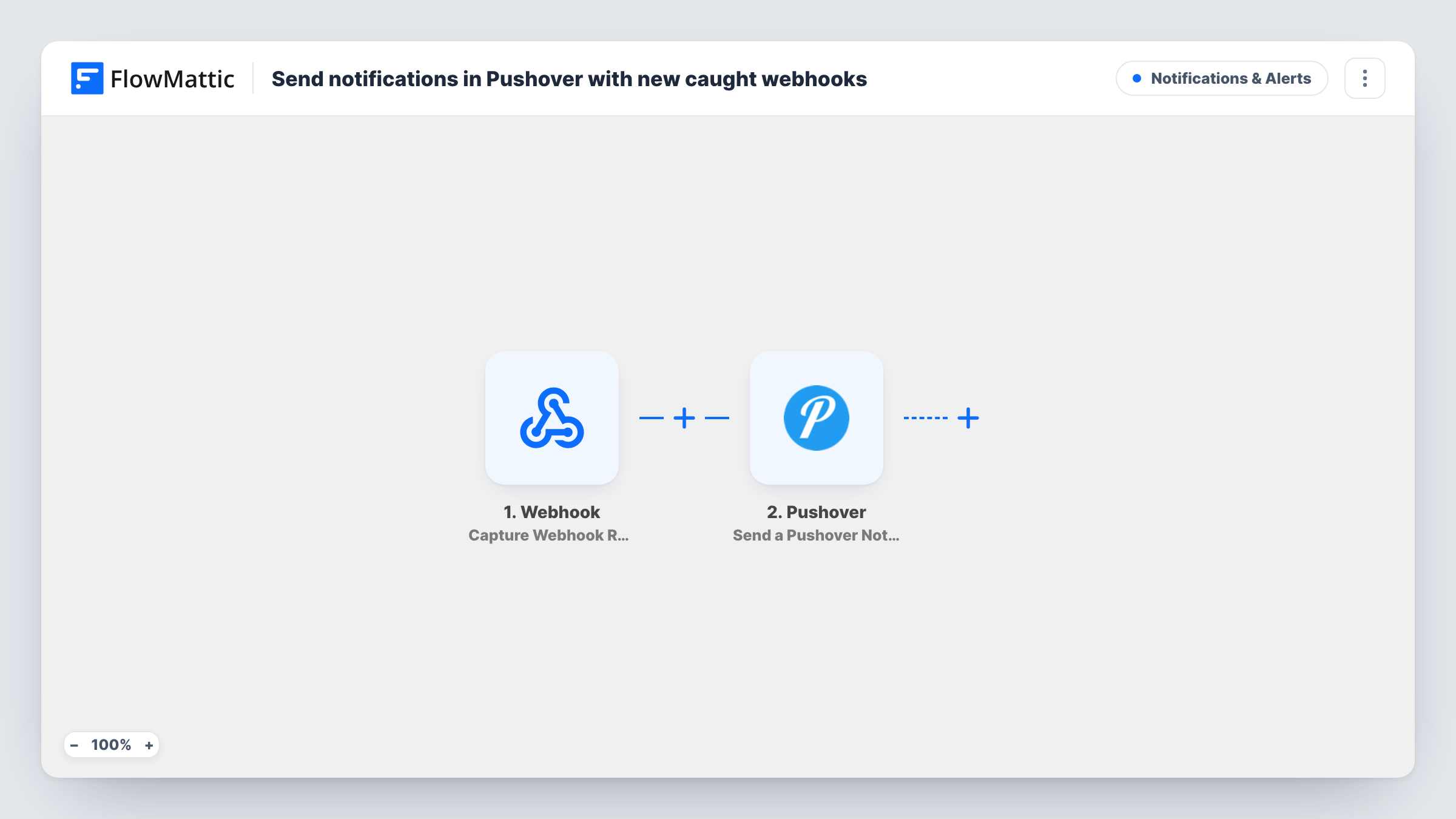
Any service that can post to a webhook URL can push a Pushover notification to your phone or desktop with this workflow, using details from the data it sends.
 Webhook
 Pushover
2 steps Setup ~5 min Used on 2.6k sites Free to import
What this workflow does
Plenty of tools can call a webhook when something happens, but few of them can reach your phone directly. Pushover can. This workflow joins the two: a FlowMattic webhook URL receives the data, and Pushover turns it into a notification on your subscribed devices.
After import, the Webhook trigger gives you a unique URL. Paste it into the service that should send alerts, such as a monitoring tool, a payment system or a script of your own. Each request that arrives at that URL starts a run, and the data it carries becomes fields you can map. The Pushover step then generates a notification to your subscribed devices, with the message built from those fields.
Every request produces one notification, whatever it contains. Send one sample request after import so FlowMattic captures its structure, then map the fields you want to read in the alert. Task History keeps each request and the result Pushover returned.
Alerts from a home-grown script
A backup script on your server posts to the webhook when it finishes. You get a Pushover notification with the job name and result.
Payments from a service without Pushover support
A payment tool that only offers outgoing webhooks posts each new payment, and the amount and customer name show up on your phone.
Uptime or cron monitoring
A monitoring service calls the webhook when a check changes state, giving you a phone notification without installing that service's own app.
How this workflow runs
What happens at each step once the workflow is on, and what you need before you import it.
 Webhook Capture Webhook Response
Gives you a unique webhook URL and runs each time a request arrives at it. The data in the request is captured and passed on for mapping.
- Pushover Send a Pushover Notification
Generates a Pushover notification to your subscribed devices. Connect your Pushover account and build the message from the webhook data you received.
What you need
- FlowMatticCore
- Pushover AccountAccount
After importing, map your own data. To keep the template universal, not every step is pre-filled. Open each step in the builder and connect your accounts and fields (channels, lists, sheets, recipients) before you switch the workflow on.
Make it yours
Changes worth making after you import it.
- Add a Filter after the webhook if the sender posts events you don't care about, for example continuing only when a status field equals failed.
- Put the most useful value, such as an amount or a server name, at the start of the message so you can read it from the lock screen.
- Want a record of each alert? Add a Google Sheets step after Pushover that logs the webhook data with the time it arrived.
Questions about this workflow
Which apps can send to this Pushover webhook?
Any app, service or script that can make an HTTP request to a URL. Paste the FlowMattic webhook URL into its webhook or notification settings.
Does every request to the webhook send a Pushover notification?
Yes. The template has no condition, so each request produces one notification. Add a Filter to be more selective.
Do I need a Pushover account?
Yes. You connect your Pushover account in the second step, and notifications go to the devices subscribed to it.
What if the webhook data changes shape later?
Fields you mapped may come through empty. Send a fresh sample request and remap the Pushover message.
More Notifications & Alerts workflows
Other ready-to-import templates from the same category.




Import this workflow into your WordPress site
Download the JSON, import it from the Workflows screen and connect your accounts. Every run stays on your server, with no per-task fees.
30-day money-back guarantee Unlimited workflows and runs Self-hosted