

When a new response is created in Formbricks, send a message to a Slack channel
Each new Formbricks survey response posts a message to the Slack channel you choose, so product and support teams see feedback in Slack instead of checking the Formbricks dashboard.
 Formbricks
 Slack
Slack2 steps Setup ~5 min Used on 335 sites Free to import
What this workflow does
Survey feedback is most useful while it is fresh, but few people keep the Formbricks dashboard open. Teams already talk in Slack, so that is where a new response is most likely to be read and discussed. This workflow posts every new Formbricks response to a channel you pick.
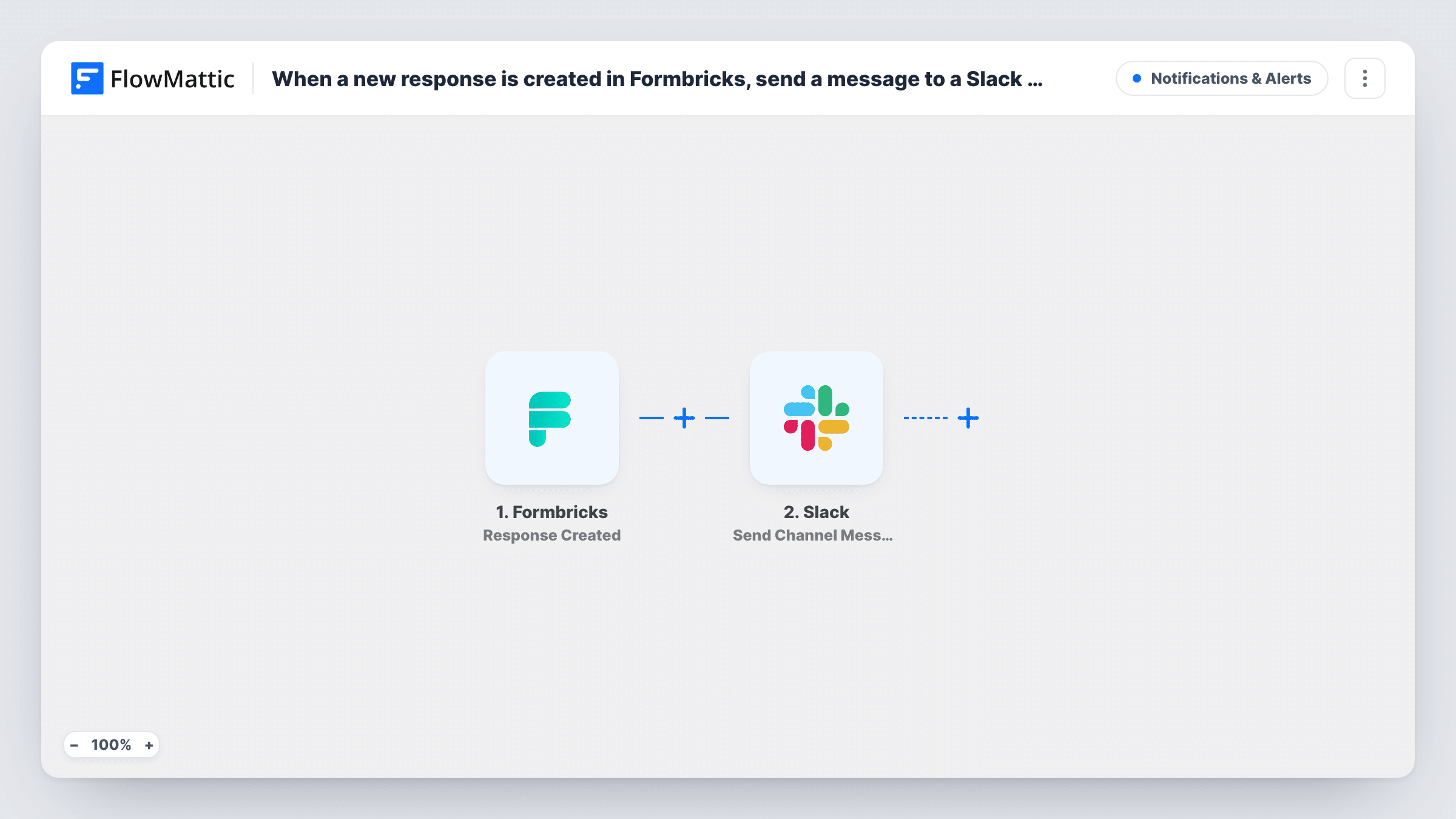
The Formbricks trigger, Response Created, fires when a new response is created for a survey. The answers and survey details in that event become values you can map. The Slack step then runs Send Channel Message and posts the text you write, with those answers filled in, to your channel.
A response is created when it starts, so a person who leaves the survey halfway may still produce a message with only some answers. If you only want completed responses, Formbricks also has a Response Finished trigger you can switch to. Task History logs each message the workflow posts.
In-app feedback for a product team
A Formbricks survey inside your app asks users what they were trying to do. Each answer lands in #product-feedback, where designers and engineers discuss it.
NPS answers for customer success
Customer success managers see each Formbricks NPS score and comment in Slack and can reach out to low scorers the same day.
Website exit survey
Visitors leaving a pricing page are asked why. Marketing reads the reasons in a Slack channel instead of exporting responses every week.
How this workflow runs
What happens at each step once the workflow is on, and what you need before you import it.
 Formbricks Response Created
Fires when a new response is created for a Formbricks survey. The answers recorded so far and the survey details are passed on for mapping into the Slack text.
- Slack Send Channel Message
Posts a message to the Slack channel you choose, with the Formbricks answers you map into the text. Pick the channel and link your Slack workspace when you set up the step.
What you need
- FlowMatticCore
- Formbricks AccountAccount
- Slack AccountAccount
After importing, map your own data. To keep the template universal, not every step is pre-filled. Open each step in the builder and connect your accounts and fields (channels, lists, sheets, recipients) before you switch the workflow on.
Make it yours
Changes worth making after you import it.
- Swap the trigger to Formbricks Response Finished if half-completed surveys shouldn't post to Slack. Then each message holds the full set of answers.
- Add a Filter on a rating question with a less-than condition so only low scores reach the channel. A blank rating counts as 0 and passes less-than, so also require the field to be not empty.
- Send private feedback with Slack's Send Private Channel Message action instead, since Send Channel Message is for public channels.
Questions about this workflow
Will half-finished Formbricks surveys post to Slack?
They can. Response Created fires when the response is created, which can be before the person answers every question. Use the Response Finished trigger for completed surveys only.
Do all my Formbricks surveys post to the same Slack channel?
As imported, every survey the trigger covers posts to the one channel you choose. Add a Filter on the survey name or ID if you only want one survey in that channel.
Do edited Formbricks responses post again?
Not with this trigger. Response Created reacts to new responses. Formbricks has a separate Response Updated trigger if you want updates in Slack too.
More Notifications & Alerts workflows
Other ready-to-import templates from the same category.




Import this workflow into your WordPress site
Download the JSON, import it from the Workflows screen and connect your accounts. Every run stays on your server, with no per-task fees.
30-day money-back guarantee Unlimited workflows and runs Self-hosted