

Email the team via Gmail when a Pipe video finishes converting
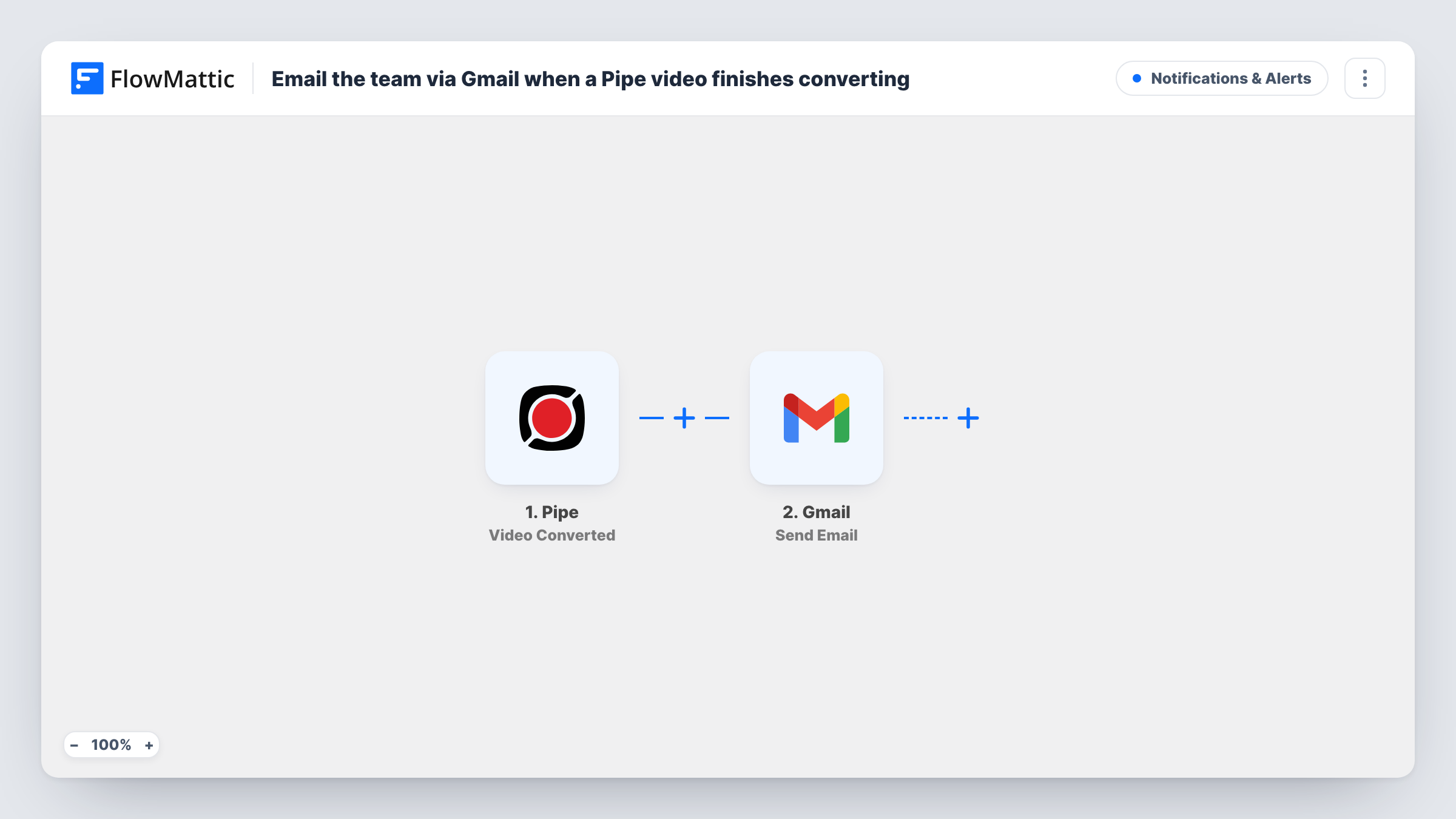
When Pipe finishes converting a recording to MP4, this workflow emails your team from your Gmail account, so editors and reviewers know the video is ready without checking Pipe themselves.
 Pipe
 Gmail
2 steps Setup ~5 min Used on 3.0k sites Free to import
What this workflow does
Pipe records video from your visitors or customers and converts each recording before it is ready to use. Until then, there is nothing to download, and nobody knows when that moment arrives unless they keep checking. This workflow sends your team an email at that point.
The Pipe trigger, Video Converted, fires right after a recording is successfully converted to the MP4 format. Pipe does not send this event when MP4 output is disabled in your Pipe account, so keep it on. The recording data from Pipe is then available to the Gmail step, which sends one email from your connected account to the addresses you enter, with your own subject and body.
Every converted recording triggers its own email. Put any details your team needs, such as a link or the recording name, into the message from the trigger data once you have seen what Pipe sends.
Video testimonials for marketing
Customers record a testimonial through Pipe, and your marketing team gets an email when the MP4 is ready to review and edit.
Candidate video answers
Applicants record answers to interview questions, and the hiring team hears by email as each recording is converted and viewable.
Support recordings from customers
A customer records their screen or camera to show a problem, and the support inbox receives a note when the file can be opened.
How this workflow runs
What happens at each step once the workflow is on, and what you need before you import it.
 Pipe Video Converted
Starts this team alert once a Pipe recording has become an MP4 file. It does not fire when MP4 output is disabled in Pipe. The recording's details become data you can use in the email.
- Gmail Send Email
Sends a message from your connected Gmail account to the team addresses you enter. Write the subject and body, and add details about the converted Pipe recording from the trigger.
What you need
- FlowMatticCore
- Pipe AccountAccount
- Gmail AccountAccount
After importing, map your own data. To keep the template universal, not every step is pre-filled. Open each step in the builder and connect your accounts and fields (channels, lists, sheets, recipients) before you switch the workflow on.
Make it yours
Changes worth making after you import it.
- Make one test recording after import so FlowMattic captures Pipe's data, then pick the fields you want to show in the email.
- Use a group or shared address as the recipient, so people can join or leave the team without editing the workflow.
- Add a Filter after the trigger if only recordings from certain forms or pages need a team email, using a value from Pipe's captured data.
Questions about this workflow
Why didn't I get an email for a new Pipe recording?
Video Converted only fires after a successful MP4 conversion, and never when MP4 output is turned off in Pipe. Check that setting and Task History for the run.
Can the Gmail email go to several teammates at once?
Add the addresses you need in the Gmail step after import and send a test, or use a shared team address so the list lives in one place.
Does the email include the Pipe video file?
The step sends the message you write. Add a link or other recording details from the trigger data, after a test run shows which fields Pipe includes.
More Notifications & Alerts workflows
Other ready-to-import templates from the same category.





Import this workflow into your WordPress site
Download the JSON, import it from the Workflows screen and connect your accounts. Every run stays on your server, with no per-task fees.
30-day money-back guarantee Unlimited workflows and runs Self-hosted