

Send Slack channel messages for new Lemon Squeezy orders
Each new order in your Lemon Squeezy store posts a message to a Slack channel you choose, so your team sees sales as they happen without logging in to the store dashboard.
 Lemon Squeezy
 Slack
2 steps Setup ~5 min Used on 999 sites Free to import
What this workflow does
When you sell digital products or software through Lemon Squeezy, the store dashboard is where orders show up. Your team, though, talks in Slack. This workflow puts a short message about each new order into a channel, so everyone sees what sold without opening another tool.
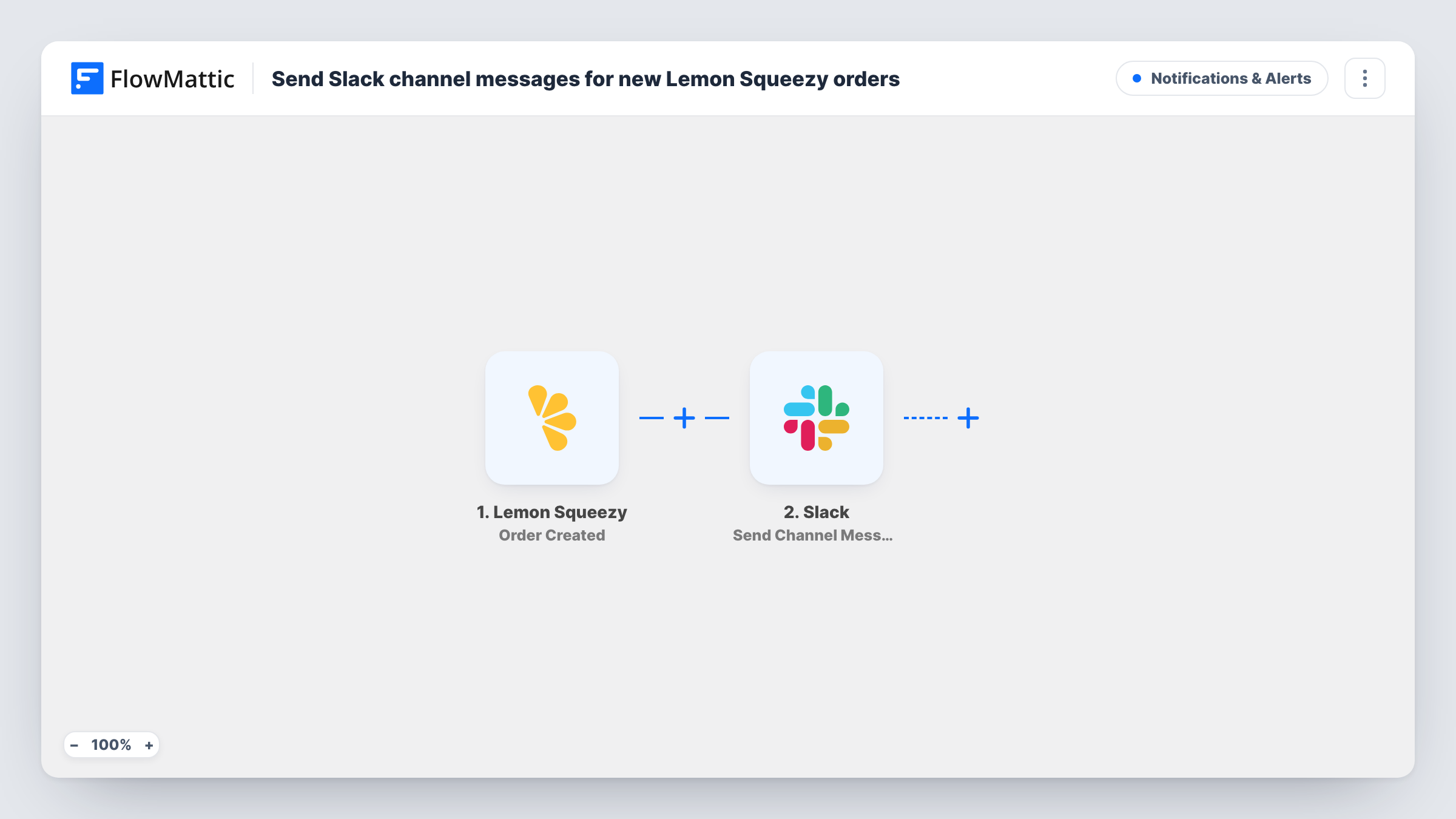
The Lemon Squeezy Order Created trigger fires when a new order is created in your store. FlowMattic receives the order data and passes it to Slack, where Send Channel Message posts to the channel you pick. You write the message and drop in order values from the trigger wherever you want them.
Every order creates one message, as the template has no conditions. Refunds and subscription events have their own Lemon Squeezy triggers and do not post here. Task History lists each run with what was sent to Slack.
Sales feed for an indie software team
A small team selling app licenses keeps a sales channel in Slack. Each Lemon Squeezy order appears there as it is created.
Launch day tracking
On the day you release a new ebook or template pack, the team watches orders arrive in Slack instead of refreshing the store dashboard.
Support team awareness
Support staff see each new order in Slack, so when a buyer writes in shortly after purchase they already know the order came through.
How this workflow runs
What happens at each step once the workflow is on, and what you need before you import it.
 Lemon Squeezy Order Created
Fires when a new order is created in your Lemon Squeezy store. The order's data is passed on so you can place it in the Slack message.
- Slack Send Channel Message
Posts a message to the Slack channel you pick for each order. Connect your Slack workspace, write the message, and map Lemon Squeezy order values such as the product and total into it.
What you need
- FlowMatticCore
- Lemon Squeezy AccountAccount
- Slack AccountAccount
After importing, map your own data. To keep the template universal, not every step is pre-filled. Open each step in the builder and connect your accounts and fields (channels, lists, sheets, recipients) before you switch the workflow on.
Make it yours
Changes worth making after you import it.
- Place a test order after import so FlowMattic captures real Lemon Squeezy order data before you write the Slack message.
- Want a separate alert for refunds? Build a second workflow on Lemon Squeezy's Order Refunded trigger that posts to the same channel.
- Keep buyer email addresses out of the message if the channel is shared widely. Map only the values your team needs, like product and amount.
Questions about this workflow
Do Lemon Squeezy subscription renewals post to Slack?
This workflow only listens for Order Created, so renewal payments don't reach it. Lemon Squeezy has separate subscription triggers, such as Subscription Payment Success, that you can use in another workflow.
Will refunded Lemon Squeezy orders be removed from Slack?
No. The workflow only posts when an order is created and never edits earlier messages. Use the Order Refunded trigger in a second workflow if you want a notice for refunds.
Can I post Lemon Squeezy orders to more than one Slack channel?
Add a second Send Channel Message step after the first, pointed at the other channel. Both run for every order.
Will past Lemon Squeezy orders be posted to Slack?
No. Only orders created after the workflow is turned on post to Slack. Earlier orders stay in your Lemon Squeezy dashboard.
More Notifications & Alerts workflows
Other ready-to-import templates from the same category.



Import this workflow into your WordPress site
Download the JSON, import it from the Workflows screen and connect your accounts. Every run stays on your server, with no per-task fees.
30-day money-back guarantee Unlimited workflows and runs Self-hosted