

Send a Slack alert whenever a SendOwl order is charged back
When a SendOwl buyer charges back a payment, FlowMattic posts a message to a Slack channel you choose, so your team learns about the dispute without checking the SendOwl dashboard.
 SendOwl
 Slack
Slack2 steps Setup ~5 min Used on 1.4k sites Free to import
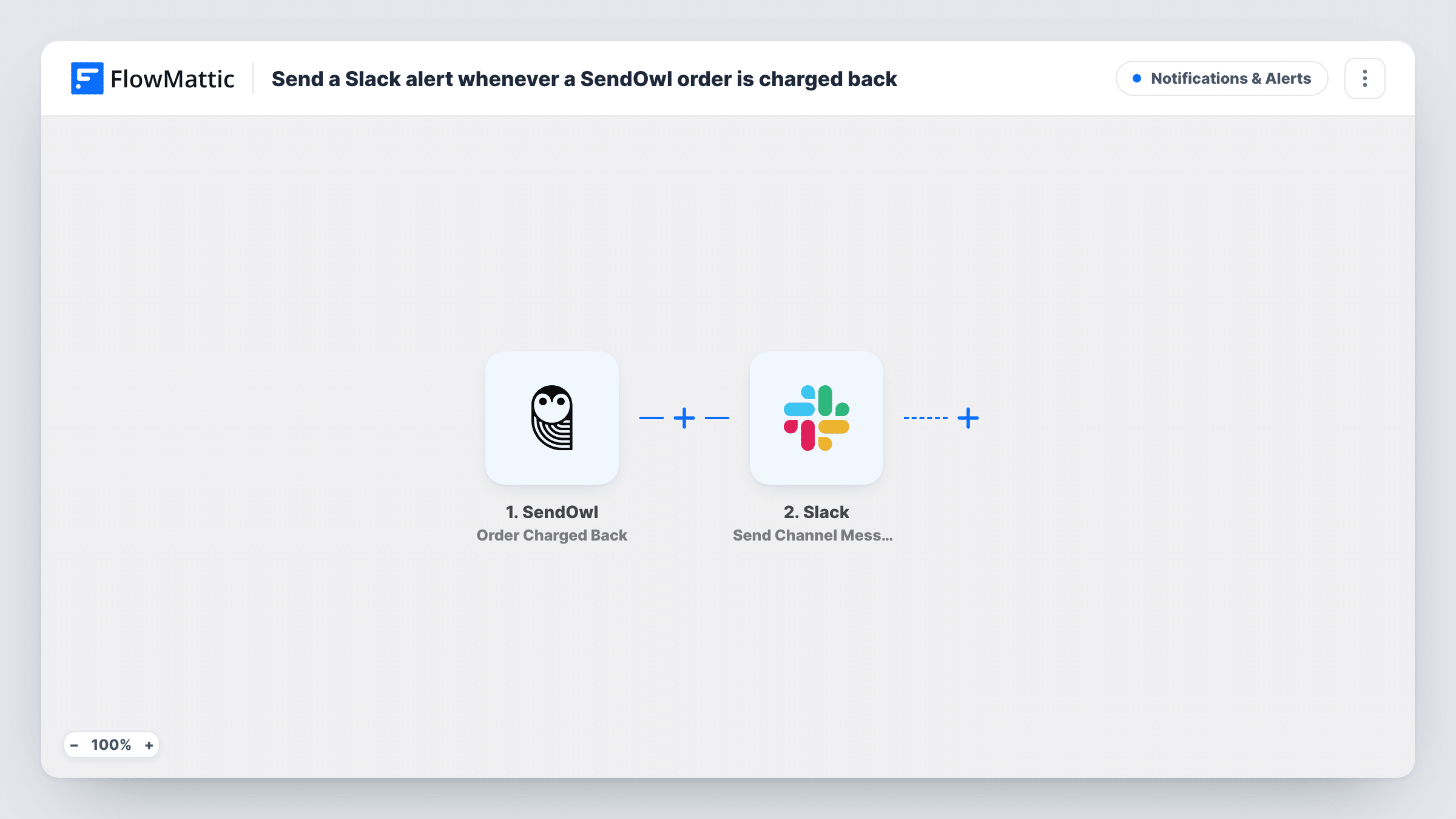
What this workflow does
A chargeback means the buyer went to their bank instead of asking you for a refund. Before you can do anything about it, someone on your team has to know it happened. This workflow puts each SendOwl chargeback in front of your team in Slack.
The SendOwl trigger, Order Charged Back, fires when a buyer has charged back their original payment. SendOwl also bars that buyer from further downloads of the purchase. FlowMattic then runs the Slack step, which posts a message to the channel you choose. You write the message and insert order values from SendOwl, such as the product or the buyer's email.
That Slack post is the whole run: no refund, note or reply goes to the buyer. The Slack post is the alert, and what to do next is up to you. Task History records each chargeback run.
Disputes channel for a digital product seller
Every SendOwl chargeback posts to a #disputes channel, so whoever handles payment disputes sees the order details in one place.
Spotting repeat chargebacks on one product
Seeing chargebacks come in one by one in Slack makes it easier to notice when the same ebook or course keeps getting disputed.
Alerting a support lead to block access
A support lead who manages customer accounts outside SendOwl, such as a members area, gets the buyer's email and can review that access.
How this workflow runs
What happens at each step once the workflow is on, and what you need before you import it.
 SendOwl Order Charged Back
Runs when a SendOwl buyer charges back their original payment. SendOwl bars them from further downloads, and the order data from the event is passed on for the Slack message.
- Slack Send Channel Message
Sends the chargeback alert to a Slack channel of your choice. Write the alert text and insert SendOwl order values, such as the order ID, product and buyer email, so the team has what it needs.
What you need
- FlowMatticCore
- SendOwl AccountAccount
- Slack AccountAccount
After importing, map your own data. To keep the template universal, not every step is pre-filled. Open each step in the builder and connect your accounts and fields (channels, lists, sheets, recipients) before you switch the workflow on.
Make it yours
Changes worth making after you import it.
- Send the alert as a direct message to the person who handles disputes by switching the Slack step to Send Direct Message.
- Add a Google Sheets step after the Slack step to log each chargeback in a row, giving you a record to review across months.
- If the channel is private, use Slack's Send Private Channel Message action instead, since the template's step is for regular channels.
Questions about this workflow
Does this workflow respond to the chargeback for me?
No. The workflow's single action is the Slack alert. Disputing the chargeback, or contacting the buyer, is still done through your payment provider and your own process.
What SendOwl order details can the Slack alert include?
Whatever SendOwl sends with the Order Charged Back event. After import, use a test or a captured event to see the values, then place the ones you want in the message text.
Do refunds in SendOwl trigger this Slack alert?
No. The trigger is specific to chargebacks. A refund you issue yourself is a different event and won't start this workflow.
Can the SendOwl chargeback alert go to more than one Slack channel?
Not as imported. The template has one Slack step for one channel. Add a second Slack step after it, pointed at the other channel, if two teams need the alert.
More Notifications & Alerts workflows
Other ready-to-import templates from the same category.





Import this workflow into your WordPress site
Download the JSON, import it from the Workflows screen and connect your accounts. Every run stays on your server, with no per-task fees.
30-day money-back guarantee Unlimited workflows and runs Self-hosted