

Send a Slack alert to your team when a RedPodium form is published
When you publish a form in RedPodium, this workflow posts a message to a Slack channel, so the team knows registration for that event is live and can start sharing the link.
 RedPodium
 Slack
2 steps Setup ~5 min Used on 2.9k sites Free to import
What this workflow does
Publishing a registration form is the moment the rest of the team needs to act: marketing posts the link, volunteers get briefed, the front desk prepares. Telling everyone by hand is one more job for the organiser. This workflow posts the news to Slack.
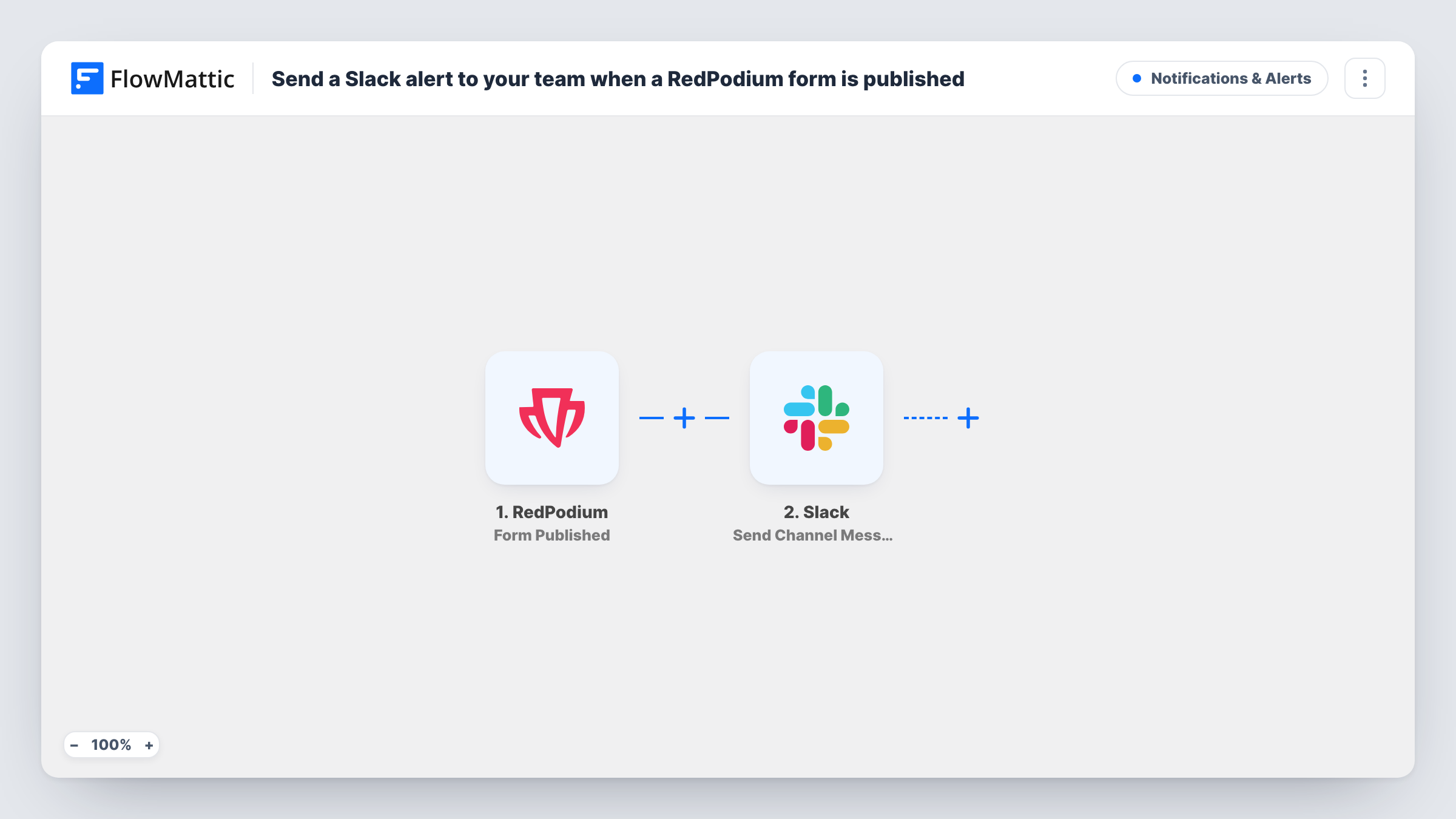
The RedPodium trigger fires when a form gets published, and the form's data comes into FlowMattic. The Slack step then sends a message to the channel you pick. You write the text and can include details from the form, such as its name.
Each published form gives one message, with nothing filtered as imported. The workflow only announces the form; it doesn't change it in RedPodium or post the link anywhere outside Slack. Task History records each run and Slack's reply, which helps if someone asks whether an announcement went out.
Race organisers opening entries
When the entry form for a run goes live in RedPodium, the #marketing channel hears about it and schedules the social posts.
Club with volunteer coordinators
A sports club publishes a new event form, and volunteer leads see the Slack message and begin planning helpers for the day.
Several events in one season
An events team publishes forms through the year. The Slack channel becomes a running record of when each one opened.
How this workflow runs
What happens at each step once the workflow is on, and what you need before you import it.
 RedPodium Form Published
Starts a run each time a form gets published in your RedPodium account. The form's data is passed on for the Slack message.
- Slack Send Channel Message
Announces the newly published RedPodium form in the Slack channel you select. Write the text from the form data and connect your Slack workspace after import.
What you need
- FlowMatticCore
- RedPodium AccountAccount
- Slack AccountAccount
After importing, map your own data. To keep the template universal, not every step is pre-filled. Open each step in the builder and connect your accounts and fields (channels, lists, sheets, recipients) before you switch the workflow on.
Make it yours
Changes worth making after you import it.
- Include the form's public link in the message if the trigger data has one, so the team can share it without searching for it.
- Import a second copy from the RedPodium New Registrations trigger, pointed at a different channel, if you also want the team to see sign-ups arrive.
- Publish a test form after import, then check Task History to see the RedPodium fields that arrived and map the ones you want in the message.
Questions about this workflow
Does republishing a RedPodium form send another Slack message?
The trigger fires when a form gets published, so publishing the same form again may start another run. Task History will show it if that happens.
Does this workflow post RedPodium registrations to Slack too?
No. It only reacts to forms being published. RedPodium's New Registrations trigger can be used in a separate workflow for sign-ups.
Which Slack channel gets the RedPodium announcement?
The channel you choose in the Slack step after import. Pick one the whole events team follows.
More Notifications & Alerts workflows
Other ready-to-import templates from the same category.





Import this workflow into your WordPress site
Download the JSON, import it from the Workflows screen and connect your accounts. Every run stays on your server, with no per-task fees.
30-day money-back guarantee Unlimited workflows and runs Self-hosted