

Subscribe Chatfuel contacts to an ActiveCampaign automation
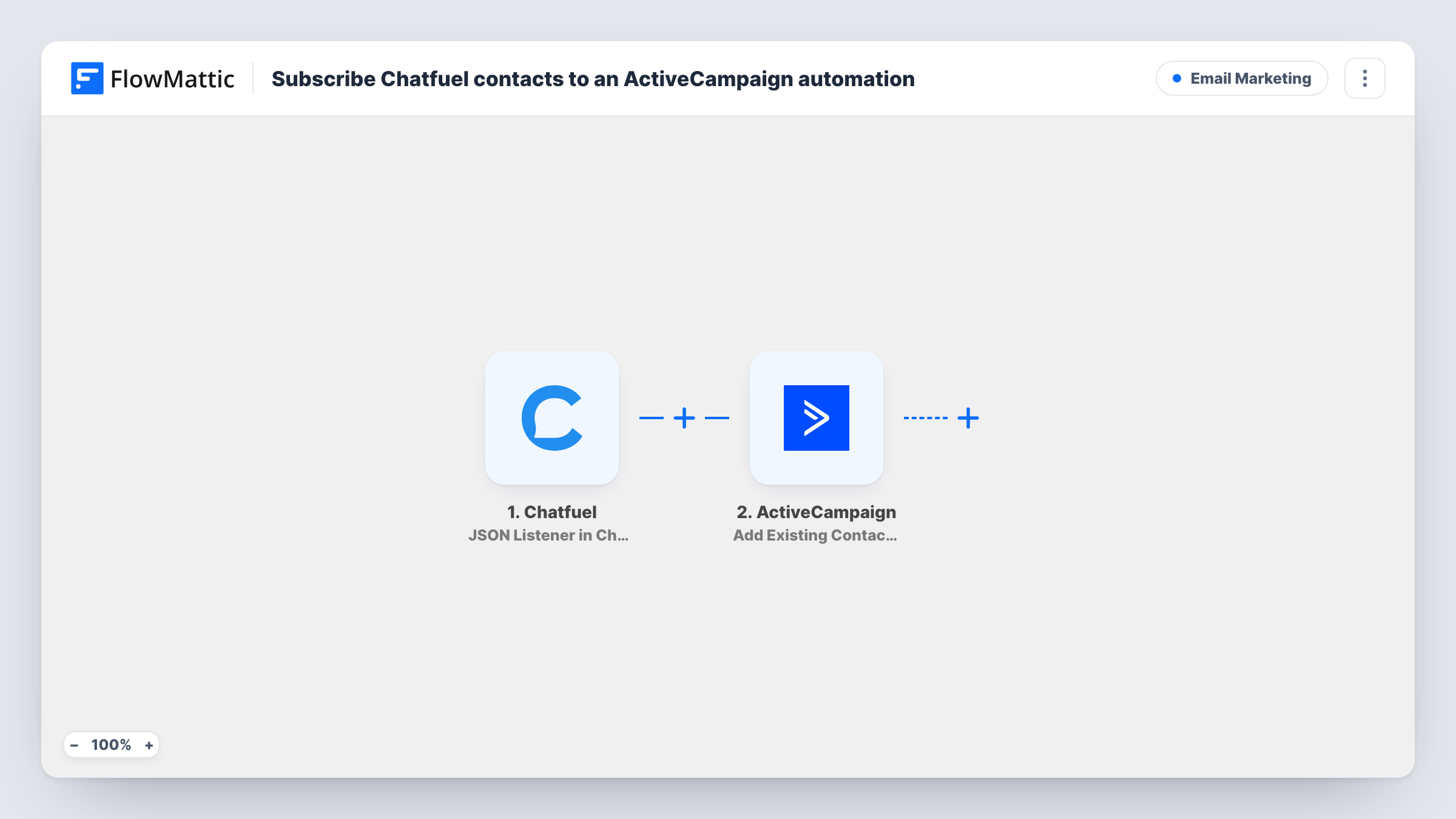
When your Chatfuel bot sends contact data to FlowMattic, the person is created or updated in ActiveCampaign and then added to the ActiveCampaign automation you pick.
 Chatfuel
 ActiveCampaign
3 steps Setup ~5 min Used on 1.9k sites Free to import
What this workflow does
A chatbot conversation is a good moment to capture someone, but the follow-up usually happens by email. This workflow takes the contact details your Chatfuel bot collects and enrolls the person in an ActiveCampaign automation, so a chat lead gets the same nurture emails as a lead from any other source.
Data arrives through the JSON Listener trigger for Chatfuel. In your bot, you add a JSON request that posts the user's attributes, such as the email and first name the bot asked for, to the trigger's URL. Each request starts one run, so place it in the bot flow where the details are complete.
The first ActiveCampaign step creates the contact or updates the one that already has that email. The second step adds that contact to an automation. FlowMattic describes this action as working on an existing contact, which is why the create-or-update step runs first. Both actions ship without mapping, so after import you map the email and name from the Chatfuel data, choose the automation, and point it at the contact from step 2.
Send a test conversation through the bot and open Task History to see the JSON that arrived and how ActiveCampaign responded.
Quote requests from a Messenger bot
A renovation company's bot asks visitors for their email and project type, then enrolls them in an ActiveCampaign automation that sends a booking link and past project photos.
Lead magnet delivered by email
A fitness coach's bot offers a free meal plan. Once the visitor types an email, the automation sends the plan and a short follow-up series.
Webinar sign-ups through chat
A software company lets people register for a webinar inside its Chatfuel bot, and the ActiveCampaign automation handles reminders and the replay link.
How this workflow runs
What happens at each step once the workflow is on, and what you need before you import it.
 Chatfuel JSON Listener in Chatfuel
Listens for the JSON request your Chatfuel bot sends. Whatever user attributes the bot includes, such as an email address and first name, become available to map in the next steps.
- ActiveCampaign Create or Update Contact
Creates an ActiveCampaign contact from the bot data, or updates the contact that already uses that email. Not mapped in the template: map the email attribute from Chatfuel and any name fields you collect.
- ActiveCampaign Add Existing Contact to Automation
Adds the contact from step 2 to an ActiveCampaign automation. The step ships unmapped, so pick the automation and map the contact, then check the result in a test run.
What you need
- FlowMatticCore
- Chatfuel AccountAccount
- ActiveCampaign AccountAccount
After importing, map your own data. To keep the template universal, not every step is pre-filled. Open each step in the builder and connect your accounts and fields (channels, lists, sheets, recipients) before you switch the workflow on.
Make it yours
Changes worth making after you import it.
- Make the bot ask for an email and validate it before the JSON request block, so every request it sends to FlowMattic carries an address ActiveCampaign can use.
- Pass extra Chatfuel attributes, such as the topic the visitor chose, in the JSON request and map them into custom fields in step 2 for later segmentation.
- If you want different automations for different answers, add a Router between step 2 and step 3 with conditions on the bot attribute that can't both match, and give each route its own Add Existing Contact to Automation step.
Questions about this workflow
Does my Chatfuel bot have to collect an email address?
Yes, in practice. ActiveCampaign contacts are matched by email, so the bot should ask for one and include it in the JSON request it sends to the trigger.
What if the chat lead is already an ActiveCampaign contact?
The Create or Update Contact step updates that contact rather than creating a duplicate. Step 3 then adds the same contact to the automation you selected.
How does Chatfuel send data to FlowMattic?
Through a JSON request in your bot that posts to the trigger's URL. Each time a user reaches that block, Chatfuel sends the attributes you listed and one run starts.
Will someone be added to the ActiveCampaign automation twice if they chat again?
Each JSON request from the bot runs the workflow again. How ActiveCampaign treats a contact who is already in that automation is decided by how you built that automation in ActiveCampaign, so test with a repeat chat and check Task History.
More Email Marketing workflows
Other ready-to-import templates from the same category.







Import this workflow into your WordPress site
Download the JSON, import it from the Workflows screen and connect your accounts. Every run stays on your server, with no per-task fees.
30-day money-back guarantee Unlimited workflows and runs Self-hosted