

Tag cleaned Benchmark Email addresses in a Mailchimp audience for review
When Benchmark Email reports an address as cleaned, this workflow adds a tag to the same person in your Mailchimp audience, so you can review those contacts in Mailchimp before you mail them again.
 Benchmark Email
 Mailchimp
2 steps Setup ~5 min Used on 569 sites Free to import
What this workflow does
If you run lists in both Benchmark Email and Mailchimp, a bad address found in one tool says nothing in the other. You keep sending to it from Mailchimp until it causes trouble there too. This workflow passes the signal across by putting a tag on the matching Mailchimp member.
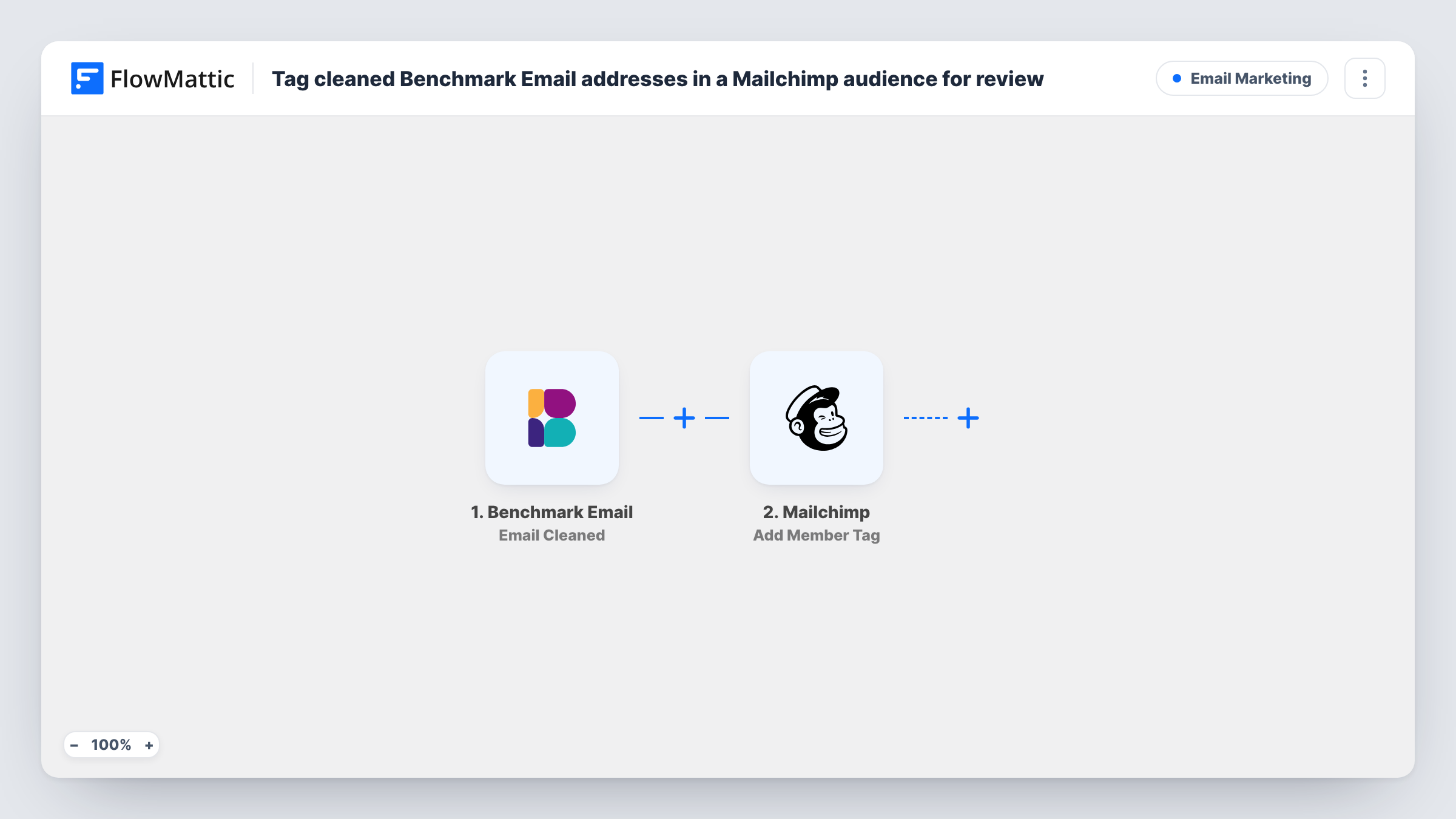
The Benchmark Email trigger fires when an email is cleaned in your Benchmark account. FlowMattic takes the address from that event and sends it to Mailchimp with the Add Member Tag action. That action adds a tag to an existing member of the audience you pick, and creates the tag if it doesn't exist yet. Use a tag name your team will recognise, such as one that says the address needs review.
The workflow only tags. It doesn't unsubscribe, archive or delete anyone, so the decision stays with you. Only people already in your Mailchimp audience can be tagged. If a cleaned Benchmark address isn't there, Mailchimp has nobody to tag, and Task History shows the error for that run.
Two lists after a platform move
You moved from Benchmark Email to Mailchimp but still send a few mailings from Benchmark. Cleaned addresses there get a tag in Mailchimp, so you can check them before your next campaign.
Segment for a monthly list review
Your team builds a Mailchimp segment on the review tag and goes through it once a month, deciding which contacts to archive.
Keep agency clients informed
An agency manages a client's Benchmark and Mailchimp lists. Tagged members give the client a visible record of addresses that Benchmark cleaned.
How this workflow runs
What happens at each step once the workflow is on, and what you need before you import it.
 Benchmark Email Email Cleaned
Fires when Benchmark Email reports an email as cleaned. The event's data, including the address, is passed on for the Mailchimp step to use.
- Mailchimp Add Member Tag
Adds a tag to the matching member in your Mailchimp audience, creating the tag if needed. Map the cleaned email address from the trigger and set the tag name you want to review by.
What you need
- FlowMatticCore
- Benchmark Email AccountAccount
- Mailchimp AccountAccount
After importing, map your own data. To keep the template universal, not every step is pre-filled. Open each step in the builder and connect your accounts and fields (channels, lists, sheets, recipients) before you switch the workflow on.
Make it yours
Changes worth making after you import it.
- Build a Mailchimp segment on the tag so the review list fills itself as Benchmark cleans addresses. Check it before each send.
- Add Mailchimp's Find Member step before tagging, then a Filter that continues only when a member was found. Addresses that aren't in your audience then stop quietly instead of logging an error.
- Run one test with an address you know is in both tools, and check in Task History that the tag reached the right member.
Questions about this workflow
Does this remove cleaned addresses from Mailchimp?
No. It only adds a tag. The member stays subscribed in Mailchimp until you archive or unsubscribe them yourself.
What if the cleaned Benchmark address isn't in my Mailchimp audience?
Add Member Tag works only on existing members, so nothing is tagged and Task History shows Mailchimp's response for that step. Nobody is added to your audience.
Can I pick which Mailchimp audience gets the tag?
Yes. You choose the audience in the Mailchimp step after you connect your account. If you keep several audiences, duplicate the step for each one.
Are addresses Benchmark cleaned before I import this covered?
No. The trigger reacts to new cleaned events only, so earlier ones need a one-off export from Benchmark Email and a manual tag in Mailchimp.
More Email Marketing workflows
Other ready-to-import templates from the same category.







Import this workflow into your WordPress site
Download the JSON, import it from the Workflows screen and connect your accounts. Every run stays on your server, with no per-task fees.
30-day money-back guarantee Unlimited workflows and runs Self-hosted