

Add new Insites leads to a Mailchimp audience for nurturing
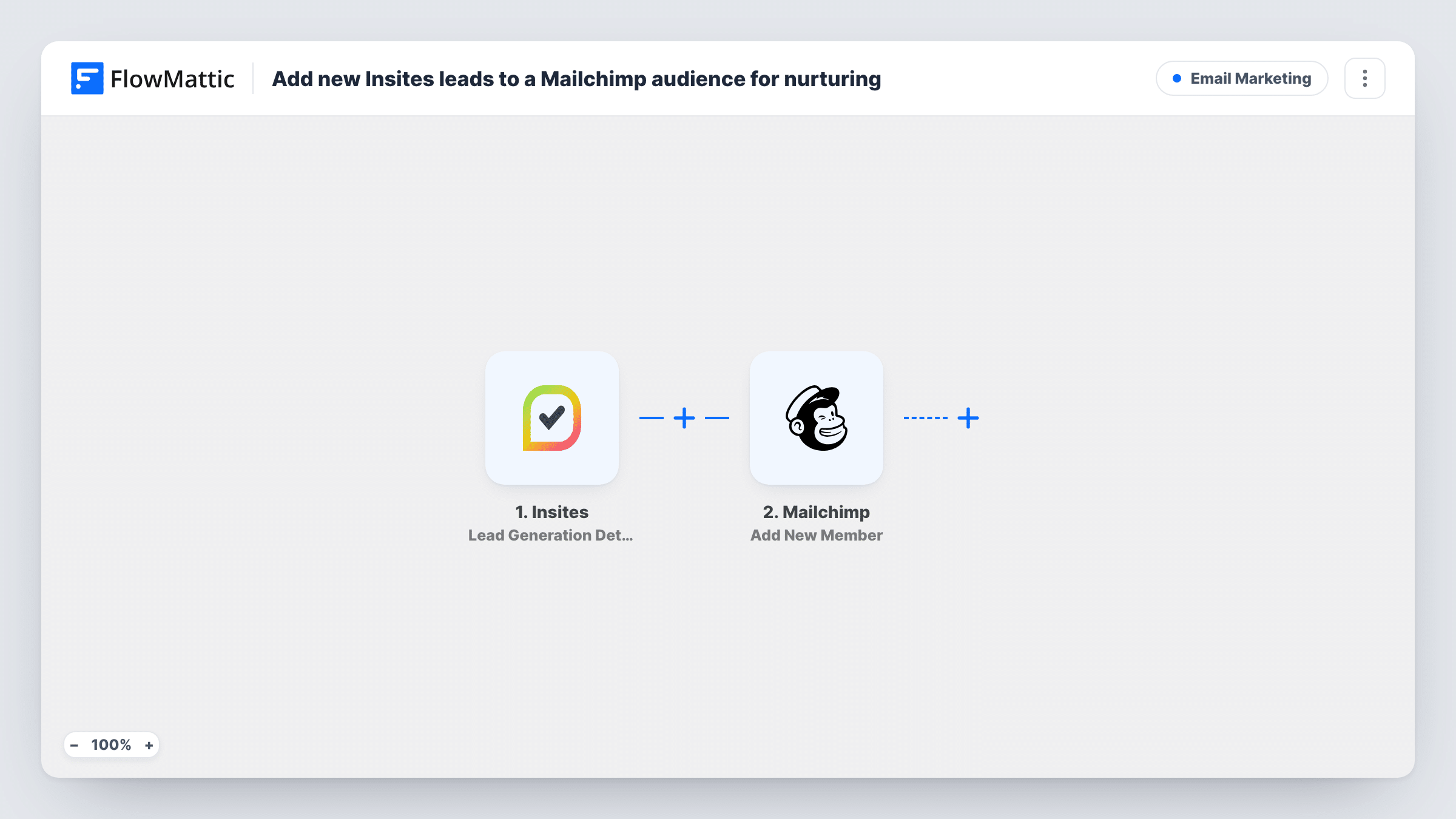
Each time an Insites lead generation audit completes, this workflow adds the prospect to your Mailchimp audience, or updates them if they’re already there, so you can follow up by email.
 Insites
 Mailchimp
2 steps Setup ~5 min Used on 336 sites Free to import
What this workflow does
An Insites audit request tells you a prospect cares about their website. To follow up with emails, you need them in Mailchimp, not only in Insites. This workflow adds each lead to your audience when their audit is done.
The Insites trigger fires when a lead generation audit completes. FlowMattic receives the lead and report data and hands it to Mailchimp. Its Add New Member action adds the person to the list you set, or updates them if they are already a member. You map the lead's email address and any name or merge fields you use.
Getting someone into the audience doesn't start a nurture sequence by itself. Set up a Mailchimp automation, journey or tag-based campaign for new members if you want emails to go out. Run a test audit after import to see the fields Insites sends, and check Task History for Mailchimp's response.
Agency follow-up after a free audit
Prospects who request an audit join a Mailchimp audience where a welcome journey explains what the report means and how you can help.
Monthly website tips newsletter
Audit leads are added to the newsletter audience, so they receive your regular tips on site speed and SEO alongside other subscribers.
Segmenting by website
Map the prospect's website into a Mailchimp merge field, if Insites sends it, and use it later to personalise follow-up emails.
How this workflow runs
What happens at each step once the workflow is on, and what you need before you import it.
 Insites Lead Generation Details Submitted
Runs when an Insites lead generation audit completes for a prospect who sent their details. The lead and audit data are passed on to Mailchimp.
- Mailchimp Add New Member
Adds the lead to your Mailchimp audience, or updates the member if the email is already on the list. Map the email and any merge fields, and connect your Mailchimp account.
What you need
- FlowMatticCore
- Insites AccountAccount
- Mailchimp AccountAccount
After importing, map your own data. To keep the template universal, not every step is pre-filled. Open each step in the builder and connect your accounts and fields (channels, lists, sheets, recipients) before you switch the workflow on.
Make it yours
Changes worth making after you import it.
- Set up a Mailchimp automation or journey that starts when someone joins the audience, so new Insites leads receive the nurture emails you have in mind.
- If the step lets you set tags, add one such as insites-audit so you can tell these leads apart from other subscribers in Mailchimp.
- Map only fields Insites always sends. A blank value on a later audit for the same person can overwrite a merge field you filled before.
Questions about this workflow
What if the Insites lead is already in my Mailchimp audience?
Add New Member updates an existing member instead of adding a second one, so the person stays on the list once with the newly mapped details.
Will the Insites lead get a Mailchimp confirmation email?
That depends on the subscription status the step sends and your audience settings. Check a test lead in Mailchimp to see whether it arrives as subscribed or pending.
Does this send emails to Insites leads by itself?
No. The workflow only adds them to your audience. Mailchimp campaigns or automations you set up decide what they receive.
Can I also keep the Insites leads in a spreadsheet?
Yes. Add a Google Sheets Add New Row step after Mailchimp and map the same lead fields into columns.
More Email Marketing workflows
Other ready-to-import templates from the same category.




Import this workflow into your WordPress site
Download the JSON, import it from the Workflows screen and connect your accounts. Every run stays on your server, with no per-task fees.
30-day money-back guarantee Unlimited workflows and runs Self-hosted