

When a user makes a credit purchase in SuperSaaS, create a new contact in Brevo (formerly Sendinblue).
When a user buys credits in SuperSaaS, this workflow creates a Brevo contact from their details, so people who pay for bookings are in your Brevo account for follow-up emails.
 SuperSaaS
 Brevo ( Sendinblue )
2 steps Setup ~5 min Used on 3.3k sites Free to import
What this workflow does
People who buy credits in your SuperSaaS schedule have shown they plan to book again. Keeping them in Brevo lets you send booking reminders, offers or news, but adding each buyer by hand is easy to put off. This workflow does it at the moment of purchase.
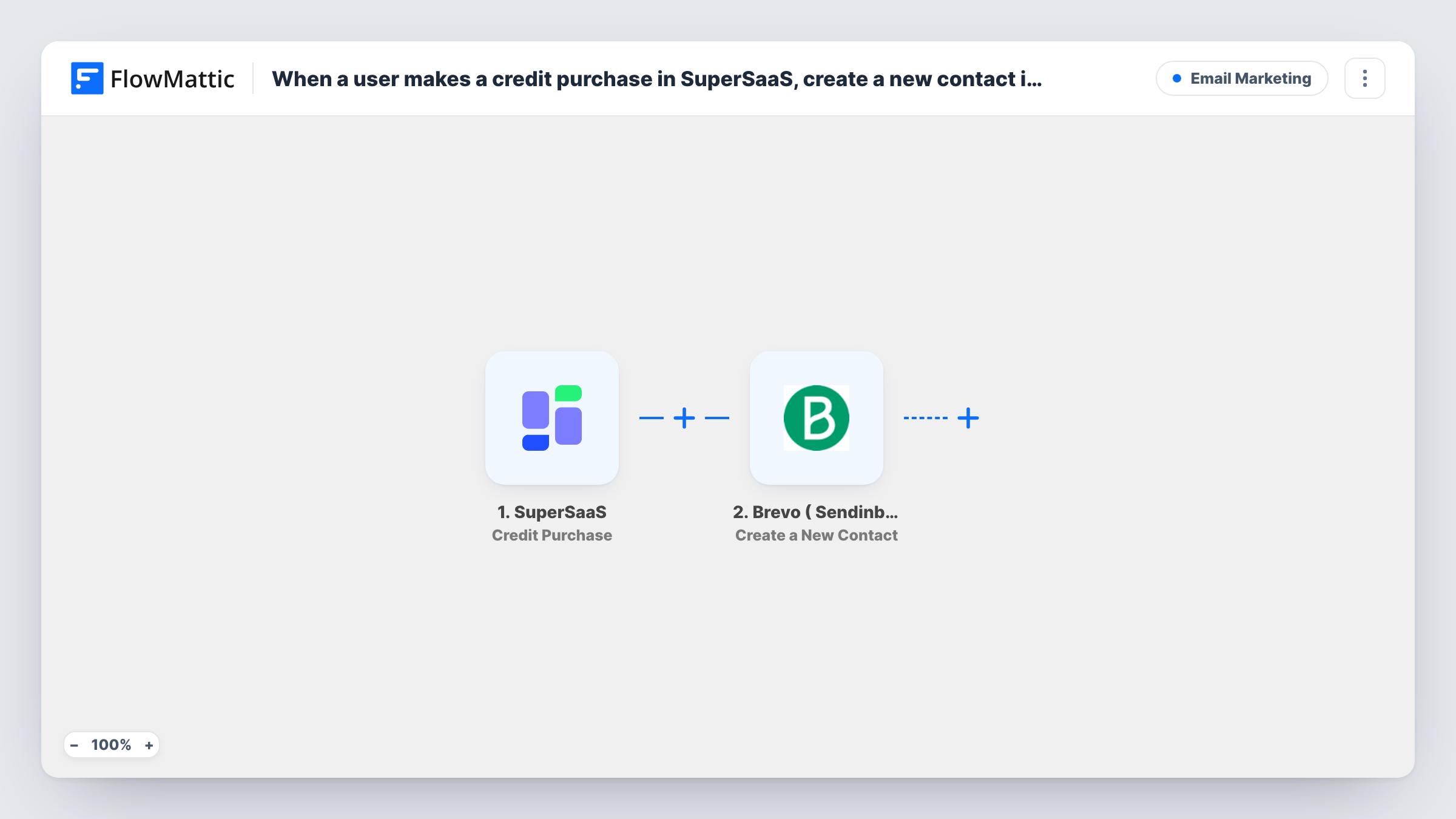
The SuperSaaS Credit Purchase trigger fires when a user makes a purchase, and sends the user's details to FlowMattic. The Brevo ( Sendinblue ) step then runs Create a New Contact with the values you map, starting with the email address.
The trigger fires for every purchase, so a user who buys credits again runs the workflow again. Brevo may refuse to create a contact whose email already exists, and Task History shows that response on the Brevo step. Bookings without a purchase don't trigger this workflow.
Class packs at a fitness studio
Members buy a pack of class credits in SuperSaaS. Each buyer lands in Brevo, where you can email them when new classes go on the schedule.
Prepaid tutoring sessions
Parents buy session credits for tutoring. Their details reach Brevo, so you can send term dates and holiday closures to everyone who prepaid.
Equipment or room hire
Clients buy hire credits through your SuperSaaS schedule. Brevo collects them as contacts for updates about new equipment or opening hours.
How this workflow runs
What happens at each step once the workflow is on, and what you need before you import it.
 SuperSaaS Credit Purchase
Fires when a user makes a credit purchase in your SuperSaaS account. The purchase and user details are passed on for the Brevo step.
- Brevo ( Sendinblue ) Create a New Contact
Creates a contact in Brevo from the purchase data. Map the user's email from SuperSaaS, plus any name details it sends, then connect your Brevo account.
What you need
- FlowMatticCore
- SuperSaaS AccountAccount
- Brevo ( Sendinblue ) AccountAccount
After importing, map your own data. To keep the template universal, not every step is pre-filled. Open each step in the builder and connect your accounts and fields (channels, lists, sheets, recipients) before you switch the workflow on.
Make it yours
Changes worth making after you import it.
- Add a Filter after the trigger that continues only when the SuperSaaS user's email is not empty, so Brevo is never asked to create a contact without an address.
- Make a small test purchase after import so FlowMattic captures the real purchase data you need to map in the Brevo step.
- If you also want people who only create an account in SuperSaaS, add a second workflow on SuperSaaS's New User trigger with its own Brevo step.
Questions about this workflow
What happens when a SuperSaaS user buys credits a second time?
Each purchase starts a fresh run, so Brevo receives a second create request for that buyer. Brevo may refuse an email that already exists, and Task History shows that response on the Brevo step.
Do SuperSaaS bookings without a credit purchase reach Brevo?
No. This workflow uses the Credit Purchase trigger only. SuperSaaS has separate triggers for new appointments and new users if you want those as well.
Which Brevo account details do I need?
You connect your Brevo account when you import the workflow. The contact is created in that account with the values you mapped from SuperSaaS.
Will past SuperSaaS credit buyers be added to Brevo?
No. Only purchases made after you switch the workflow on reach Brevo. Export earlier buyers from SuperSaaS and import them into Brevo separately.
More Email Marketing workflows
Other ready-to-import templates from the same category.






Import this workflow into your WordPress site
Download the JSON, import it from the Workflows screen and connect your accounts. Every run stays on your server, with no per-task fees.
30-day money-back guarantee Unlimited workflows and runs Self-hosted