

Add or Update Mailchimp subscribers when a new Paddle subscription is paid
Each time Paddle reports a successful subscription payment, this workflow sends the subscriber to your Mailchimp audience, adding them as a new member or updating the record Mailchimp already holds for that address.
 Paddle
 Mailchimp
2 steps Setup ~5 min Used on 1.0k sites Free to import
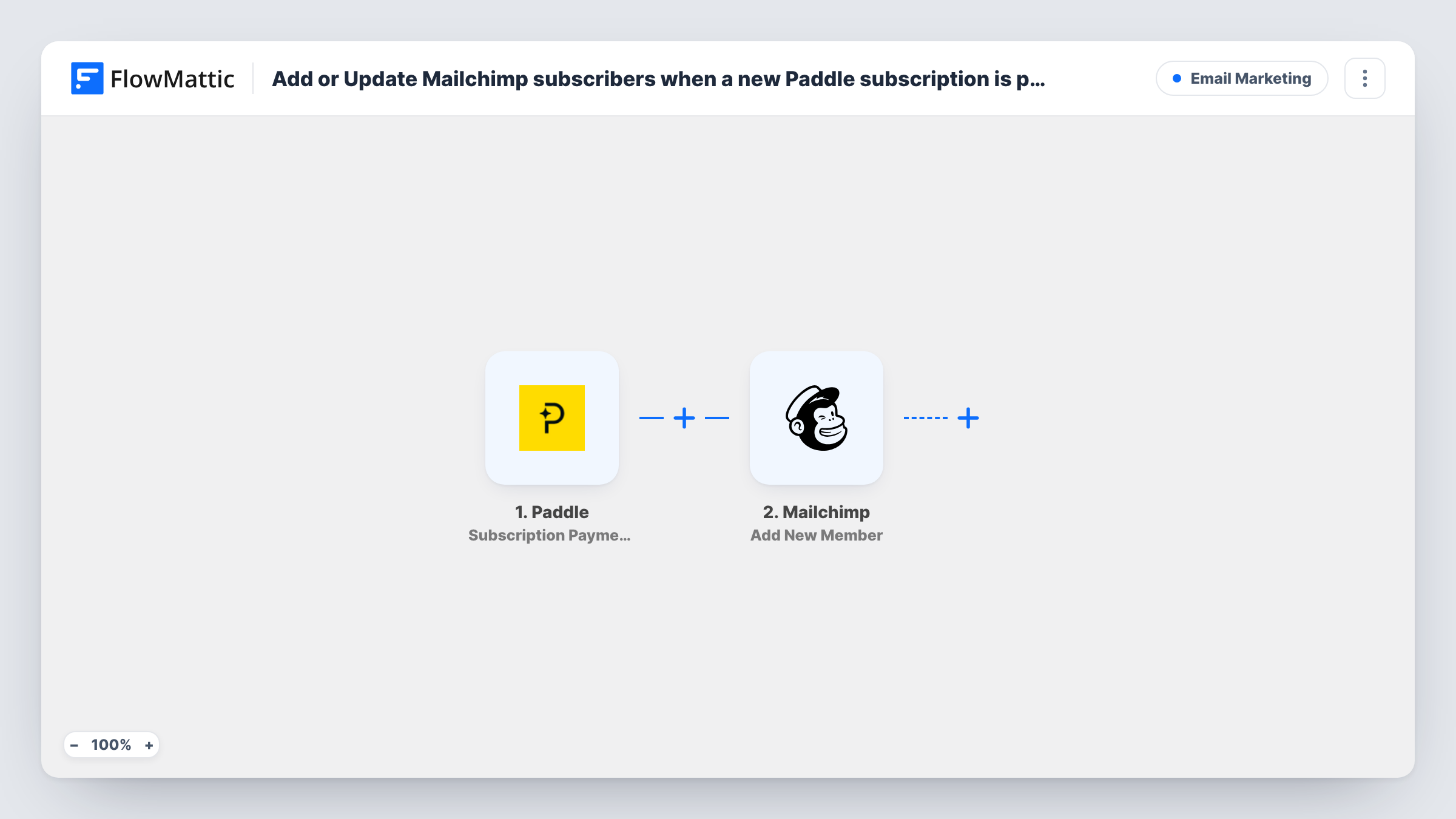
What this workflow does
Paddle handles the billing for your subscription product, while your onboarding and product emails go out from Mailchimp. Unless something connects the two, a new subscriber reaches your audience only when someone exports a list from Paddle and imports it by hand. This workflow sends paying subscribers to Mailchimp as payments come through.
The Paddle trigger fires when a subscription payment succeeds. FlowMattic receives the payment details Paddle sends, including the customer data you can map. The Mailchimp step then runs Add New Member, which adds that person to the audience you pick, or updates them if their address is already there.
The trigger is a payment event, not a sign-up event. Renewal payments fire it too, so a subscriber who pays every month runs the workflow every month. Because the Mailchimp step adds or updates, those repeat runs refresh the same member rather than creating copies. You can check each payment run, and what reached Mailchimp, in Task History.
Onboarding emails for a SaaS trial that converts
When a trial user's first Paddle subscription payment goes through, they land in the Mailchimp audience your onboarding sequence is built on.
A customers-only newsletter
Keep a Mailchimp audience of people who pay for your plugin or app, so product updates and release notes reach paying subscribers.
Keeping names and addresses current
Each renewal payment sends the subscriber's details to Mailchimp again, so the mapped fields on the existing member are refreshed with whatever Paddle sends on that payment.
How this workflow runs
What happens at each step once the workflow is on, and what you need before you import it.
 Paddle Subscription Payment Success
Fires whenever Paddle reports a successful subscription payment, first payments and renewals alike. The payment and customer data from Paddle becomes available to map in the Mailchimp step.
- Mailchimp Add New Member
Adds the customer to your chosen Mailchimp audience, or updates them if that address is already a member. Map the Paddle customer email to the member email, plus any name fields Paddle passes along.
What you need
- FlowMatticCore
- Paddle AccountAccount
- Mailchimp AccountAccount
After importing, map your own data. To keep the template universal, not every step is pre-filled. Open each step in the builder and connect your accounts and fields (channels, lists, sheets, recipients) before you switch the workflow on.
Make it yours
Changes worth making after you import it.
- Make a test subscription payment in Paddle after import, then open the Mailchimp step and map the email and name fields from the captured data before you turn the workflow on.
- If you only want first payments to reach Mailchimp, add a Filter after the trigger on a field in the Paddle data that tells a first payment from a renewal. Check a test run to find that field.
- Want a record of every payment as well? Add a Google Sheets step after Mailchimp that writes the customer email, plan and amount from the Paddle data to a new row.
Questions about this workflow
Will renewals create duplicate members in Mailchimp?
No. Add New Member adds a person to the audience, or updates them if they already exist. A renewal payment runs the workflow again, but it refreshes the existing member instead of adding a second one.
Does a failed Paddle payment reach Mailchimp?
No. The trigger only fires on a successful subscription payment, so declined or failed charges do not run the workflow.
Are subscribers who paid before I turned this on added?
No. The workflow reacts to payments that happen after it is active. Earlier subscribers need a one-time export from Paddle and import into Mailchimp.
Which Mailchimp audience do Paddle subscribers go to?
The one you select in the Mailchimp step after you connect your account. To send different plans to different audiences, add more Mailchimp steps behind Filters or a Router.
More Email Marketing workflows
Other ready-to-import templates from the same category.





Import this workflow into your WordPress site
Download the JSON, import it from the Workflows screen and connect your accounts. Every run stays on your server, with no per-task fees.
30-day money-back guarantee Unlimited workflows and runs Self-hosted