

Update a value of FlowMattic variable after webhook data is received
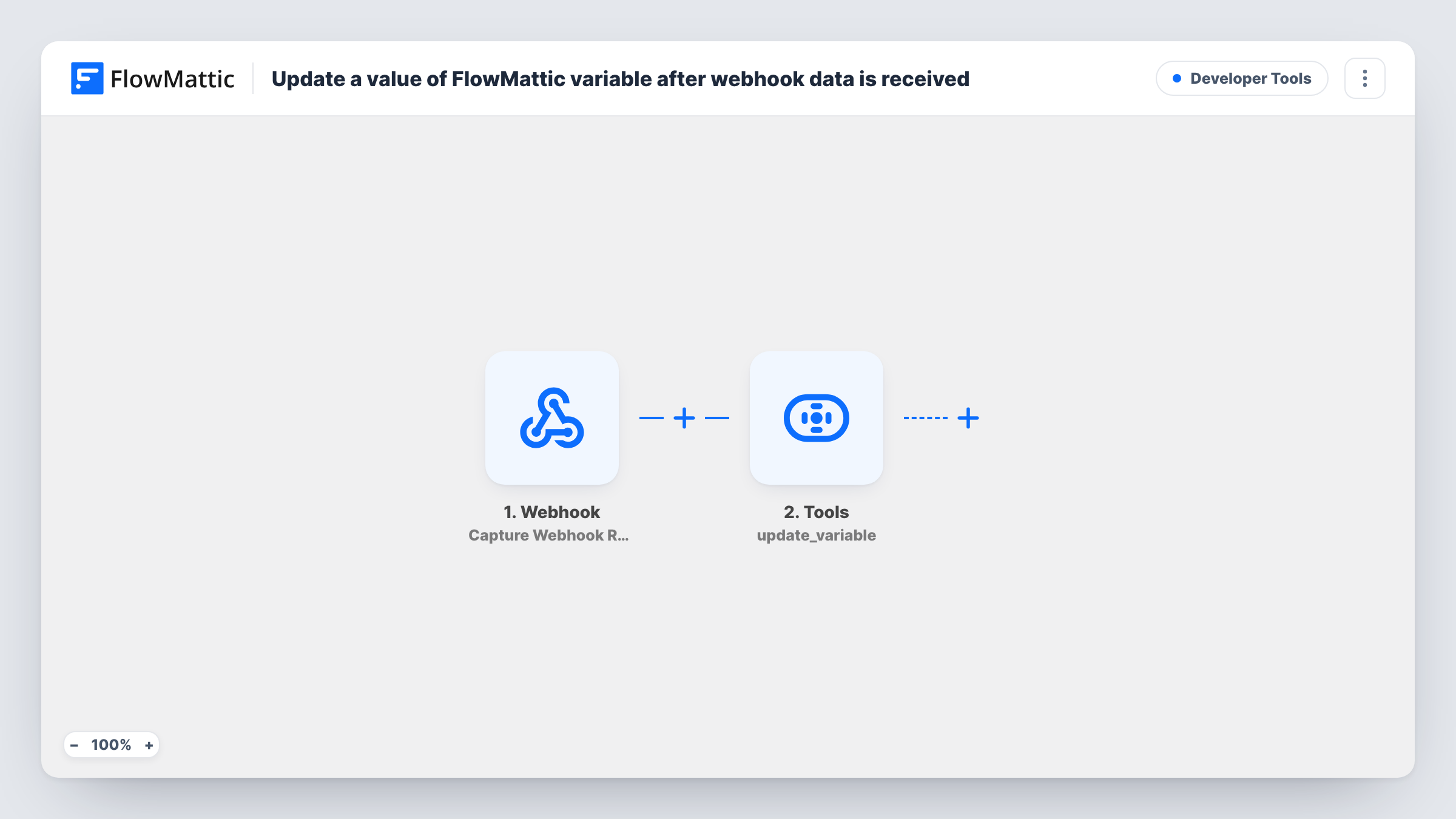
Each time data reaches this workflow’s webhook URL, FlowMattic writes a value from that request into one of your FlowMattic variables, so other workflows can read the latest figure, status or setting.
 Webhook
 Tools
2 steps Setup ~5 min Used on 1.5k sites Free to import
What this workflow does
FlowMattic variables hold values that several workflows can use, such as an exchange rate, a current promo code or an on-call contact. Keeping them current by hand means someone has to remember to edit them. This workflow lets another app or script update a variable just by posting to a webhook.
FlowMattic's Webhook trigger comes with its own endpoint address. Any request that reaches it starts a run and its data is captured for the next step, unless you turn on the trigger's "Require authentication on incoming requests" setting, in which case the caller must send the authentication key or a valid signature.
The FlowMattic Tools Set Variable Value step then stores a value under the variable name you enter. It ships unmapped. After import, type the variable's name and map the field from the webhook data that holds the new value.
The step updates a variable that already exists; it doesn't create one. Add the variable on FlowMattic's Variables screen first and use exactly that name. If the name doesn't match an existing variable, nothing changes, so send a test request and look at the variable's value afterwards.
Daily exchange rate from a script
A shop runs a small script each morning that posts the latest currency rate to the webhook, and every pricing workflow reads that variable instead of calling a rate service itself.
Switching the on-call contact
A support team's rota tool posts the name of whoever is on call, and alert workflows send messages to the person stored in the variable.
Current promo code for emails
Marketing updates the active discount code by sending it to the webhook, and the welcome-email workflow inserts whatever code the variable holds.
How this workflow runs
What happens at each step once the workflow is on, and what you need before you import it.
 Webhook Capture Webhook Response
Provides the endpoint your app or script posts to, and runs once per request it receives. The request's fields are captured so you can map them into the Set Variable Value step. Turn on authentication in the trigger to limit who can call it.
- Tools Set Variable Value
Stores a new value in a FlowMattic variable. The step ships empty: enter the name of a variable you created on the Variables screen and map the webhook field that carries the new value.
What you need
- FlowMatticCore
After importing, map your own data. To keep the template universal, not every step is pre-filled. Open each step in the builder and connect your accounts and fields (channels, lists, sheets, recipients) before you switch the workflow on.
Make it yours
Changes worth making after you import it.
- Turn on "Require authentication on incoming requests" in the Webhook trigger and give the sender the key, so only your own app or script can change the variable.
- Send a test request first so FlowMattic captures a sample of the data, then map the exact field that holds the value instead of the whole payload.
- Put a Filter between the Webhook trigger and the Set Variable Value step that continues only when the value field is not empty, so an incomplete request can't blank out the variable.
Questions about this workflow
Does the Set Variable Value step create the variable if it's missing?
No. It updates a variable that already exists under the name you enter. Create the variable on FlowMattic's Variables screen first, then use the same name in the step.
Can anyone with the webhook URL change my FlowMattic variable?
Only while authentication is off: then any caller holding the address can start a run. Enable "Require authentication on incoming requests" in the Webhook trigger so callers must send your key or a valid signature.
How do other workflows read the updated variable?
They use the variable wherever FlowMattic lets you insert one in a step. Each run reads the value stored at that moment, so it picks up the latest update from this webhook.
Which part of the webhook request becomes the variable's value?
The field you map into the Set Variable Value step. Send a sample request after import, then choose the field that holds the new value.
More Developer Tools workflows
Other ready-to-import templates from the same category.







Import this workflow into your WordPress site
Download the JSON, import it from the Workflows screen and connect your accounts. Every run stays on your server, with no per-task fees.
30-day money-back guarantee Unlimited workflows and runs Self-hosted