

Update the order record in Airtable when ClickPost reports a shipment update
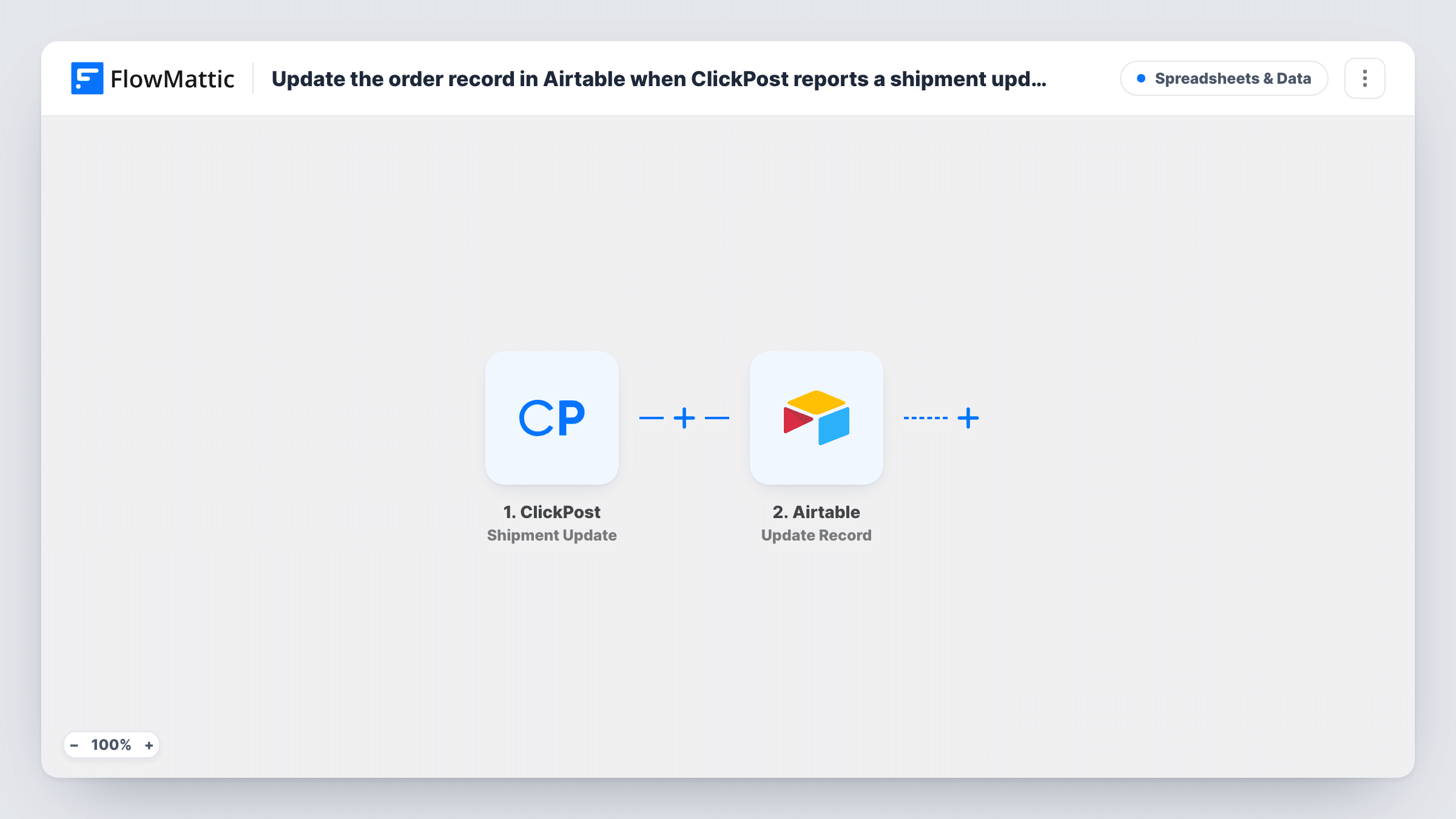
When ClickPost reports a shipment update, FlowMattic searches your Airtable orders table for the matching record and updates it with the latest shipment details, so your order base shows where each parcel is.
 ClickPost
 Airtable
3 steps Setup ~5 min Used on 2.4k sites Free to import
What this workflow does
If you track orders in Airtable, the delivery status column is usually the first to go stale. ClickPost already knows when a shipment moves; this workflow copies that news into the right Airtable record so you, your team and your reports work from current data.
The ClickPost Shipment Update trigger starts a run whenever a shipment gets updated. The shipment data ClickPost sends, such as the tracking number and new status, is passed to the Airtable steps.
Next, the Airtable Search Record step looks for the order using a filter formula, for example matching a tracking number or order ID column against the value from ClickPost. The Update Record step then writes the new shipment details into the record that search returned. Both steps ship unmapped, so after import you pick your base and table, write the search formula, map the record ID from the search into the update, and choose which fields to change.
This only works if each Airtable record keeps a value ClickPost also sends, such as the tracking number. Every update from ClickPost starts a run, so a single parcel can update its record several times on the way. Test with a known shipment and look at Task History to see what the search found.
Order base for a D2C brand
A clothing brand keeps all orders in Airtable and sees each one's latest courier status without opening ClickPost.
Customer service lookups
Support agents check a customer's order in Airtable during a call and find the shipment status ClickPost last reported.
Delivery reporting views
An operations lead builds Airtable views grouped by shipment status to spot parcels that have been in transit for too long.
How this workflow runs
What happens at each step once the workflow is on, and what you need before you import it.
 ClickPost Shipment Update
Starts the workflow when ClickPost reports an update on a shipment. The shipment's details from that update, such as its tracking number and status, are passed to the Airtable steps.
- Airtable Search Record
Searches your Airtable table with a filter formula to find the order record that belongs to this shipment. After import, choose the base and table and write a formula that matches a column against a value from ClickPost.
- Airtable Update Record
Updates the Airtable record the search found with the latest shipment details. Map the record ID from the search step and choose which fields to write, such as status or last update time.
What you need
- FlowMatticCore
- ClickPost AccountAccount
- Airtable AccountAccount
After importing, map your own data. To keep the template universal, not every step is pre-filled. Open each step in the builder and connect your accounts and fields (channels, lists, sheets, recipients) before you switch the workflow on.
Make it yours
Changes worth making after you import it.
- Store the ClickPost tracking number (AWB) in its own Airtable column when you create the order, so the search formula has something exact to match.
- Put a Filter between the Search Record step and the Update Record step that continues only when the search returned a record, so shipments with no matching order aren't sent to the update.
- Map the status time or a timestamp from ClickPost into an Airtable field, so you can see when each record was last changed by a shipment update.
Questions about this workflow
How does the workflow find the right Airtable order for a ClickPost shipment?
The Search Record step uses a filter formula you write, such as comparing your tracking number column with the AWB from ClickPost. The record it returns is the one the Update Record step changes.
What if no Airtable record matches the shipment?
The search returns nothing to update. Airtable may return an error for the update step, which you'll see in Task History. A Filter between the two Airtable steps keeps those runs from reaching the update.
Does every ClickPost status change update Airtable?
Yes. Each shipment update ClickPost reports starts a run, so the record is rewritten at each stage of the shipment.
Which Airtable fields are changed?
Just the fields you choose when you set up Update Record. The template leaves the step empty, so pick the status and any other fields you want ClickPost data to fill.
More Spreadsheets & Data workflows
Other ready-to-import templates from the same category.




Import this workflow into your WordPress site
Download the JSON, import it from the Workflows screen and connect your accounts. Every run stays on your server, with no per-task fees.
30-day money-back guarantee Unlimited workflows and runs Self-hosted