

Create Zoho CRM accounts from new Airtable records
Each new record in your Airtable table creates an account in Zoho CRM from the fields you map, so companies you collect or research in Airtable become CRM accounts your sales team can work.
 Airtable
 Zoho CRM
2 steps Setup ~5 min Used on 971 sites Free to import
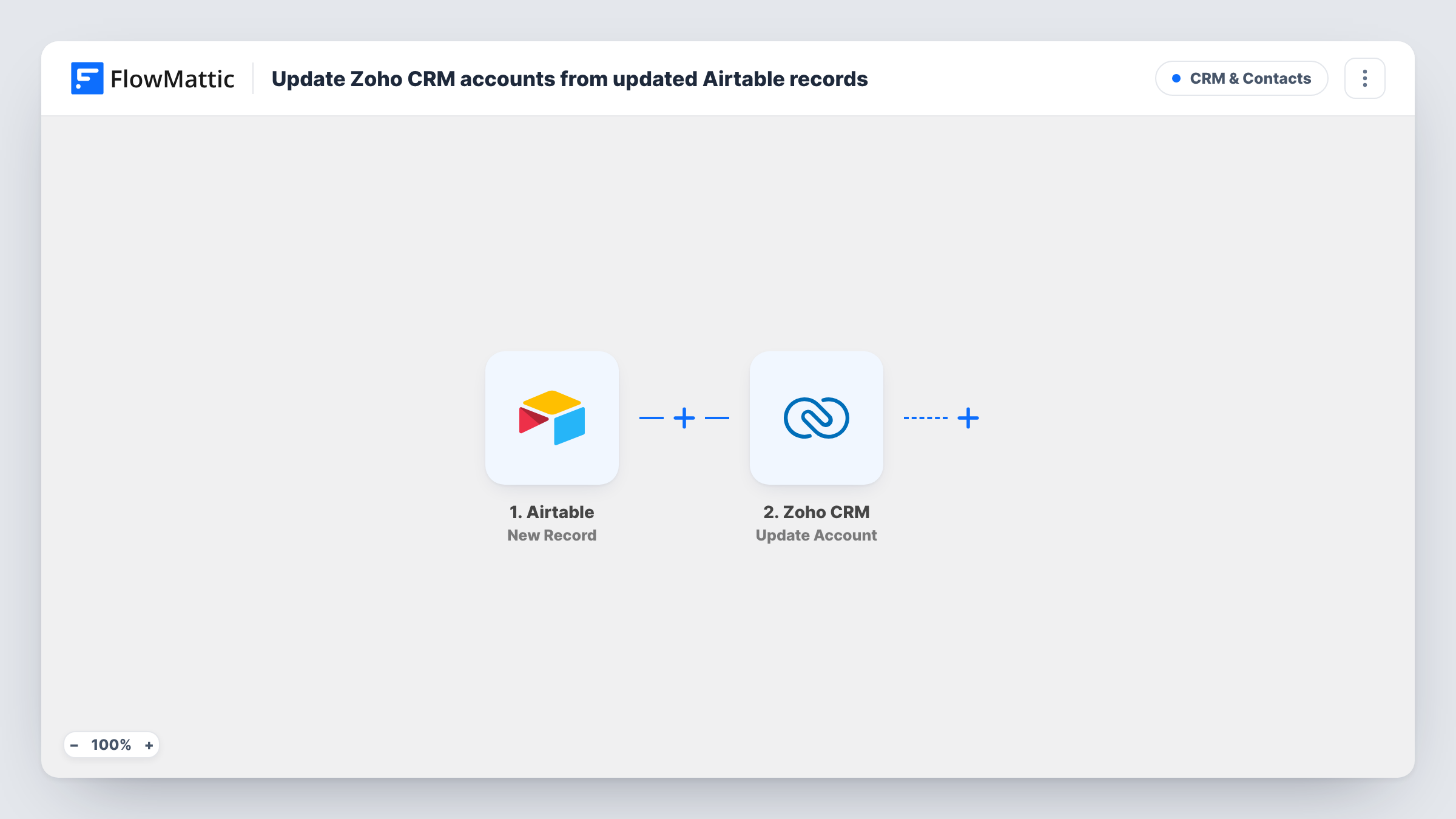
What this workflow does
Airtable is a common place to build a list of target companies, partners or new clients before sales picks them up. Moving each one into Zoho CRM by hand is slow, and accounts get missed. This workflow creates a Zoho CRM account for every new Airtable record.
The Airtable trigger fires when a new record is created in the base and table you choose. Its fields, such as company name, website, industry and phone, are passed on.
The Zoho CRM step then creates a new account. It ships unmapped: after import you connect Zoho and map the Airtable fields into the account, at least the account name. Create Account always makes a new account, so a company that already exists in Zoho may end up twice.
Runs start only for records created after you switch the workflow on. Editing a record afterwards doesn't change the Zoho account. Add a test record and check Task History to see what Zoho CRM returned, including the new account's ID.
Target account lists
A sales team researches prospects in an Airtable base. Each company added to the base becomes a Zoho CRM account that reps can assign and plan calls for.
Partner sign-ups
An Airtable form collects partner applications. Every new application creates an account in Zoho CRM for the partnerships manager.
Event exhibitors
An events company keeps exhibitors in Airtable and gives each new exhibitor a Zoho CRM account for invoicing and follow-up.
How this workflow runs
What happens at each step once the workflow is on, and what you need before you import it.
 Airtable New Record
Starts the workflow when a new record is created in the Airtable table you select. The record's fields are passed to Zoho CRM for mapping.
- Zoho CRM Create Account
Creates a new account in Zoho CRM. The step ships unmapped: connect Zoho and map the Airtable fields into the account, starting with the account name.
What you need
- FlowMatticCore
- Airtable AccountAccount
- Zoho CRM AccountAccount
After importing, map your own data. To keep the template universal, not every step is pre-filled. Open each step in the builder and connect your accounts and fields (channels, lists, sheets, recipients) before you switch the workflow on.
Make it yours
Changes worth making after you import it.
- Add a column in Airtable for the Zoho account ID and fill it from a second step, such as Airtable's Update Record mapped with the ID Zoho returns, so each record links to its account.
- Put a Filter between the Airtable trigger and the Zoho CRM step that continues only when the company name is not empty, so half-filled records don't become blank accounts.
- Map the website and industry fields as well as the name, so reps have something to work with when they open the account.
Questions about this workflow
Will this create duplicate accounts in Zoho CRM?
It can. Create Account only creates new accounts, and nothing in the workflow looks for an existing one first. Keep the Airtable table to companies that aren't in Zoho yet, or check Zoho before adding a record.
Do edits to an Airtable record update the Zoho CRM account?
No. The trigger fires when a record is created, and the template only creates accounts.
Can I create Zoho CRM contacts as well as accounts?
Yes. Add Zoho CRM's Create Contact action after Create Account for the contact person, and check a test run for how to link it to the new account.
More CRM & Contacts workflows
Other ready-to-import templates from the same category.






Import this workflow into your WordPress site
Download the JSON, import it from the Workflows screen and connect your accounts. Every run stays on your server, with no per-task fees.
30-day money-back guarantee Unlimited workflows and runs Self-hosted