

When a contact is connected in We-Connect, create contact in FluentCRM
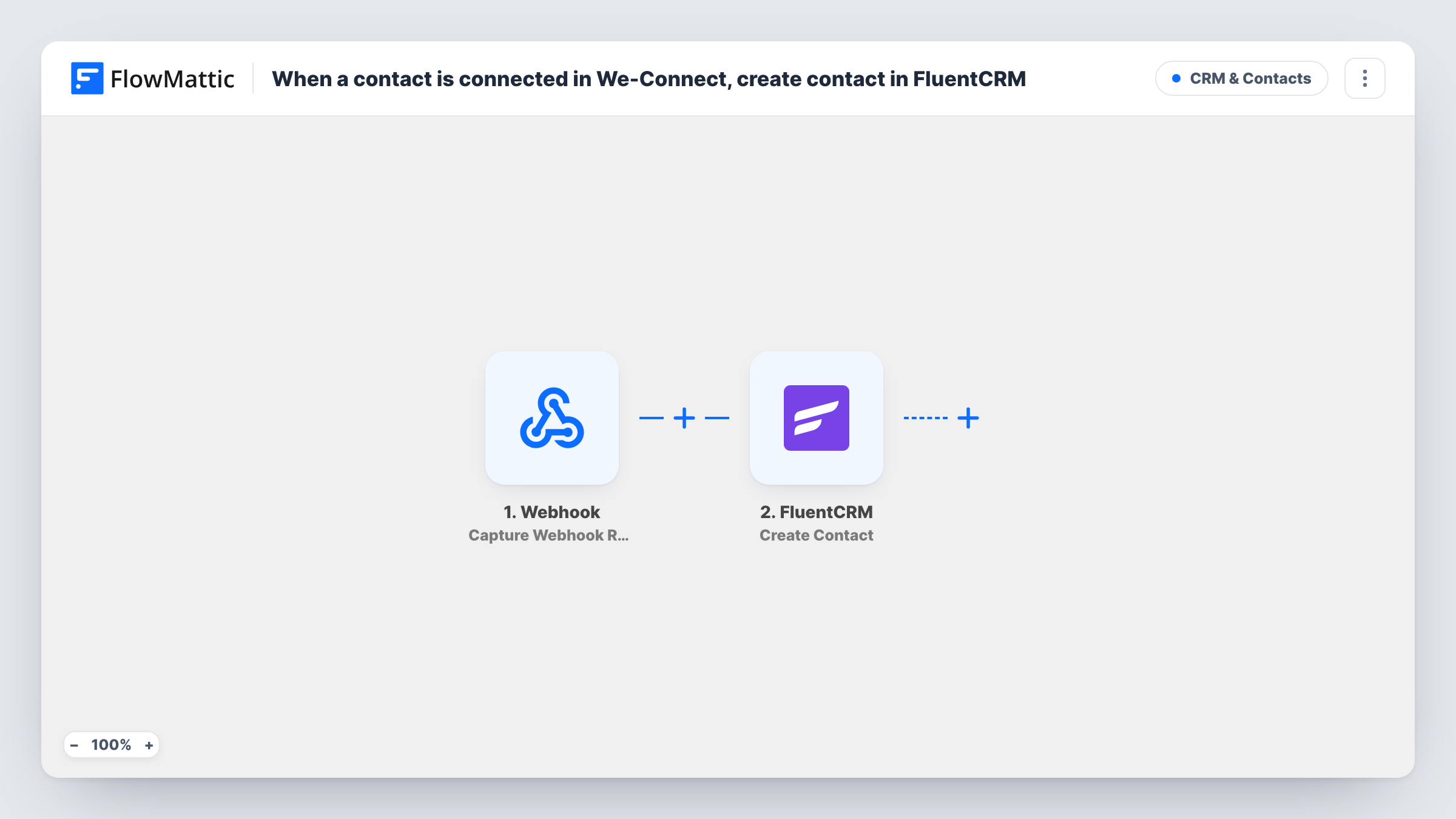
When a contact connects with you through We-Connect, FlowMattic creates or updates that person as a contact in FluentCRM, so your outreach connections land in your WordPress CRM.
 We-Connect
 FluentCRM
2 steps Setup ~5 min Used on 1.6k sites Free to import
What this workflow does
Outreach campaigns in We-Connect build a list of people who accepted your connection request, but that list lives outside the tools you use to follow up. This workflow copies each new connection into FluentCRM on your WordPress site, where you can tag, segment and email them alongside your other contacts.
The We-Connect trigger fires when a contact is connected. FlowMattic receives that contact's details and passes them on. Run a test connection to see exactly which fields We-Connect includes, such as name, company or email.
The FluentCRM step creates a new contact, or updates an existing one, matched on email address. It ships unmapped: after import you map the We-Connect fields into the FluentCRM contact fields. Because FluentCRM matches people by email, the connection needs an email address for the step to work, so confirm one arrives in your test run.
Every connection event starts a run, and someone already in FluentCRM with the same email is updated rather than duplicated. Task History shows what each run sent and how FluentCRM responded.
Nurturing new LinkedIn connections
A consultant runs connection campaigns in We-Connect and adds each accepted contact to FluentCRM, then sends them a short email series about their services.
One CRM for an agency's outreach
An agency's account managers run We-Connect for several sales reps, and every new connection is kept in the agency's FluentCRM instead of separate spreadsheets.
Event invitations to your network
A training company keeps We-Connect connections in FluentCRM so it can email them invitations to its next workshop from WordPress.
How this workflow runs
What happens at each step once the workflow is on, and what you need before you import it.
 We-Connect Contact is Connected
Fires when a contact is connected in We-Connect. The contact's details from We-Connect become available to map into FluentCRM; a test connection shows which fields We-Connect actually sends.
- FluentCRM Create or Update Contact
Creates a new FluentCRM contact, or updates the existing one with the same email address. The step ships unmapped: after import, map the We-Connect email, name and any other fields you want to keep.
What you need
- FlowMatticCore
- We-Connect AccountAccount
- FluentCRM PluginPlugin
After importing, map your own data. To keep the template universal, not every step is pre-filled. Open each step in the builder and connect your accounts and fields (channels, lists, sheets, recipients) before you switch the workflow on.
Make it yours
Changes worth making after you import it.
- Map a fixed value such as "We-Connect" into a source or note field in the FluentCRM step, so you can segment these contacts later. Pick a field your FluentCRM setup actually shows.
- Put a Filter between the We-Connect trigger and the FluentCRM step that continues only when the email field from your test run is not empty, so connections without an address don't reach FluentCRM.
- Choose a status for new contacts in the FluentCRM step that matches how you plan to email them, and check that it suits the consent rules where your contacts live.
Questions about this workflow
Does We-Connect send an email address for each connection?
Check a test run. FluentCRM matches contacts by email, so if a connection arrives without one, the FluentCRM step has nothing to match on. Task History shows the data We-Connect sent and FluentCRM's response.
What if the We-Connect contact is already in FluentCRM?
The Create or Update Contact action matches on email address, so an existing contact with the same email is updated with the fields you mapped instead of being added twice.
Does this We-Connect workflow need the FluentCRM plugin?
Yes. FluentCRM is a WordPress plugin, and FlowMattic adds the contacts to the FluentCRM install on the same site as the workflow.
Are my earlier We-Connect connections imported too?
No. Only connections that happen after the workflow is active start a run. Export older connections from We-Connect and import them into FluentCRM separately.
More CRM & Contacts workflows
Other ready-to-import templates from the same category.





Import this workflow into your WordPress site
Download the JSON, import it from the Workflows screen and connect your accounts. Every run stays on your server, with no per-task fees.
30-day money-back guarantee Unlimited workflows and runs Self-hosted