

When a new lead is created in Outgrow, create a new lead in HubSpot CRM
Each new lead captured by your Outgrow quizzes or calculators is created as a contact in HubSpot CRM, so sales can follow up from HubSpot without exporting leads from Outgrow.
 Outgrow
 HubSpot CRM
2 steps Setup ~5 min Used on 1.3k sites Free to import
What this workflow does
Outgrow's interactive content collects leads, but those leads are only useful once your sales team sees them in the CRM. Downloading lists from Outgrow and importing them into HubSpot takes time and leaves gaps. This workflow sends each lead across when it is created.
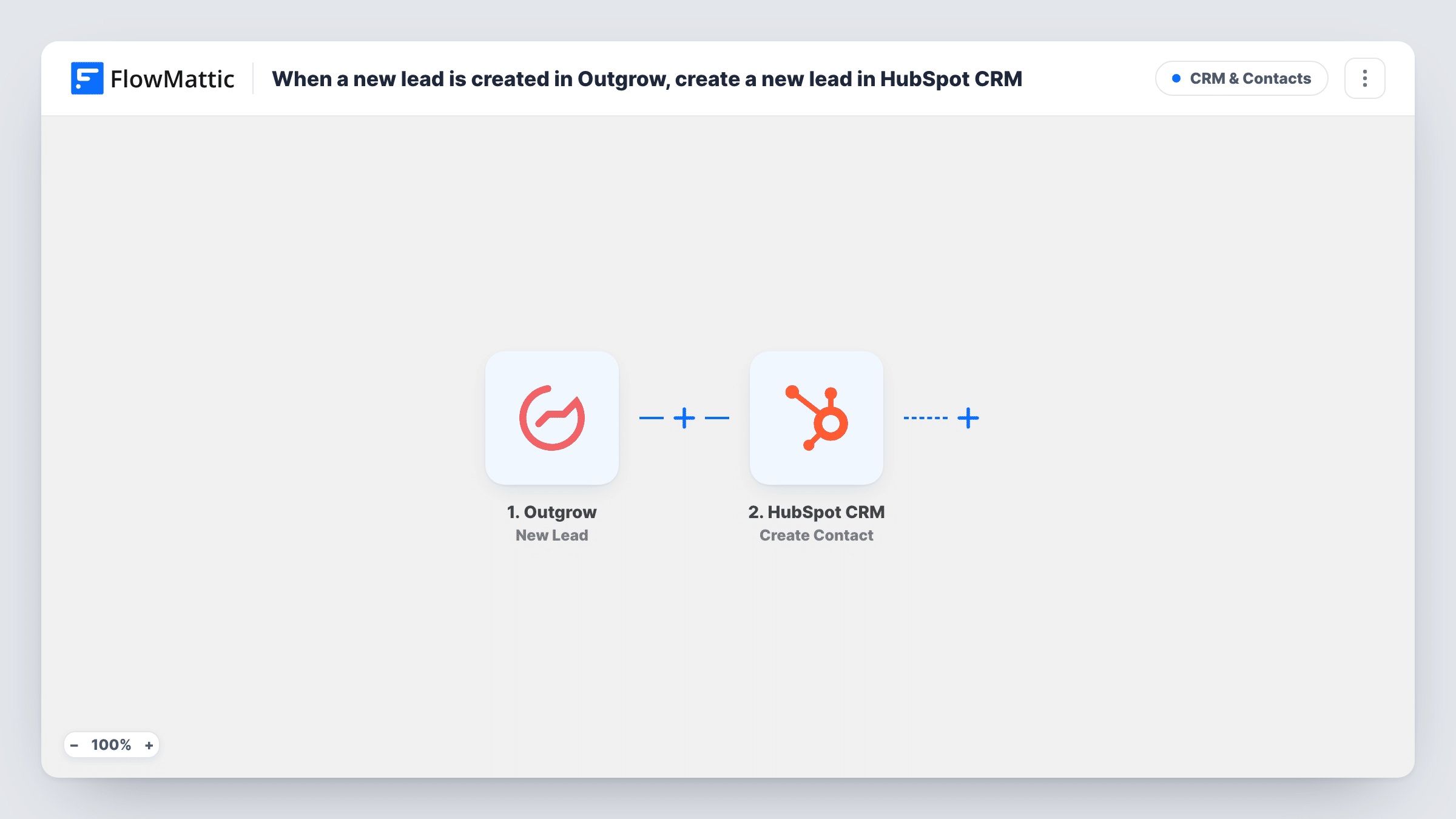
The Outgrow trigger fires when a new lead is created. FlowMattic passes the lead data on, and the HubSpot CRM Create Contact action adds the person as a HubSpot contact from the values you map.
Create Contact doesn't check whether the person already exists. If the email is already in HubSpot, HubSpot may refuse the duplicate, and Task History records the reply for that run.
Quiz leads ready for sales follow-up
A product-finder quiz in Outgrow captures an email at the end. Each lead becomes a HubSpot contact the sales team can call or email.
Calculator leads for a services firm
A pricing calculator asks visitors for contact details before showing a result. Those leads reach HubSpot so an advisor can reach out.
Campaign landing pages
A paid campaign points to an Outgrow assessment. New leads arrive in HubSpot while the campaign runs, without waiting for a weekly export.
How this workflow runs
What happens at each step once the workflow is on, and what you need before you import it.
 Outgrow New Lead
Runs when a new lead is created in your connected Outgrow account. The lead data Outgrow sends is passed to the HubSpot step for mapping.
- HubSpot CRM Create Contact
Creates a contact in HubSpot CRM from the Outgrow lead. Map the lead's email and any other details you collect, then check the new contact in HubSpot after a test.
What you need
- FlowMatticCore
- Outgrow AccountAccount
- HubSpot CRM AccountAccount
After importing, map your own data. To keep the template universal, not every step is pre-filled. Open each step in the builder and connect your accounts and fields (channels, lists, sheets, recipients) before you switch the workflow on.
Make it yours
Changes worth making after you import it.
- Add a Filter after the trigger that continues only when the lead's email is not empty, if some of your Outgrow content lets people finish without giving one.
- To avoid duplicate attempts for returning leads, add HubSpot's Get Contact step first and a Filter that lets the run continue only when no match was found.
- Complete your own Outgrow quiz or calculator after import so FlowMattic captures a real lead, then map its fields in the HubSpot step.
Questions about this workflow
Does this create a HubSpot lead or a HubSpot contact?
A contact. The step is HubSpot's Create Contact action, so each Outgrow lead becomes a HubSpot contact you can work from.
What if the Outgrow lead is already a HubSpot contact?
Create Contact doesn't check first, so HubSpot may refuse the duplicate email. Look at Task History to see HubSpot's reply for that lead.
Are earlier Outgrow leads sent to HubSpot?
No. Only leads created after you turn the workflow on are sent. Move older Outgrow leads into HubSpot with a one-off import.
More CRM & Contacts workflows
Other ready-to-import templates from the same category.





Import this workflow into your WordPress site
Download the JSON, import it from the Workflows screen and connect your accounts. Every run stays on your server, with no per-task fees.
30-day money-back guarantee Unlimited workflows and runs Self-hosted