

When a form is submitted on Zoho Forms, add a new contact in FluentCRM
Every new Zoho Forms entry is sent to FluentCRM, which creates a contact for that person or updates the one that already has their email, so your WordPress email list keeps up with your forms.
 Zoho Forms
 FluentCRM
2 steps Setup ~5 min Used on 841 sites Free to import
What this workflow does
Zoho Forms is a handy place to build forms, but the people who fill them in don't reach your FluentCRM list on their own. Copying entries over by hand is slow, and it is easy to miss a few. This workflow moves each new entry into FluentCRM as soon as it is submitted.
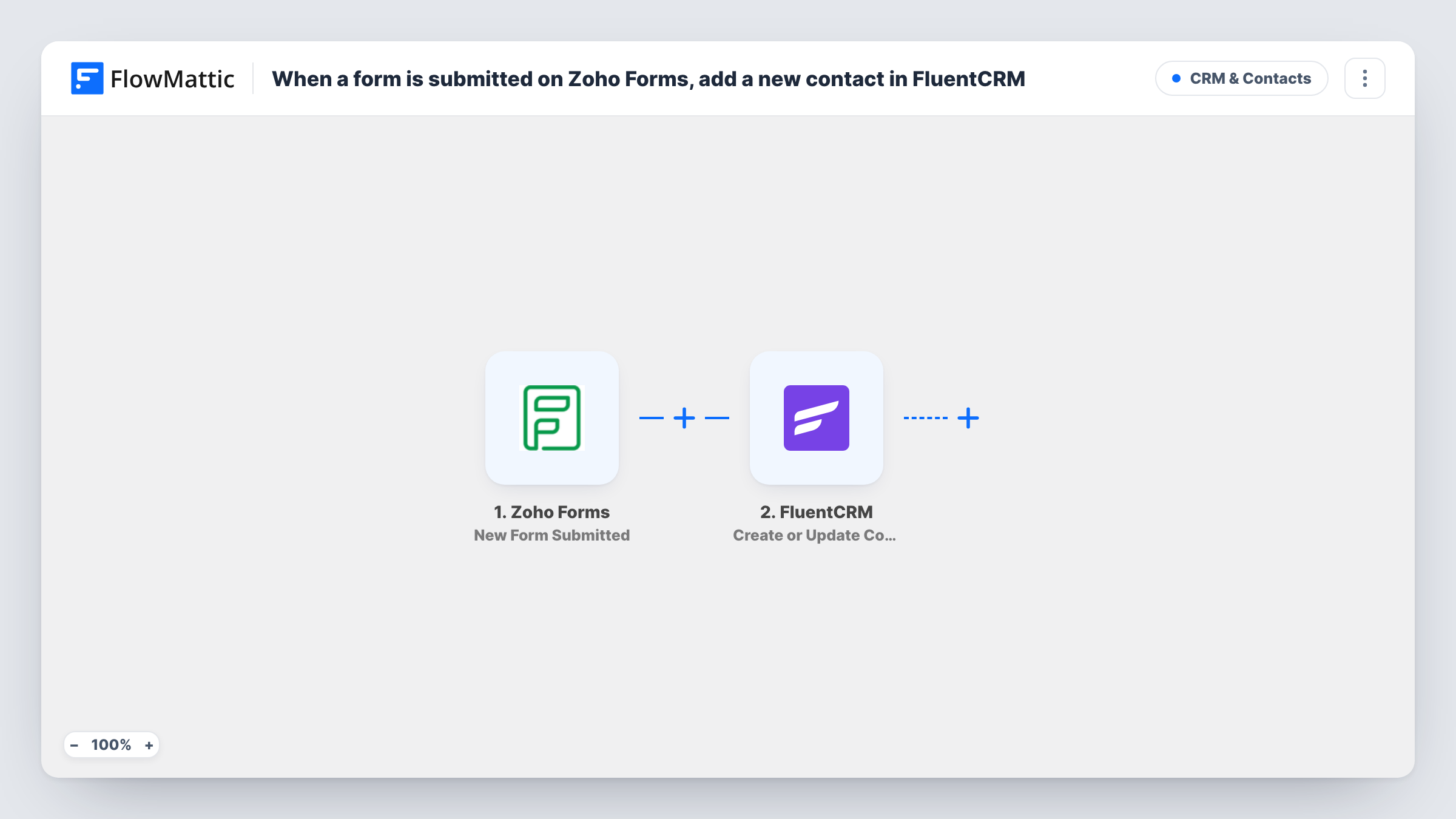
The Zoho Forms trigger starts a run each time someone sends one of your Zoho forms. FlowMattic passes the answers to FluentCRM, where Create or Update Contact looks for a contact with that email address. When no match turns up, a new contact is added. When one does, FluentCRM updates that contact with the values you mapped.
FluentCRM lives on your own WordPress site, so the contact is stored there, next to FlowMattic. Every entry runs the workflow, since there is no Filter. Task History lists each run with the data that went to FluentCRM.
Consultation requests from a Zoho form
A booking enquiry form built in Zoho Forms sits on your site. Each person who sends it becomes a FluentCRM contact you can add to a follow-up email sequence.
Customer surveys with an email field
Customers who fill in a Zoho Forms survey are matched by email in FluentCRM, so their contact record picks up the latest name and details they gave.
Course waitlist sign-ups
People join a waitlist through a Zoho form. FluentCRM then holds the full list, ready for the email you send when places open.
How this workflow runs
What happens at each step once the workflow is on, and what you need before you import it.
 Zoho Forms New Form Submitted
Starts each time a respondent sends your Zoho form. Their answers from that entry are passed on so you can map them to FluentCRM.
- FluentCRM Create or Update Contact
Creates a FluentCRM contact, or updates the existing contact with the same email address. Map the form's email answer here, plus name or other answers you want stored on the contact.
What you need
- FlowMatticCore
- Zoho Forms AccountAccount
- FluentCRM PluginPlugin
After importing, map your own data. To keep the template universal, not every step is pre-filled. Open each step in the builder and connect your accounts and fields (channels, lists, sheets, recipients) before you switch the workflow on.
Make it yours
Changes worth making after you import it.
- Make the email field mandatory in your Zoho form. FluentCRM matches contacts by email, so an entry without one gives this step nothing to match on.
- Submit a test entry on the Zoho form after import. FlowMattic captures the answers, and you can map them in the FluentCRM step with real sample data in front of you.
- To start an email sequence for each new contact, add a FluentCRM Add Subscriber to Sequence step after Create or Update Contact.
Questions about this workflow
What if the Zoho Forms respondent is already in FluentCRM?
FluentCRM uses the email answer to decide. If a contact with that email exists, FluentCRM updates it with the values you mapped instead of adding a second contact. A blank answer in a mapped field may overwrite what was stored, so map only fields the form always collects.
Does FluentCRM have to be installed where FlowMattic runs to receive Zoho entries?
Yes. FluentCRM is a WordPress plugin, and FlowMattic talks to it on the site where both are installed. Zoho Forms connects through your Zoho account.
Are Zoho Forms entries from before import added?
No. Only entries submitted after the workflow is turned on reach FluentCRM. Older entries stay in Zoho Forms.
More CRM & Contacts workflows
Other ready-to-import templates from the same category.






Import this workflow into your WordPress site
Download the JSON, import it from the Workflows screen and connect your accounts. Every run stays on your server, with no per-task fees.
30-day money-back guarantee Unlimited workflows and runs Self-hosted