

Send a Twilio SMS to follow up the moment a new Olx lead arrives
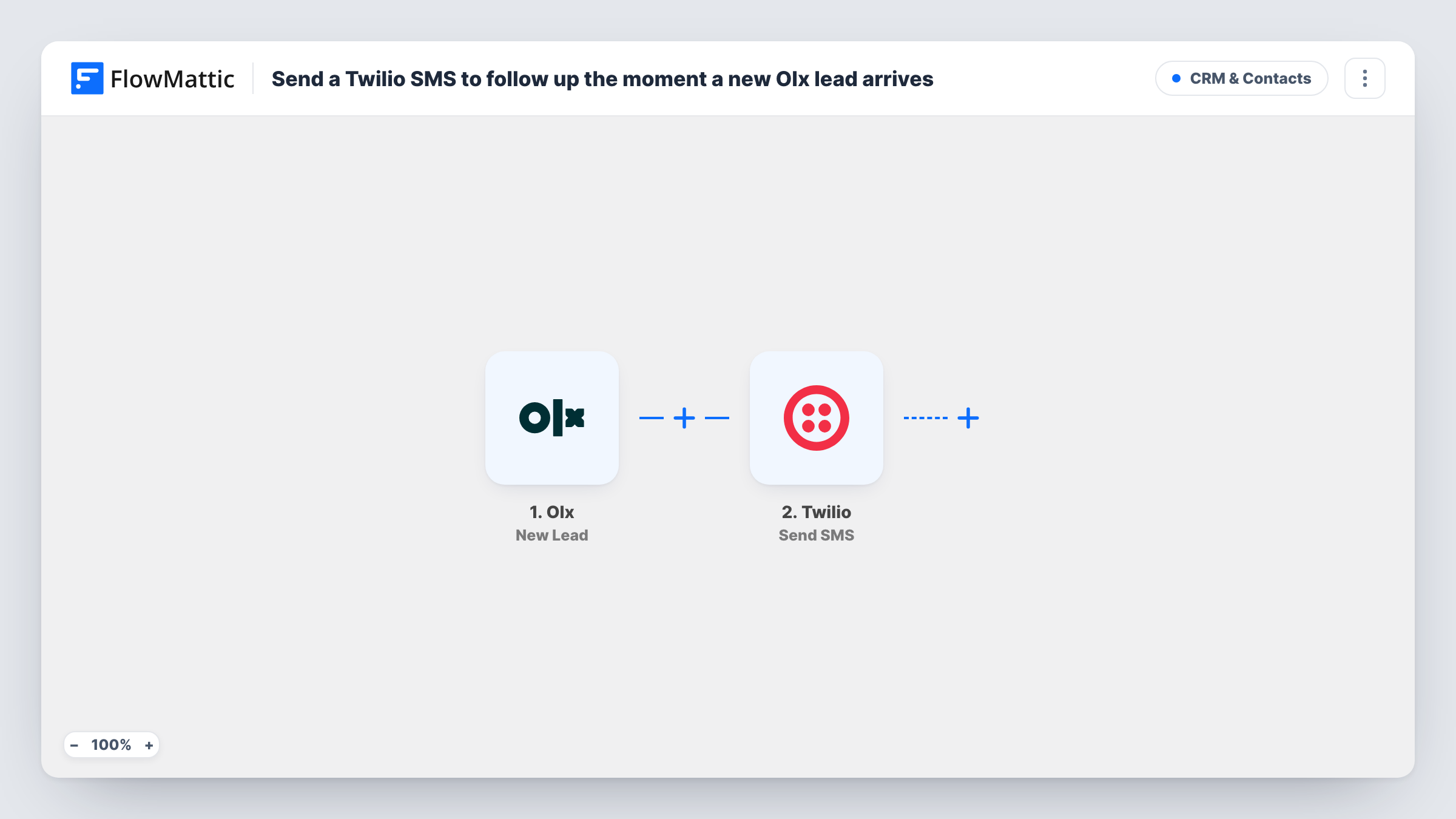
When a new lead is created in OLX, this workflow sends a Twilio SMS to follow up, so the person who asked about your listing hears from you as soon as the lead comes in.
 Olx
 Twilio
2 steps Setup ~5 min Used on 1.4k sites Free to import
What this workflow does
People who ask about a listing on OLX often contact several sellers at once. A quick reply shows you are there and ready to talk. Checking the OLX inbox all day isn't practical, so this workflow sends a text the moment a new lead arrives.
The Olx trigger starts a run each time OLX records a new lead on your account. FlowMattic passes the lead's details to Twilio, and the Send SMS action texts the number you map from your Twilio phone number. You write the message, and you can drop in details from the lead, such as the person's name or the listing they asked about.
The text can only reach a lead whose phone number is in the trigger data, so check a test lead before you rely on it. Every run is listed in Task History with Twilio's response, which shows any message Twilio didn't accept.
Used car dealer
A buyer asks about a car listed on OLX. They get a text with the dealer's name and a line inviting them to reply to book a viewing.
Property rentals
A tenant enquires about a flat. The SMS confirms you got the enquiry and gives a number to call for viewing times.
Furniture or electronics resale
A small reseller with many listings texts every new OLX lead so no enquiry waits until the evening.
How this workflow runs
What happens at each step once the workflow is on, and what you need before you import it.
 Olx New Lead
Fires once for every fresh enquiry OLX logs as a lead. The lead's details are passed on so you can use them in the text message.
- Twilio Send SMS
Texts the OLX lead from the phone number in your Twilio account. Map the lead's phone number as the recipient and write the follow-up text, adding lead details where they help.
What you need
- FlowMatticCore
- Olx AccountAccount
- Twilio AccountAccount
After importing, map your own data. To keep the template universal, not every step is pre-filled. Open each step in the builder and connect your accounts and fields (channels, lists, sheets, recipients) before you switch the workflow on.
Make it yours
Changes worth making after you import it.
- Add a Filter after the trigger that continues only when the lead's phone number is not empty, so runs without a number stop before Twilio.
- Add a Google Sheets step after Twilio to keep a list of OLX leads and when they were texted.
- Keep the message short and include your name or business name, so the lead knows who is texting about their enquiry.
Questions about this workflow
Does every OLX lead include a phone number for the SMS?
Not necessarily. The text needs a number in the lead data. Look at a test lead in the trigger output to see what OLX sends.
Which Twilio number does the OLX follow-up text come from?
From a phone number in your Twilio account. You connect that account to FlowMattic when you import the workflow.
Can the lead text back?
Replies go to your Twilio number. Twilio's Incoming SMS trigger in FlowMattic can start another workflow from those replies, for example to forward them to you.
Will repeat enquiries get another text?
Each new OLX lead is a separate run, so if the same person creates two leads, they get two texts.
More CRM & Contacts workflows
Other ready-to-import templates from the same category.





Import this workflow into your WordPress site
Download the JSON, import it from the Workflows screen and connect your accounts. Every run stays on your server, with no per-task fees.
30-day money-back guarantee Unlimited workflows and runs Self-hosted