

Create a HubSpot CRM contact for each new Epos Now customer
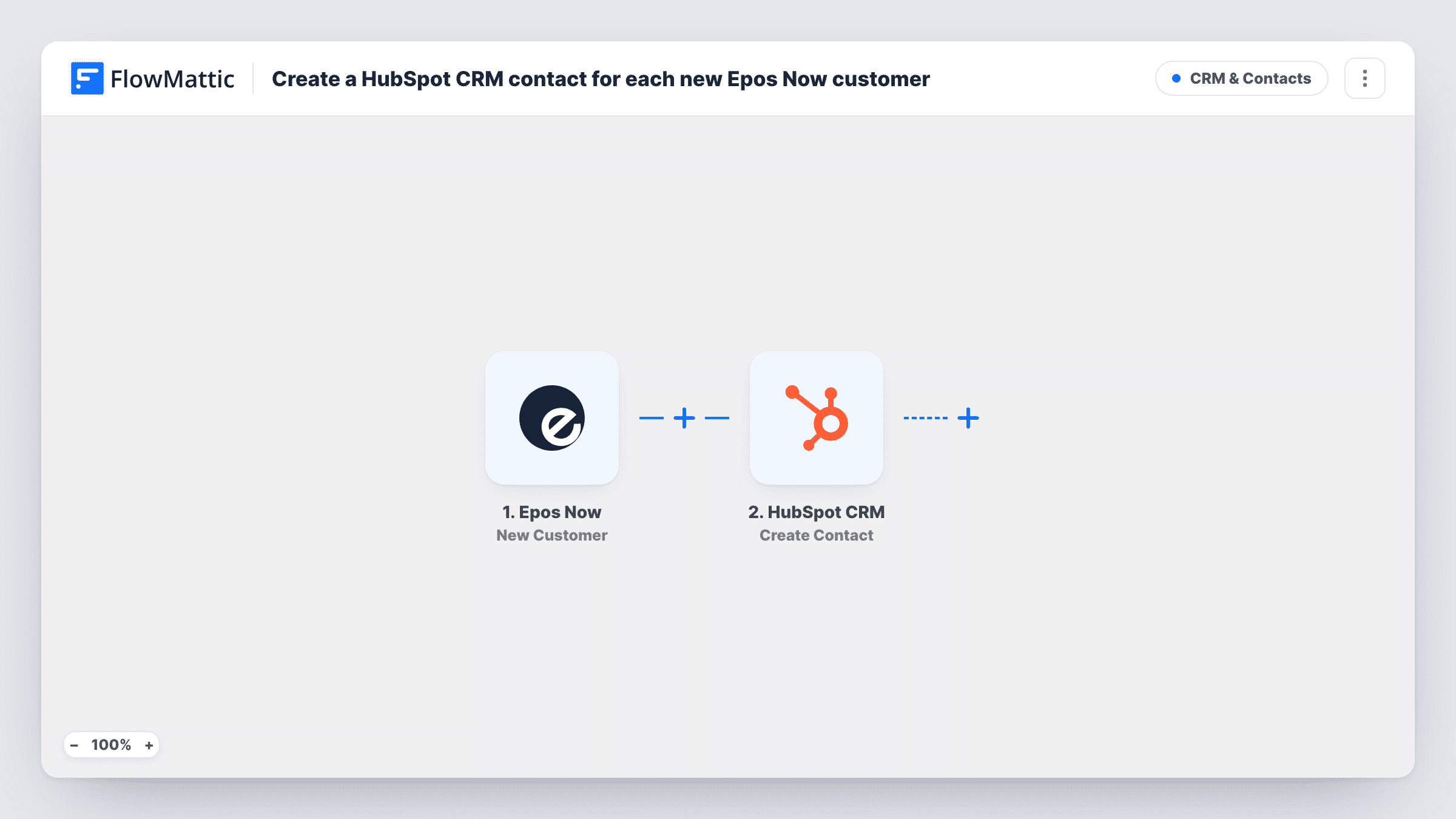
When a customer is created in Epos Now, this workflow creates a contact for them in HubSpot CRM, so shoppers you register at the till also appear in the CRM your marketing and sales teams use.
 Epos Now
 HubSpot CRM
2 steps Setup ~5 min Used on 2.3k sites Free to import
What this workflow does
Customer records made at the point of sale often stay at the point of sale. Staff add a shopper to Epos Now to track loyalty or orders, while your marketing team works from HubSpot and never sees that person. This workflow copies each new Epos Now customer into HubSpot as a contact.
The Epos Now New Customer trigger fires when a customer is created. The customer's details from Epos Now are passed to HubSpot CRM, where the Create Contact action adds a contact with the values you map, such as the email, first and last name, and phone.
Create Contact makes a new record and doesn't check for an existing one first. If the shopper is already in HubSpot, for example from an online form, HubSpot may refuse the duplicate email, and Task History shows that response. Customers saved in Epos Now without an email are worth testing too, so you know how HubSpot handles them in your account.
Loyalty sign-ups at a retail counter
Staff create a customer in Epos Now when a shopper joins the loyalty scheme, and the shopper appears in HubSpot ready for the welcome email series.
Cafe regulars into the CRM
A cafe registers regulars in Epos Now for their tab, and the owner sees them as HubSpot contacts when planning events and offers.
One customer view for a shop with a website
In-store customers made in Epos Now join the online leads already in HubSpot, so the sales team works from a single contact list.
How this workflow runs
What happens at each step once the workflow is on, and what you need before you import it.
 Epos Now New Customer
Fires when a customer is created in Epos Now. The customer's details, such as name, email and phone, are passed on for mapping into HubSpot.
- HubSpot CRM Create Contact
Creates a contact in HubSpot CRM from the Epos Now customer. Map the email, name and phone, connect your HubSpot account, and run a test with a new customer to check the result.
What you need
- FlowMatticCore
- Epos Now AccountAccount
- HubSpot CRM AccountAccount
After importing, map your own data. To keep the template universal, not every step is pre-filled. Open each step in the builder and connect your accounts and fields (channels, lists, sheets, recipients) before you switch the workflow on.
Make it yours
Changes worth making after you import it.
- Add a Filter after the trigger that continues only when the Epos Now customer's email is not empty, if your HubSpot contacts should always have an address.
- Create one test customer in Epos Now after import, so FlowMattic captures the fields Epos Now sends before you map them into HubSpot.
- If the Create Contact step lets you set other HubSpot properties, put a fixed value such as In store in the one you use for lead source, so till customers stand out from online leads. Open the step after import to see which properties it lists.
Questions about this workflow
What happens if the Epos Now customer already exists in HubSpot?
The HubSpot step here never looks a person up before adding them. HubSpot may turn down an email address it already holds, and you'll see that reply on the step in Task History. The existing contact isn't changed by this workflow.
Does editing a customer in Epos Now update the HubSpot contact?
No. The trigger fires when a customer is created, so later edits in Epos Now don't reach HubSpot through this workflow.
Are customers created in Epos Now before import copied to HubSpot?
No. The trigger reacts only to Epos Now customers added once the workflow is live. Bring older customers into HubSpot with an import of your own.
Do Epos Now transactions reach HubSpot as well?
Not with this template. It only copies new customers. Epos Now has a separate New Transaction trigger you could use in another workflow.
More CRM & Contacts workflows
Other ready-to-import templates from the same category.




Import this workflow into your WordPress site
Download the JSON, import it from the Workflows screen and connect your accounts. Every run stays on your server, with no per-task fees.
30-day money-back guarantee Unlimited workflows and runs Self-hosted