

Upload newly received Parsio attachments as Google Drive files
Whenever Parsio receives a new email document, FlowMattic uploads a file from it to a Google Drive folder you select, so invoices, receipts and other attachments are kept where your team stores files.
 Parsio
 Google Drive
2 steps Setup ~5 min Used on 754 sites Free to import
What this workflow does
Parsio pulls data out of emails and PDFs, but you may still want the original file in a place your accountant or team already opens. Downloading attachments from Parsio by hand gets old quickly. This workflow sends a copy to Google Drive as each document arrives.
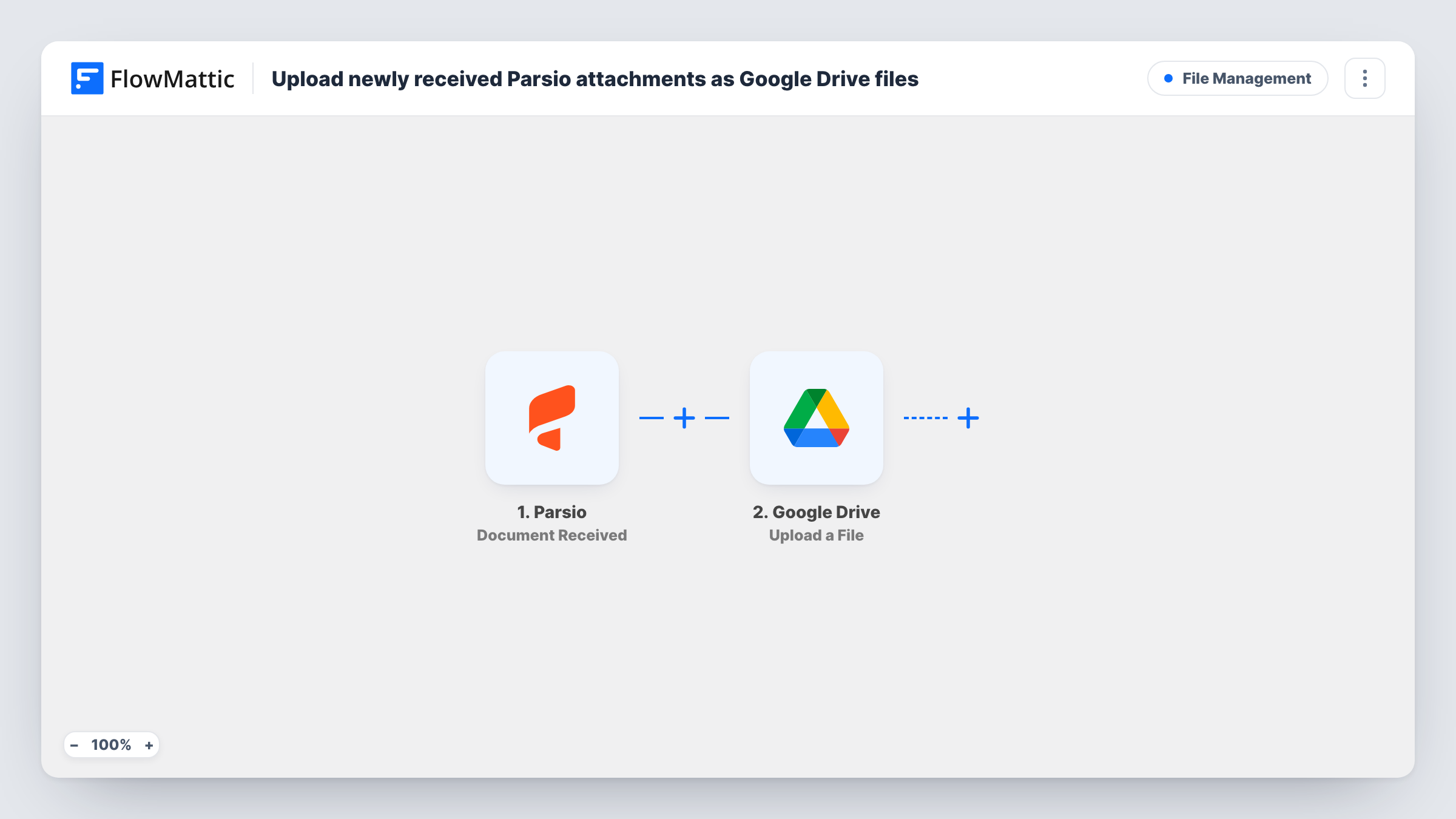
The Parsio trigger, Document Received, fires when a new email document reaches your Parsio mailbox. The document's details come into FlowMattic for mapping. The Google Drive step, Upload a File, then uploads a file to the folder you choose, using the file you map from the Parsio data.
Each run uploads one file: the one you map. If an email carries several attachments, the others are left out unless you add an Iterator over them. Send a test email to Parsio after import to see how attachments come through. Task History lists every run with Google Drive's reply.
Supplier invoices for the bookkeeper
Suppliers email invoices to your Parsio mailbox. Each PDF is copied into a shared Drive folder the bookkeeper works from each month.
Receipts from expense emails
Staff forward purchase receipts to Parsio. The files collect in one Drive folder you can check against card statements.
Order confirmations from a marketplace
Order confirmation emails sent to Parsio are filed in Google Drive, so you keep the original document next to the data Parsio extracts.
How this workflow runs
What happens at each step once the workflow is on, and what you need before you import it.
 Parsio Document Received
Starts a run as soon as an email document lands in Parsio. Its details, including what Parsio provides for attachments, become available to map.
- Google Drive Upload a File
Copies one file into a Drive folder of your choice. Map the attachment file from the Parsio data and connect your Google account, then confirm with a test email.
What you need
- FlowMatticCore
- Parsio AccountAccount
- Google Drive AccountAccount
After importing, map your own data. To keep the template universal, not every step is pre-filled. Open each step in the builder and connect your accounts and fields (channels, lists, sheets, recipients) before you switch the workflow on.
Make it yours
Changes worth making after you import it.
- Emails with more than one attachment? If Parsio passes them as a list, add an Iterator before the Google Drive step so each file gets its own upload.
- Add a Filter after the trigger that continues only when an attachment is present, so plain emails without files don't produce failed uploads.
- Keep a log of what was filed by adding a Google Sheets Add New Row step after the upload, with the sender and the Drive reply mapped in.
Questions about this workflow
Does every Parsio document upload a file to Google Drive?
Each document received starts one run and one upload attempt. If the email has no attachment to map, the Drive step has nothing to upload and Task History shows the error.
Does the workflow wait for Parsio to finish parsing?
No. Document Received fires when the email arrives. Parsio has separate Document Parsed triggers if you want to act on the extracted data instead.
Which Google Drive folder do the Parsio files go to?
The folder you select in the Upload a File step when you connect your Google account. Every upload goes to that same folder unless you change the step.
Are older Parsio documents uploaded?
No. Only documents that Parsio receives after you turn the workflow on reach Google Drive.
More File Management workflows
Other ready-to-import templates from the same category.



Import this workflow into your WordPress site
Download the JSON, import it from the Workflows screen and connect your accounts. Every run stays on your server, with no per-task fees.
30-day money-back guarantee Unlimited workflows and runs Self-hosted