

When a booking is cancelled in TuCalendi, delete the subscriber in Acumbamail
When someone cancels a TuCalendi booking, this workflow unsubscribes their email address from the Acumbamail list you choose, so people who called off an appointment stop getting that list’s emails.
 TuCalendi
 Acumbamail
2 steps Setup ~5 min Used on 2.8k sites Free to import
What this workflow does
If you add people who book with you to an Acumbamail list, for reminders or pre-appointment tips, a cancelled booking leaves them on a list that no longer fits. They keep receiving messages about an appointment that isn't happening. This workflow takes them off that list as soon as the booking is cancelled.
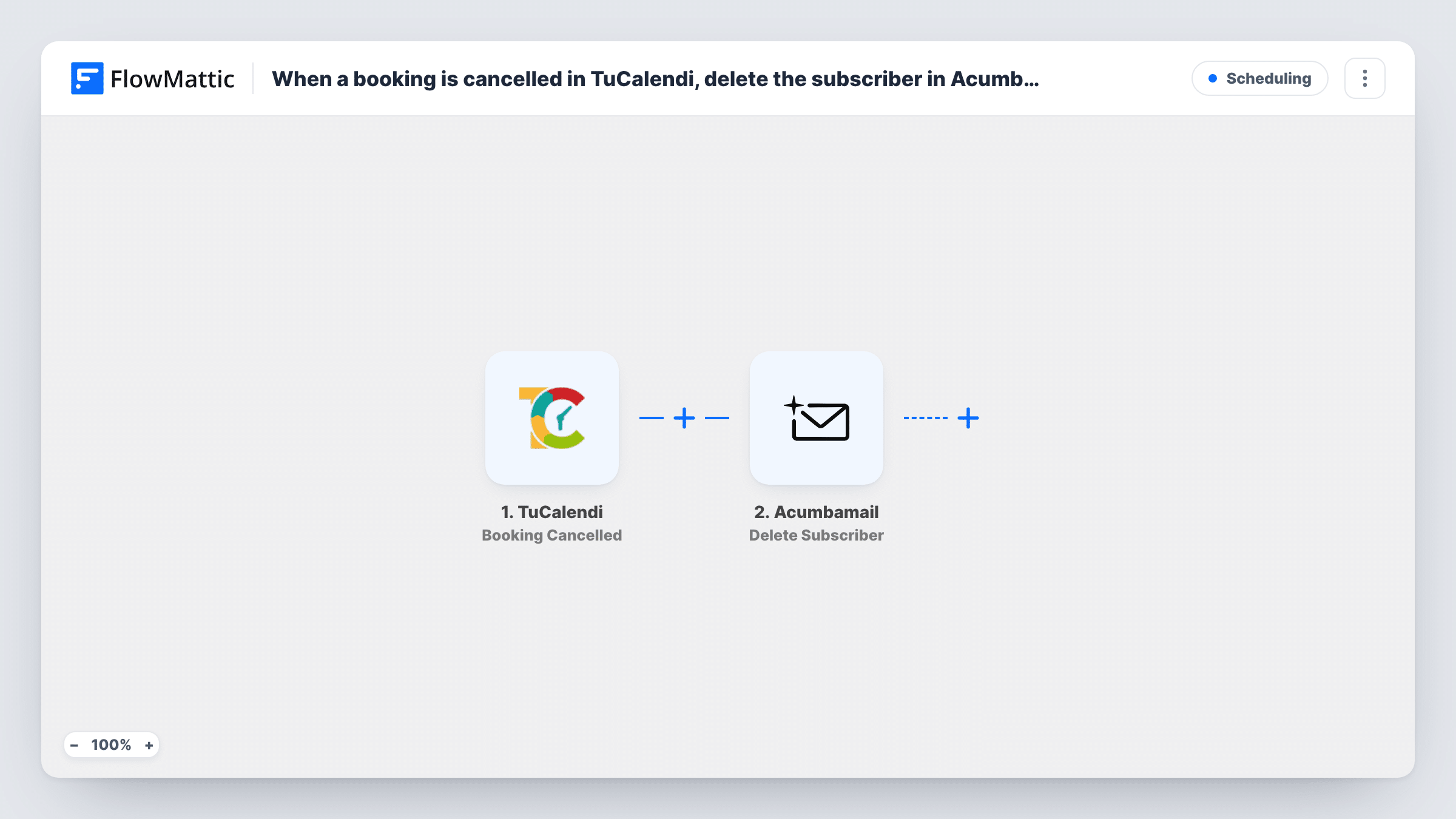
The TuCalendi trigger fires when a booking is cancelled. The booking details, including the client's email, become values you can map. Acumbamail then runs Delete Subscriber, which unsubscribes that email address from the list you pick in the step.
The step works on one list. If the person is also on other Acumbamail lists, they stay there. Someone who was never on the chosen list has nothing to remove, and Acumbamail's reply for that run appears in Task History. No Filter limits it, so every TuCalendi cancellation runs the step.
Pre-appointment email sequence
A clinic sends booked patients preparation tips from an Acumbamail list. A cancelled TuCalendi booking takes the patient off that list so the tips stop.
Webinar or class reminder list
Attendees of a booked class sit on a reminder list, and anyone who cancels in TuCalendi stops receiving the reminders for that session.
Consultation follow-up campaigns
A consultant keeps a list for upcoming calls. Clients who cancel are removed, so the list only holds people with a booking still standing.
How this workflow runs
What happens at each step once the workflow is on, and what you need before you import it.
 TuCalendi Booking Cancelled
Fires when a booking is cancelled in TuCalendi. The booking's details, including the client's email, are passed on for the Acumbamail step.
- Acumbamail Delete Subscriber
Unsubscribes the client's email address from the Acumbamail list you choose. Map the email from the TuCalendi booking, connect Acumbamail on import, and test with a known subscriber.
What you need
- FlowMatticCore
- TuCalendi AccountAccount
- Acumbamail AccountAccount
After importing, map your own data. To keep the template universal, not every step is pre-filled. Open each step in the builder and connect your accounts and fields (channels, lists, sheets, recipients) before you switch the workflow on.
Make it yours
Changes worth making after you import it.
- Pair this with a second workflow that uses TuCalendi's New Booking Created trigger and Acumbamail's Add/Update Subscriber action on the same list, so the list tracks current bookings.
- Add a Filter after the trigger if you only use the list for one TuCalendi event type, so cancellations of other appointments leave subscribers alone.
- Cancel a test booking made with your own email after import, then confirm in Acumbamail that the address was unsubscribed from the right list.
Questions about this workflow
Is the TuCalendi client removed from every Acumbamail list?
No. Delete Subscriber unsubscribes the address from the single list chosen in the step. Other lists are not touched.
What if the cancelled client isn't on the Acumbamail list?
There is nothing to unsubscribe. Acumbamail's response for that run shows in Task History, and nothing else changes.
Does this cancel the booking in TuCalendi?
No. It runs after TuCalendi has already cancelled the booking and only changes the Acumbamail list.
More Scheduling workflows
Other ready-to-import templates from the same category.







Import this workflow into your WordPress site
Download the JSON, import it from the Workflows screen and connect your accounts. Every run stays on your server, with no per-task fees.
30-day money-back guarantee Unlimited workflows and runs Self-hosted