

When a booking is updated in SimplyBook.me, update the corresponding row in Google Sheets
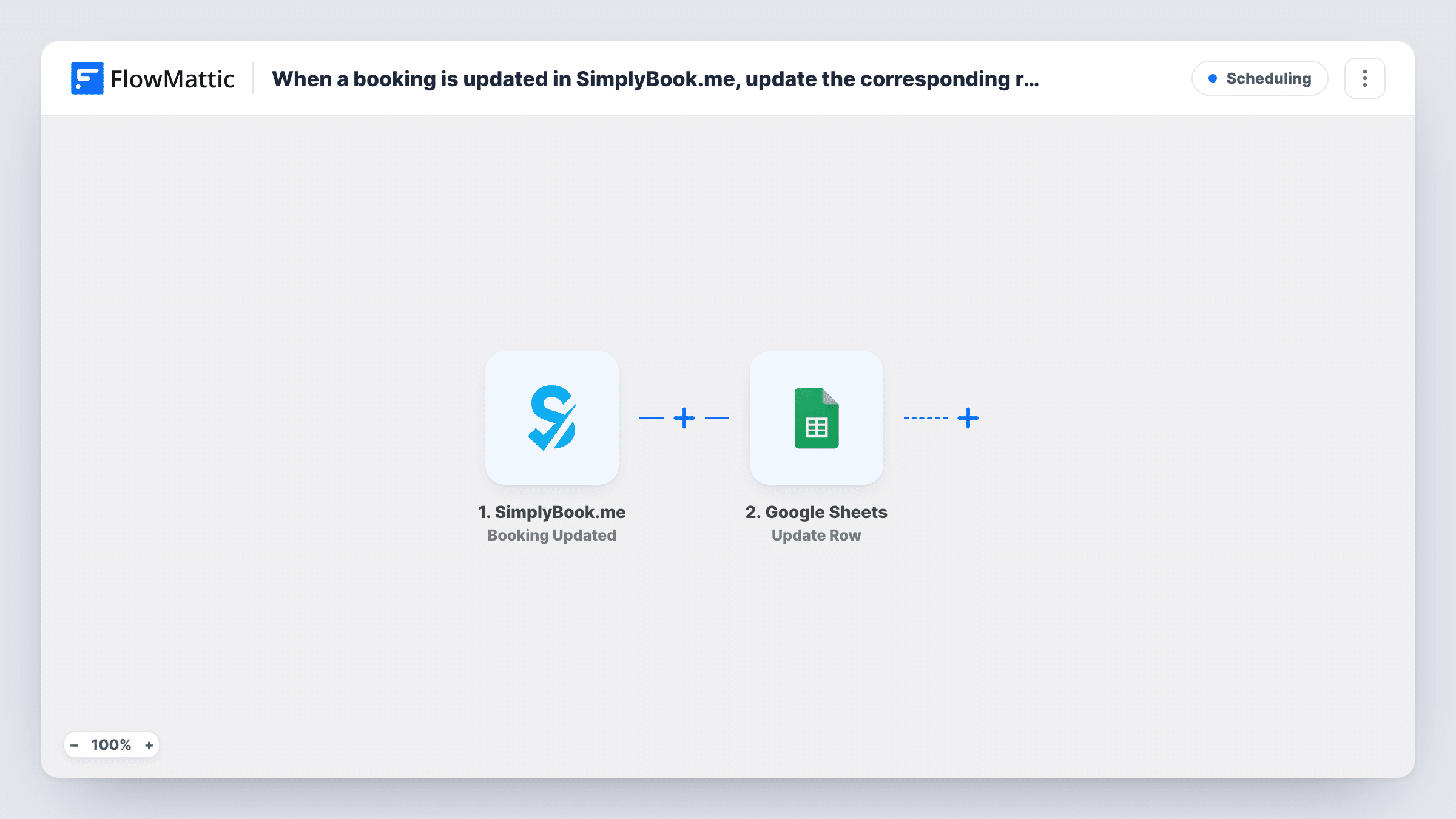
When a booking is updated in SimplyBook.me, FlowMattic looks up that booking’s row in your Google Sheets log and updates the row with the new details, so the sheet matches the booking system.
 SimplyBook.me
 Google Sheets
3 steps Setup ~5 min Used on 1.8k sites Free to import
What this workflow does
A spreadsheet of bookings is handy for reporting, payroll or sharing with staff who don't log in to SimplyBook.me. The trouble starts when a client reschedules or a booking changes and the sheet still shows the old details. This workflow keeps an existing row current whenever its booking is updated.
The SimplyBook.me trigger fires when a booking is updated and passes the booking data on. The first Google Sheets step searches your spreadsheet for the row that belongs to that booking. After import you pick the spreadsheet and sheet, choose the column to search, such as one holding the SimplyBook.me booking ID, and map the matching value from the trigger.
The second Google Sheets step updates the row the lookup found. It ships unmapped too: map the row reference the lookup returns, which a test run shows you, and then the booking fields, such as date, time and service, into the columns you want refreshed.
The sheet needs one row per booking, holding a value the lookup can match. That usually means a separate workflow on SimplyBook.me's Booking Created trigger adds the row first. Test by changing a booking that has a row, then check Task History.
Salon schedule shared with stylists
A hair salon keeps a Google Sheet of appointments for its stylists. When a client moves their booking in SimplyBook.me, the row shows the new time.
Tutoring hours for invoicing
A tutoring business totals session hours in Google Sheets each month. Changed bookings update their rows so the invoice uses the final duration and date.
Clinic reporting sheet
A physiotherapy clinic reports on bookings by service from a spreadsheet, and booking changes made at reception keep each row accurate.
How this workflow runs
What happens at each step once the workflow is on, and what you need before you import it.
 SimplyBook.me Booking Updated
Fires when a booking in your SimplyBook.me account is updated. The booking's details, such as its ID, client and current date and time, are passed to the Google Sheets steps.
- Google Sheets Lookup Row Data
Searches your spreadsheet for the row that holds this booking. The step ships unmapped: choose the spreadsheet, sheet and lookup column, then map the SimplyBook.me value that identifies the booking.
- Google Sheets Update Row
Updates the row found by the lookup with the booking's current details. After import, map the row reference returned by step 2, then map the booking fields into the columns that should change.
What you need
- FlowMatticCore
- SimplyBook.me AccountAccount
- Google Sheets AccountAccount
After importing, map your own data. To keep the template universal, not every step is pre-filled. Open each step in the builder and connect your accounts and fields (channels, lists, sheets, recipients) before you switch the workflow on.
Make it yours
Changes worth making after you import it.
- Store the SimplyBook.me booking ID in its own column and search that column in step 2. Client names and times can repeat or change, but the ID stays the same.
- Put a Filter between the lookup and the Update Row step that continues only when the lookup found a row, so updates for bookings missing from the sheet change nothing. Check a test run to see which value to test.
- Run a second workflow on SimplyBook.me's Booking Created trigger with Google Sheets' Add New Row action, so every booking has a row before it is ever updated.
Questions about this workflow
What if the updated SimplyBook.me booking isn't in my Google Sheet?
The lookup has no row to return, so there's nothing for the update to target. Task History shows what each Google Sheets step returned. A Filter between the lookup and the update step keeps those runs from going further.
Do cancelled SimplyBook.me bookings update the sheet?
This template listens for updated bookings. FlowMattic's SimplyBook.me integration also has a Booking Cancelled trigger, which you could use in another workflow to mark the row as cancelled.
Does this add rows for new bookings?
No. Its job is limited to refreshing booking rows the sheet already holds. Pair it with a workflow on the Booking Created trigger that adds a row for each new booking.
Which columns in the Google Sheet get changed?
The ones you map in the Update Row step. Before you rely on notes kept in other columns, change a test booking and check that the row looks the way you expect.
More Scheduling workflows
Other ready-to-import templates from the same category.




Import this workflow into your WordPress site
Download the JSON, import it from the Workflows screen and connect your accounts. Every run stays on your server, with no per-task fees.
30-day money-back guarantee Unlimited workflows and runs Self-hosted