

When a new row is added in Google Sheets, create calendar in AddEvent
Each new row added to a Google Sheets spreadsheet creates a new calendar in AddEvent, so you can set up calendars from a planning sheet instead of one by one in AddEvent.
 Google Sheets
 AddEvent
2 steps Setup ~5 min Used on 2.1k sites Free to import
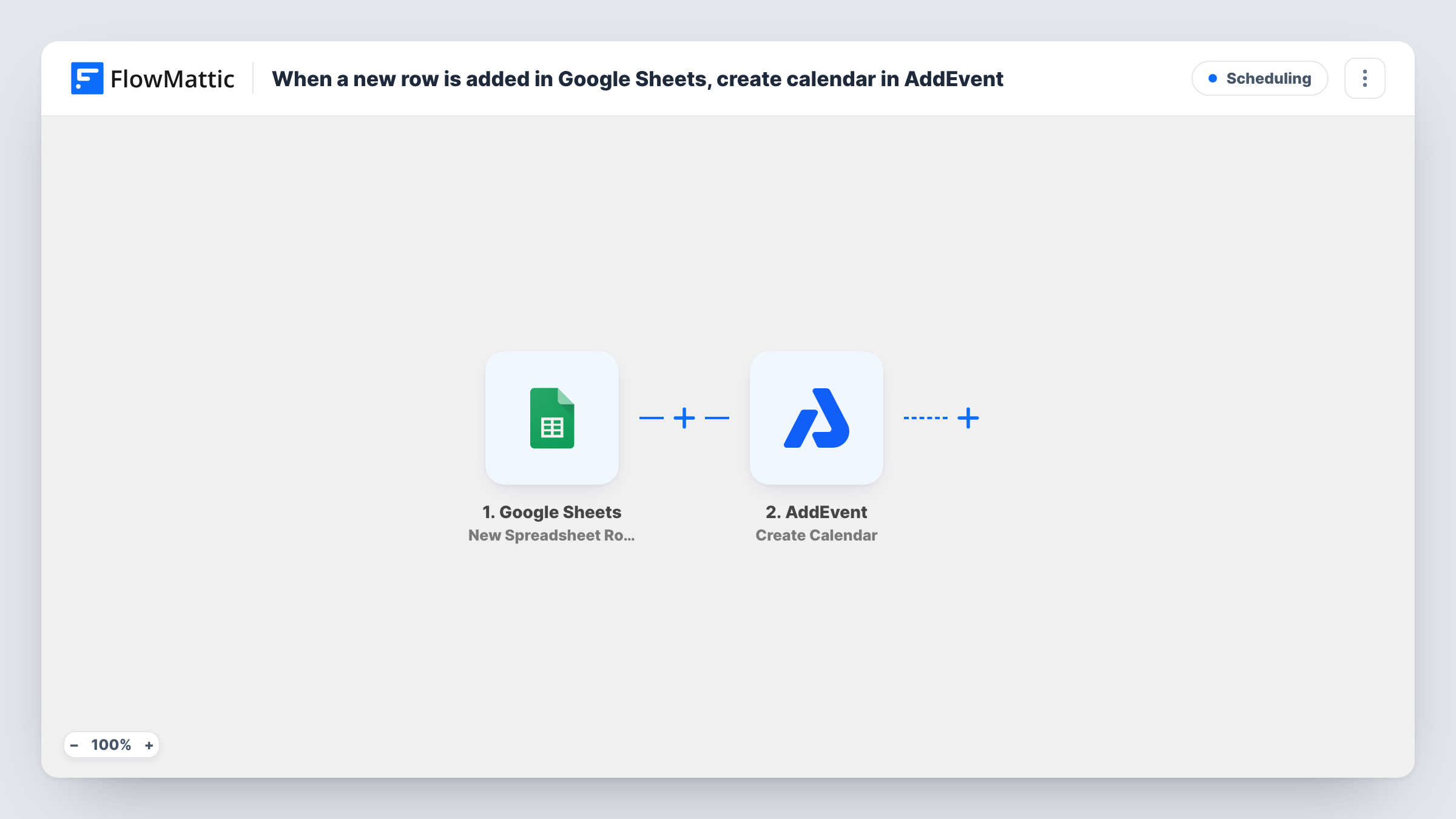
What this workflow does
If you run many separate calendars in AddEvent, for example one per client, venue or course, setting each one up by hand gets repetitive. When the list of calendars you need already lives in a spreadsheet, this workflow creates them from it.
The Google Sheets trigger watches your planning spreadsheet and runs for each row added to it. Each cell in that row becomes a value you can map. The AddEvent step then creates a new calendar in your account, with its details taken from the row.
Note that this creates a calendar, not an event. Each new row gives you one more calendar, so keep one row per calendar you want. Task History records each run, including what AddEvent returned for the new calendar.
One calendar per client
An agency adds a client to its onboarding sheet, and AddEvent gets a calendar ready for that client's events.
Course or cohort calendars
A training provider lists each new cohort in a sheet, and each row sets up a separate AddEvent calendar for it.
Venue schedules
An events team adds each venue to a spreadsheet and gets a matching AddEvent calendar to publish its schedule.
How this workflow runs
What happens at each step once the workflow is on, and what you need before you import it.
 Google Sheets New Spreadsheet Row
Fires when a new row is added to the Google Sheets spreadsheet you pick. The row's values are passed on so you can use them for the calendar.
- AddEvent Create Calendar
Creates a new calendar in your AddEvent account. Map values from the sheet row into the calendar details, then check a test run to confirm the result.
What you need
- FlowMatticCore
- Google Sheets AccountAccount
- AddEvent AccountAccount
After importing, map your own data. To keep the template universal, not every step is pre-filled. Open each step in the builder and connect your accounts and fields (channels, lists, sheets, recipients) before you switch the workflow on.
Make it yours
Changes worth making after you import it.
- Add one test row after import so FlowMattic picks up the sheet's columns, then map them in the AddEvent step.
- If your sheet lists other things besides calendars, add a Filter that continues only when a column such as Type holds the value you use for new calendars.
- To keep a record of what was created, add a Google Sheets step after AddEvent that writes the result to another sheet.
Questions about this workflow
Does this add events to an AddEvent calendar?
No. The AddEvent step creates a new calendar. For events, look at the other AddEvent actions in FlowMattic and add one after this step.
Does deleting a row in the Google Sheet remove the AddEvent calendar?
No. The workflow only creates calendars. Removing a calendar you no longer need is done in AddEvent.
Will rows already in the spreadsheet create AddEvent calendars?
No. Only rows added after the workflow is turned on fire the trigger.
What accounts do the Google Sheets and AddEvent steps use?
A Google account with access to the spreadsheet, and an AddEvent account where the calendars will be created.
More Scheduling workflows
Other ready-to-import templates from the same category.








Import this workflow into your WordPress site
Download the JSON, import it from the Workflows screen and connect your accounts. Every run stays on your server, with no per-task fees.
30-day money-back guarantee Unlimited workflows and runs Self-hosted