

When a Cockpit page is saved, record it in Airtable and alert the content team on Discord
Each time a page is saved in Cockpit, this workflow adds a record to an Airtable table and then posts a message to a Discord channel, giving your content team both a change log and a heads-up.
 Cockpit
 Airtable
 Discord
3 steps Setup ~5 min Used on 909 sites Free to import
What this workflow does
Content teams working in a headless CMS need two things when a page changes: a record they can look back on, and a prompt to take a look now. Chat messages scroll away and a table alone goes unread. This workflow writes every Cockpit page save to Airtable and announces it on Discord.
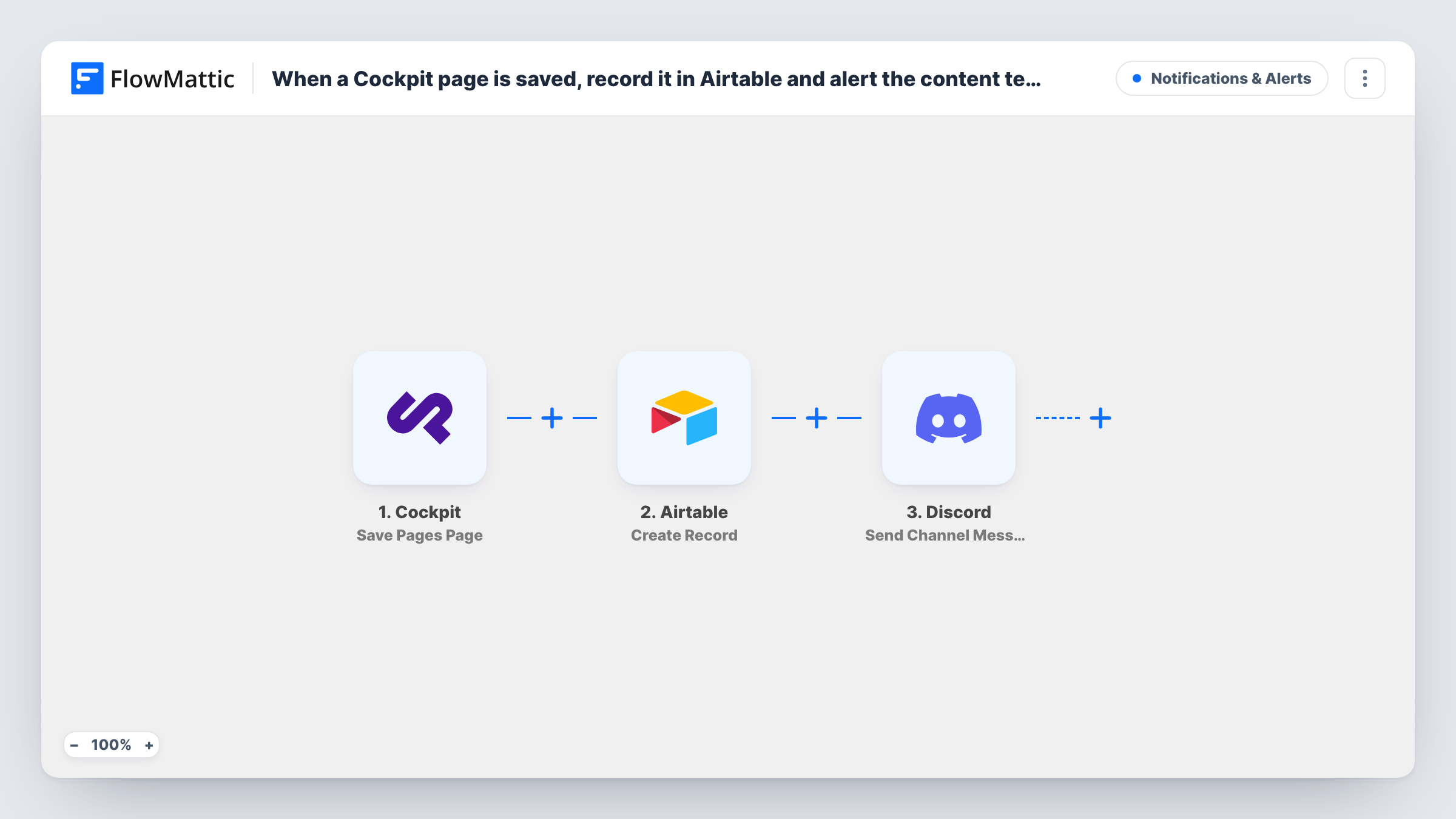
The Cockpit trigger starts a run whenever someone saves a page in getcockpit.com. FlowMattic sends the page data first to Airtable, where Create Record adds a new record to the base and table you pick. You map the Cockpit details into its fields. The run then continues to Discord, where Send Channel Message posts in the channel you choose.
Because the trigger reacts to every save, an editor who saves a page several times creates several records and several messages. The Airtable log keeps each save as its own record, which makes it a running history. Task History shows the data from Cockpit and the result of both steps for every run.
Edit log for a marketing site
Every page save in Cockpit becomes an Airtable record, so the marketing lead can review which pages changed this week while the Discord channel shows changes as they happen.
Review queue for a content team
Writers save pages and the editors' Discord channel gets a message. Editors mark their checks against the matching record in Airtable.
Client reporting for an agency
An agency managing a client's Cockpit site keeps the Airtable table as a record of content work for monthly reports, and the Discord alert keeps the team informed.
How this workflow runs
What happens at each step once the workflow is on, and what you need before you import it.
 Cockpit Save Pages Page
Fires when a page is saved in Cockpit. The saved page's data is captured and passed on to Airtable and Discord.
- Airtable Create Record
Adds a new record to the Airtable table you choose for each save. Map Cockpit page details into the table's fields and connect your Airtable account on import.
- Discord Send Channel Message
Posts a message to the Discord channel you pick, telling the content team a page was saved. You can include Cockpit details and data returned by the Airtable step.
What you need
- FlowMatticCore
- Cockpit AccountAccount
- Airtable AccountAccount
- Discord AccountAccount
After importing, map your own data. To keep the template universal, not every step is pre-filled. Open each step in the builder and connect your accounts and fields (channels, lists, sheets, recipients) before you switch the workflow on.
Make it yours
Changes worth making after you import it.
- Give the Airtable table a Created time field. Airtable fills it in for each new record, so your log of Cockpit saves can be sorted by when they happened.
- If only some Cockpit pages matter, place a Filter between the Cockpit trigger and the Airtable step, so the log and the Discord channel show those pages alone.
- Save a test page in Cockpit after import. The captured payload shows which page details you can map into Airtable and the Discord message.
Questions about this workflow
Does every Cockpit page save add an Airtable record?
Yes. Each save starts a run, and Create Record adds a new record every time, so repeated saves of one page appear as separate records.
Which Discord channel gets the Cockpit save alerts?
The one you pick in the Send Channel Message step after connecting Discord to FlowMattic. You write the message there and can map Cockpit details, such as the page name, plus anything the Airtable step returned.
What fields should the Airtable log table have for Cockpit saves?
Whatever you want to keep, such as the page name. Create those fields in your table first, then map Cockpit data into them in the Create Record step.
Does this also log Cockpit content items?
No. It uses the Save Pages Page trigger only. Cockpit's Save Content Item trigger is available in FlowMattic for a separate workflow.
More Notifications & Alerts workflows
Other ready-to-import templates from the same category.





Import this workflow into your WordPress site
Download the JSON, import it from the Workflows screen and connect your accounts. Every run stays on your server, with no per-task fees.
30-day money-back guarantee Unlimited workflows and runs Self-hosted