

When a customer account is deleted in Pabbly Subscriptions, update user meta in WordPress
When a customer is deleted in Pabbly Subscriptions, FlowMattic looks up the WordPress user with that email and updates a user meta value you choose, so your site knows the billing account is gone.
 Pabbly Subscriptions
 WordPress
3 steps Setup ~5 min Used on 1.2k sites Free to import
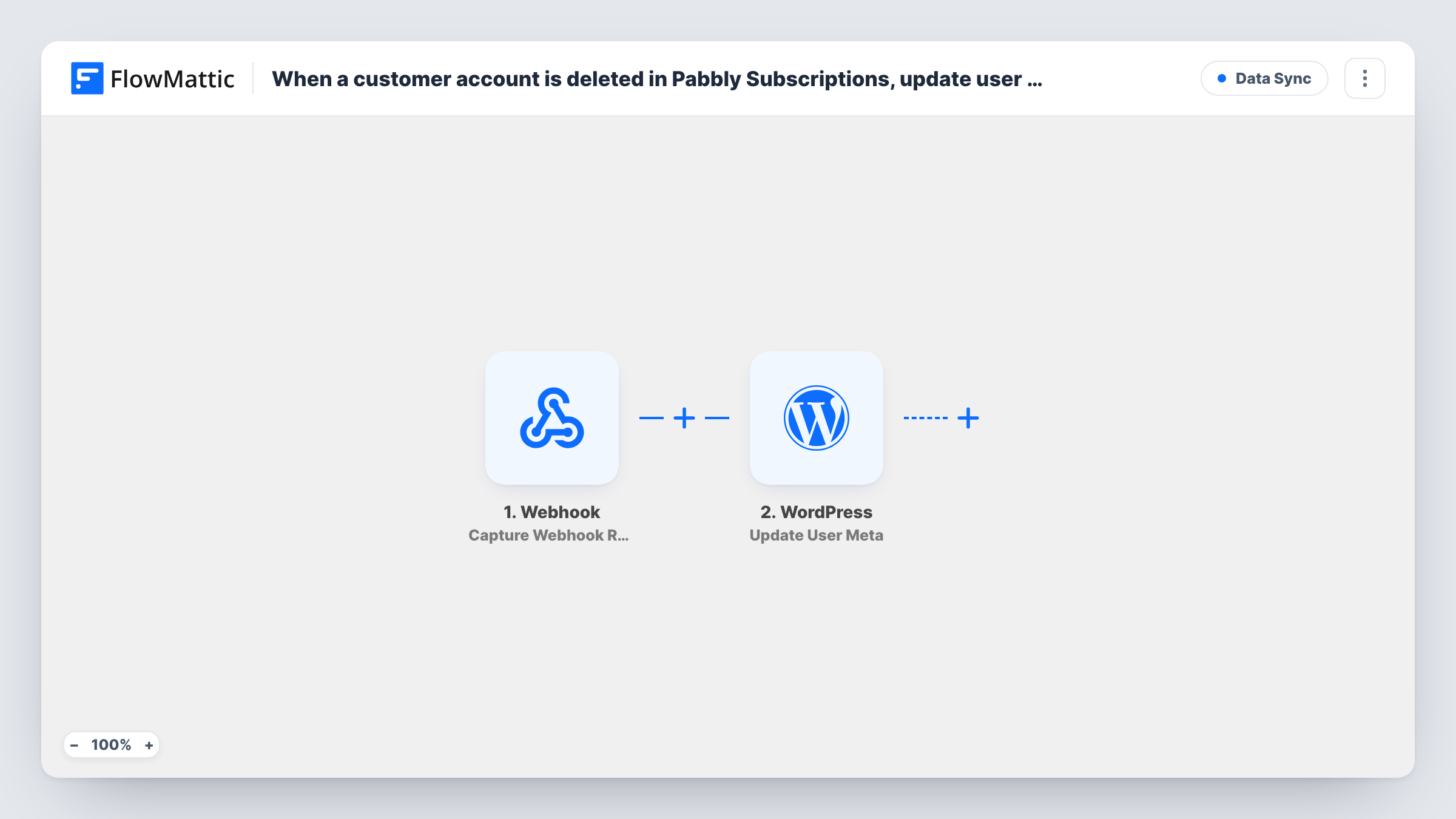
What this workflow does
If you sell memberships or software through Pabbly Subscriptions and give buyers a WordPress login, the two systems can disagree after you remove someone from billing. Their WordPress account stays exactly as it was. This workflow writes a marker onto that account instead, so other plugins, reports or your own code can see that the billing customer no longer exists.
The Pabbly Subscriptions trigger runs when a customer is deleted there and passes the customer record on. The first WordPress step, Get User by Email, finds the site user whose email matches the deleted customer. That lookup matters: WordPress identifies a user by their user ID, and a billing email alone can't tell the update step which account to change.
The last step, Update User Meta, writes to that user's metadata. None of the three steps is mapped in the template. After import you map the customer's email into the lookup, map the user ID the lookup returns into the update, and decide which meta key and value to write, such as a key that records the billing account was deleted.
The workflow doesn't delete the WordPress user or change their role. It only changes the meta you set. Run a test deletion with a customer who has a matching site account, then open Task History to see what each step returned.
Flag former subscribers on a membership site
A course site that bills through Pabbly Subscriptions sets a billing_status meta to deleted, and its access rules read that value to hide paid lessons.
Clean records before a data review
An agency removing old Pabbly customers gets each matching WordPress account marked, so it can later find those users with a meta query and decide what to keep.
Signal for support staff
A software seller's support team sees the meta value on the user's profile and knows not to offer renewals to someone whose billing record was removed.
How this workflow runs
What happens at each step once the workflow is on, and what you need before you import it.
 Pabbly Subscriptions Customer Delete
Runs when a customer is deleted in Pabbly Subscriptions. The deleted customer's details are passed on; check a test run to confirm the email address is included.
- WordPress Get User by Email
Looks up the WordPress user whose email matches the deleted customer. The step ships unmapped: map the customer's email from the Pabbly Subscriptions trigger into it.
- WordPress Update User Meta
Updates metadata on the user the lookup found. Map the user ID returned by Get User by Email, then set the meta key and the value to save, for example a status that says billing was deleted.
What you need
- FlowMatticCore
- Pabbly Subscriptions AccountAccount
After importing, map your own data. To keep the template universal, not every step is pre-filled. Open each step in the builder and connect your accounts and fields (channels, lists, sheets, recipients) before you switch the workflow on.
Make it yours
Changes worth making after you import it.
- Pick a meta key no other plugin uses, such as pabbly_customer_deleted, so the value you write can't clash with existing user data.
- Save the deletion date as the meta value instead of a fixed word, so you can see later when each billing account was removed.
- Add a Filter between Get User by Email and Update User Meta that continues only when the lookup returned a user ID, so customers without a site account stop before the update.
Questions about this workflow
Does this delete the WordPress user when the Pabbly customer is deleted?
No. It only writes the user meta you choose. If you want the account removed or its role changed, that needs a different WordPress action, and you should think about the user's posts and orders first.
What if the Pabbly customer has no WordPress account?
Get User by Email finds nothing to return for that email, and WordPress may report an error. Task History shows what the lookup returned for each run.
Why is there a lookup step before Update User Meta?
WordPress updates meta by user ID, and Pabbly Subscriptions only knows the customer's email. The lookup turns the email into the matching user so the update knows which account to change.
Does the email in Pabbly Subscriptions have to match the WordPress login email?
Yes. The lookup searches by email address, so a customer who billed with a different address than their site account won't be matched.
More Data Sync workflows
Other ready-to-import templates from the same category.






Import this workflow into your WordPress site
Download the JSON, import it from the Workflows screen and connect your accounts. Every run stays on your server, with no per-task fees.
30-day money-back guarantee Unlimited workflows and runs Self-hosted