

Record new Okta user provisioning events as Airtable records
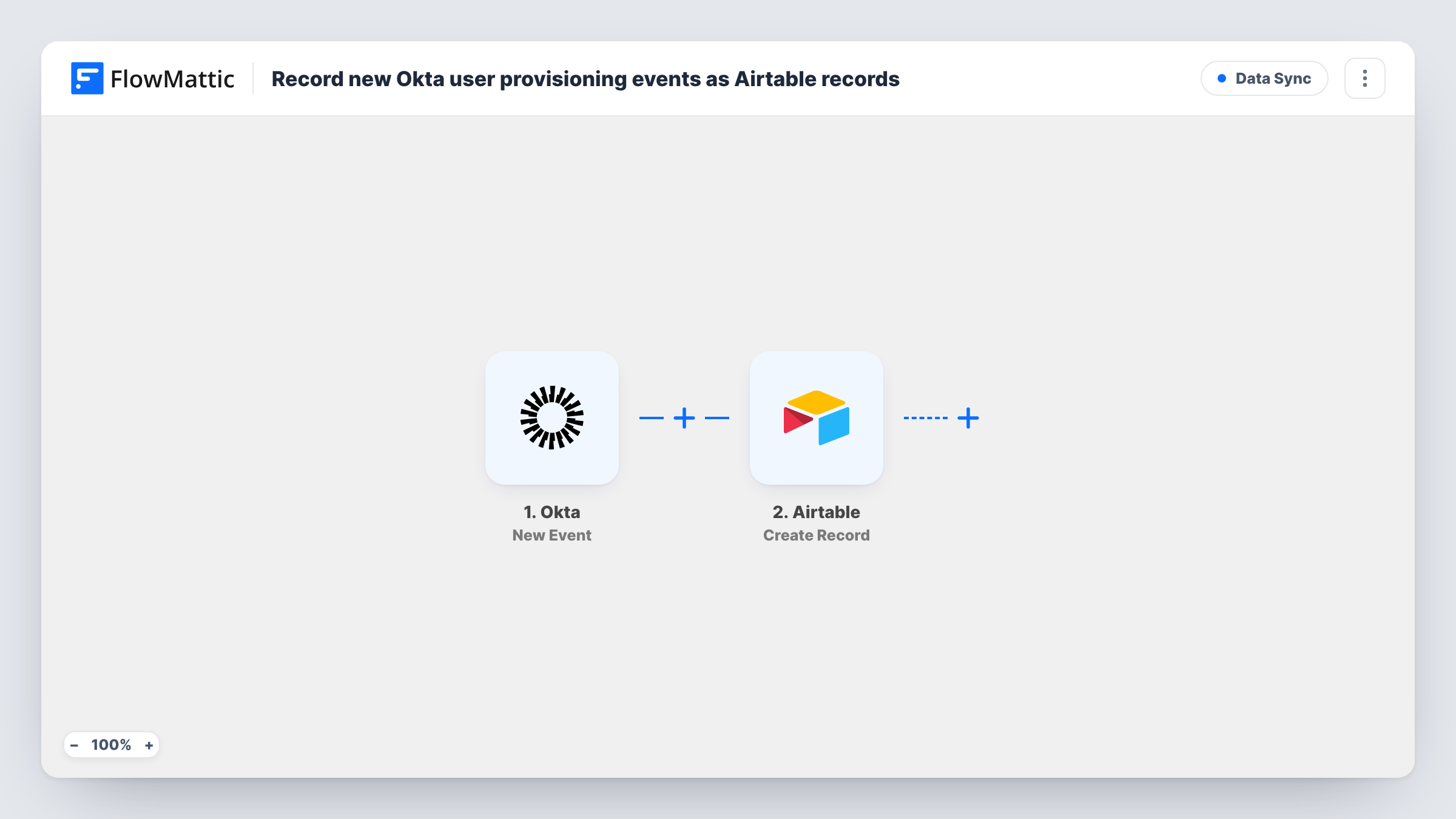
Keep an Airtable log of Okta user provisioning activity. Each event your Okta event hook sends becomes a new Airtable record, so subscribe the hook only to the provisioning event types you want to track.
 Okta
Okta
 Airtable
2 steps Setup ~5 min Used on 1.9k sites Free to import
What this workflow does
Okta's own system log is built for admins who sign in to Okta. If HR, IT support or an auditor needs to see who was set up, activated or removed, a table they can sort and filter is easier to share. This workflow writes Okta provisioning activity into Airtable as it happens, without anyone exporting reports.
The Okta trigger, New Event, starts a run for each event Okta sends to the workflow. It doesn't pick the event type itself. You decide that in Okta: when you create the event hook, subscribe it only to the user provisioning event types you care about, such as user creation, activation or deactivation. Any other event type you add to the hook would also run the workflow and land in your table.
Next, a new record is added in Airtable for every run. That step ships unmapped: after import you connect your Airtable account, choose where the record should go and map the event data into your fields. Run a test event first so you can see what Okta actually sends, then map the parts you need, for example the event type, the affected user and the time.
The template has no other steps, so nothing is updated or deleted in Airtable. Each run only adds. To see exactly what Okta delivered and what Airtable saved for any run, open it in Task History.
Joiner and leaver log for HR
HR keeps an Airtable view of every account Okta creates or deactivates, so they can match it against start dates and exit dates without asking IT for a report.
Access review evidence
Before a quarterly access review, the IT lead filters the Airtable table by event type and date to show which users were provisioned or suspended in that period.
Help desk lookup table
Support staff check the table when someone says their account isn't working, to see whether Okta recently suspended, deactivated or reactivated them.
How this workflow runs
What happens at each step once the workflow is on, and what you need before you import it.
 Okta New Event
Starts a run for each event Okta delivers through your event hook. When you set up the hook in Okta, subscribe it only to the user provisioning event types you want; every subscribed type, provisioning or not, runs the workflow.
- Airtable Create Record
Creates a new Airtable record for the event. This step ships unmapped: after import, connect Airtable, choose the destination and map the Okta event data into your fields. Use a test event to see which values arrive.
What you need
- FlowMatticCore
- Okta AccountAccount
- Airtable AccountAccount
After importing, map your own data. To keep the template universal, not every step is pre-filled. Open each step in the builder and connect your accounts and fields (channels, lists, sheets, recipients) before you switch the workflow on.
Make it yours
Changes worth making after you import it.
- Add a Filter between the Okta trigger and the Airtable step that continues only when the event type is one of the provisioning types you track. Choose the event type field from a test run, and list the exact types you subscribed to.
- Give your Airtable table a column for the Okta event type, so you can group records by creation, activation, suspension or deactivation.
- Map the event's own timestamp into a date field rather than relying on Airtable's created time, so the log shows when the change happened in Okta.
- Map the affected user's login or email into a column of its own, so you can search the table for one person and see each provisioning change made to their account.
Questions about this workflow
Which Okta events will create Airtable records?
Every event type your Okta event hook is subscribed to. The FlowMattic trigger doesn't narrow them, so subscribe the hook only to the user provisioning types you want. A Filter between the two steps can add a second check on the event type.
Does the Airtable step come with fields already mapped?
No. The Create Record step ships unmapped. After import you connect Airtable, choose where records go and map the Okta event data into your fields. Send a test event first so you can see the values you have to work with.
Will each Okta event get its own Airtable record?
Each run creates one record. Check a test run in Task History to see what one Okta delivery contains. If it holds several events in a list, put an Iterator between the Okta trigger and the Airtable step so each event in the list gets its own record.
Does this workflow change anything in Okta?
No. Okta only sends events to FlowMattic. The workflow reads what arrives and adds a record in Airtable; it never writes back to Okta or edits existing Airtable records.
More Data Sync workflows
Other ready-to-import templates from the same category.






Import this workflow into your WordPress site
Download the JSON, import it from the Workflows screen and connect your accounts. Every run stays on your server, with no per-task fees.
30-day money-back guarantee Unlimited workflows and runs Self-hosted