

When data received from KonnectzIT, update post meta in WordPress
When KonnectzIT sends data to FlowMattic, this workflow writes a value into a post meta key on your WordPress site, so automations running in KonnectzIT can update your posts.
 KonnectzIT
 WordPress
2 steps Setup ~5 min Used on 1.8k sites Free to import
What this workflow does
KonnectzIT connects many outside apps, but changing a custom field on a WordPress post from there needs a bridge into your site. This workflow is that bridge. KonnectzIT sends the data, and FlowMattic writes it to the post meta you name.
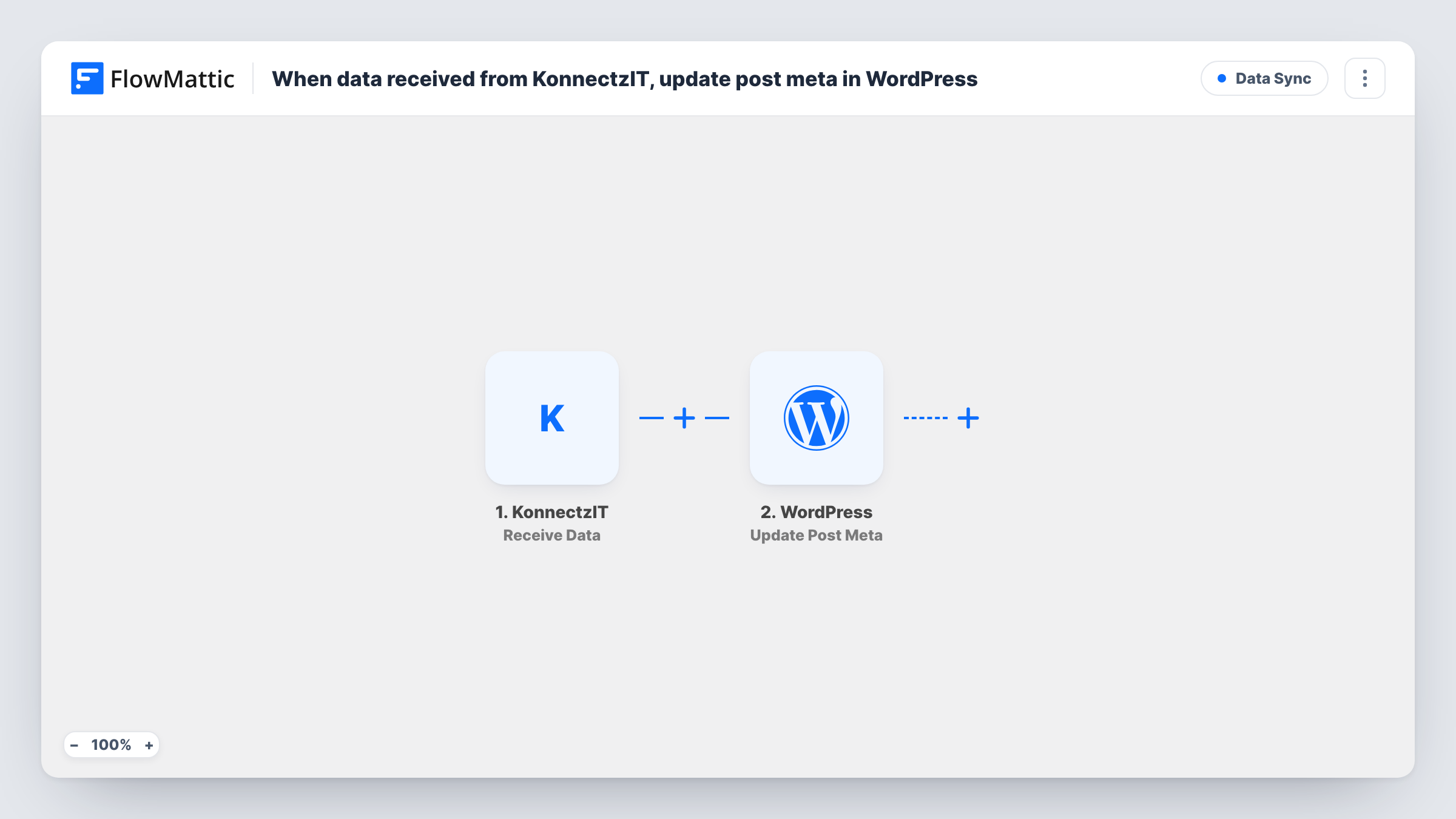
The KonnectzIT trigger receives the data your KonnectzIT automation posts to FlowMattic. Each value in that data becomes available for mapping. The second step uses the Update Post Meta action of WordPress, which sets a meta key on a post to a new value.
To change the right post, the data from KonnectzIT has to include the WordPress post ID, because no step in this template looks the post up. Send the post ID, the meta key if it varies, and the new value from KonnectzIT, then map them in the WordPress step. Every request KonnectzIT sends runs the update once. Test with a post you know, check the meta afterwards, and use Task History to see what arrived.
Stock or availability field on a listing post
An app connected in KonnectzIT tracks availability. It sends the post ID and the new status, and the listing's meta field on your site changes to match.
Recording an external ID on a post
After KonnectzIT creates a matching record in another tool, it sends that record's ID back so you can store it as post meta for later reference.
Updating event details from a spreadsheet
A KonnectzIT automation watches your event sheet and sends the post ID with a new date or venue, which is written to the event post's meta.
How this workflow runs
What happens at each step once the workflow is on, and what you need before you import it.
 KonnectzIT Receive Data
Receives the data your KonnectzIT automation sends to FlowMattic. Include the WordPress post ID in it, along with the value you want written, so the next step can use them.
- WordPress Update Post Meta
Updates a meta key on a WordPress post with a new value using Update Post Meta. Map the post ID and value from the KonnectzIT data, then run a test to confirm the right post changes.
What you need
- FlowMatticCore
- KonnectzIT AccountAccount
After importing, map your own data. To keep the template universal, not every step is pre-filled. Open each step in the builder and connect your accounts and fields (channels, lists, sheets, recipients) before you switch the workflow on.
Make it yours
Changes worth making after you import it.
- Send one test request from KonnectzIT after import so FlowMattic captures the data structure before you map the WordPress step.
- Add a Filter after the trigger that continues only when the post ID is not empty, so requests without an ID do not run the update.
- Store each WordPress post ID in the app or sheet KonnectzIT reads from, so every request it sends already carries the ID the update needs.
Questions about this workflow
How does the workflow know which WordPress post to update?
From the post ID in the data KonnectzIT sends. Nothing in the template searches for the post, so make sure your KonnectzIT automation includes the ID.
What if the meta key does not exist on the post yet?
WordPress usually adds a meta key when you update one that is missing. Check it with a test post after import and look at the result in Task History.
Do I need a KonnectzIT automation set up first?
Yes. This template only receives data. Your KonnectzIT automation decides when to send it and what it holds.
Can KonnectzIT update other WordPress data with this workflow?
This template sets post meta only. Swap or add WordPress actions in FlowMattic if you also need to change the post title, content or status.
More Data Sync workflows
Other ready-to-import templates from the same category.





Import this workflow into your WordPress site
Download the JSON, import it from the Workflows screen and connect your accounts. Every run stays on your server, with no per-task fees.
30-day money-back guarantee Unlimited workflows and runs Self-hosted